

Quick Answer
Under R8,000 in SA, a schoolwork PC should prioritise a Ryzen 5 5600G APU, 16GB DDR4, a 500GB NVMe SSD and a budget B550 motherboard. That stack handles Office, browser-heavy research, online classes and light Sims-style gaming without a discrete GPU.
Why an APU Build Wins at This Budget
A discrete graphics card eats 30 to 40 percent of an R8,000 budget and still leaves you with weak CPU, slow RAM and a tiny SSD. Ryzen APUs (the 5600G and 8600G) bundle a usable Radeon iGPU into the CPU, freeing up budget for the components that actually move schoolwork: more RAM, a fast SSD and a stable PSU. Streaming MS Teams, scrolling 30 Chrome tabs and rendering a school project in PowerPoint all benefit more from RAM and SSD speed than from a R3,000 GPU.
The Component Breakdown
CPU: Ryzen 5 5600G (6C/12T with Vega 7 graphics) at around R2,499 to R2,899. Six cores is plenty for school workloads and the iGPU drives 1080p output cleanly.
RAM: 16GB DDR4-3200 (2x8GB) at R899 to R1,099. Dual-channel matters more than speed at this tier.
Storage: 500GB Gen3 NVMe SSD at R649 to R849. Boots Windows 11 in under 15 seconds and holds a year's worth of school files plus a couple of games.
Motherboard: A520 or B550 micro-ATX at R1,399 to R1,799. B550 is worth the extra R400 for PCIe 4.0 if you upgrade later.
PSU: 450W 80+ Bronze at R699 to R899. Don't cheap out on the PSU, it's your loadshedding insurance.
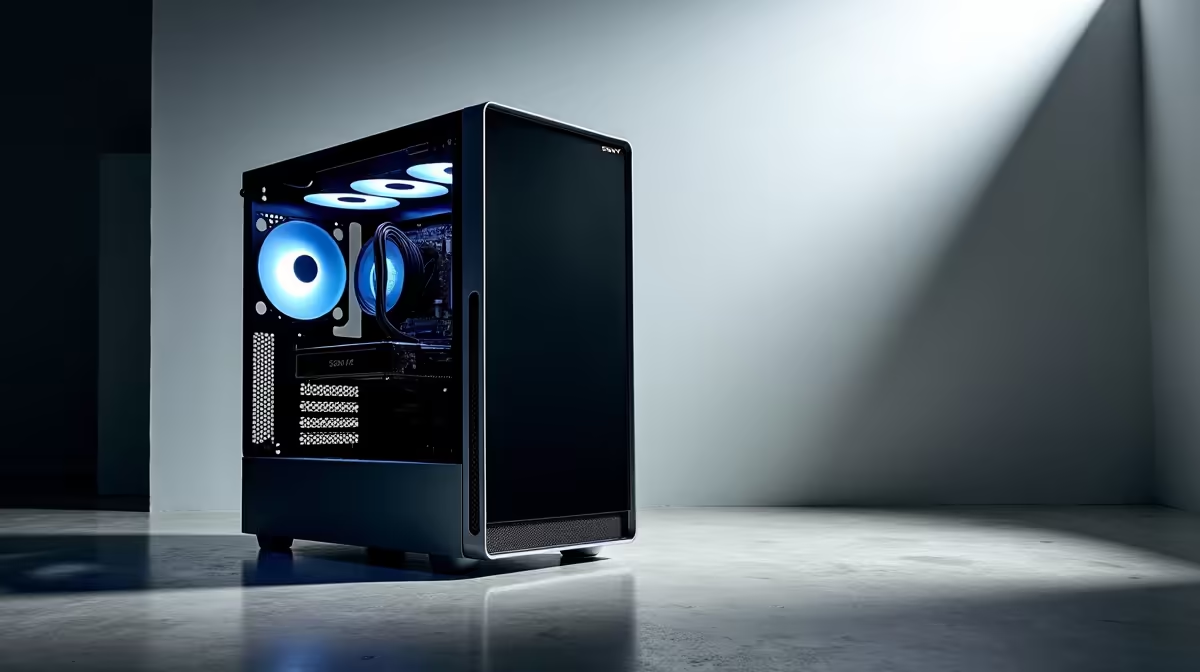
Case: Budget micro-ATX with airflow at R599 to R899.
That puts you at roughly R6,800 to R7,500 before Windows. NSFAS R5,200 device allowance covers a strong chunk if paired with peripherals separately.
What This Build Handles, And What It Doesn't
Office 365, Google Docs, Zoom, MS Teams, YouTube research, Canva, light Photoshop edits, Scratch coding, Python and Java for Grade 10-12 IT, Minecraft Java edition, Roblox, Stardew Valley and FIFA at low settings. It will NOT handle Cyberpunk, Warzone or Modern Warfare at playable frame rates without a GPU upgrade later. For matric IT projects and varsity first-year coursework, this is genuinely enough machine.
SA Buying Tips and Loadshedding Notes
Buy from retailers with local warranty and same-week RMA service. Add a small UPS (R1,499 to R2,499) so your homework survives stage 4 cuts mid-essay. A surge-protected multiplug is the absolute minimum. SA delivery on component bundles from Evetech is next-day to most metros, and pre-built schoolwork PCs in this bracket arrive tested and ready to plug in. For students in res or digs, a compact micro-ATX case fits desks at UCT, Wits and Stellenbosch koshuis rooms without dominating the space.
Frequently Asked Questions
What is the best Schoolwork PC Components Under R8,000 to buy in South Africa?
The Ryzen 5 5600G APU paired with 16GB DDR4-3200, a 500GB Gen3 NVMe SSD and a B550 micro-ATX board is the proven sweet spot. It handles every schoolwork task plus light gaming, and leaves a clean GPU upgrade path when budget allows.
What parts should I prioritise in a budget build?
SSD first, RAM second, CPU third. A slow HDD turns a Ryzen 5 into a Pentium experience. 16GB beats 8GB for browser-heavy schoolwork by a huge margin. The CPU only matters once those two are sorted. Spend the leftover on a decent PSU, never the cheapest no-name unit.
Where to buy PC components cheaply in SA?
Online tech retailers with local warehousing consistently undercut walk-in stores by 10 to 25 percent on components. Look for back-to-school bundles in January and February, and Black Friday in late November. Evetech's bundle deals often pair a CPU, motherboard and RAM at a discount that beats buying separately.
Ready to Find Your Perfect Match? Build a study-ready PC with locally stocked schoolwork components. Browse pre-built and bundle deals











