

So, you’ve saved up R15,000 for a new gaming rig. That’s the sweet spot in South Africa for smashing 1080p gaming. You’ve picked your CPU and GPU, but now you’re staring at the storage options… and it’s confusing. Make the wrong choice here, and your lightning-fast PC will feel sluggish. Don’t worry. We’re here to make sure you choose the best storage for your R15000 gaming PC build and avoid that dreaded bottleneck.
Why Your Storage Choice is a Big Deal
Think of your PC's storage as its short-term memory and library combined. A slow drive means your whole system has to wait. For a modern gaming PC, this translates to painfully long loading screens, stuttering when new areas load in open-world games, and a generally sluggish Windows experience.
The goal for any R15,000 gaming PC storage configuration is simple: speed for your operating system and favourite games, and capacity for your growing library. Getting this balance right is key to a responsive, enjoyable machine. Many excellent budget gaming PCs already nail this balance, offering a great starting point.
The NVMe SSD: Your Top Priority ⚡
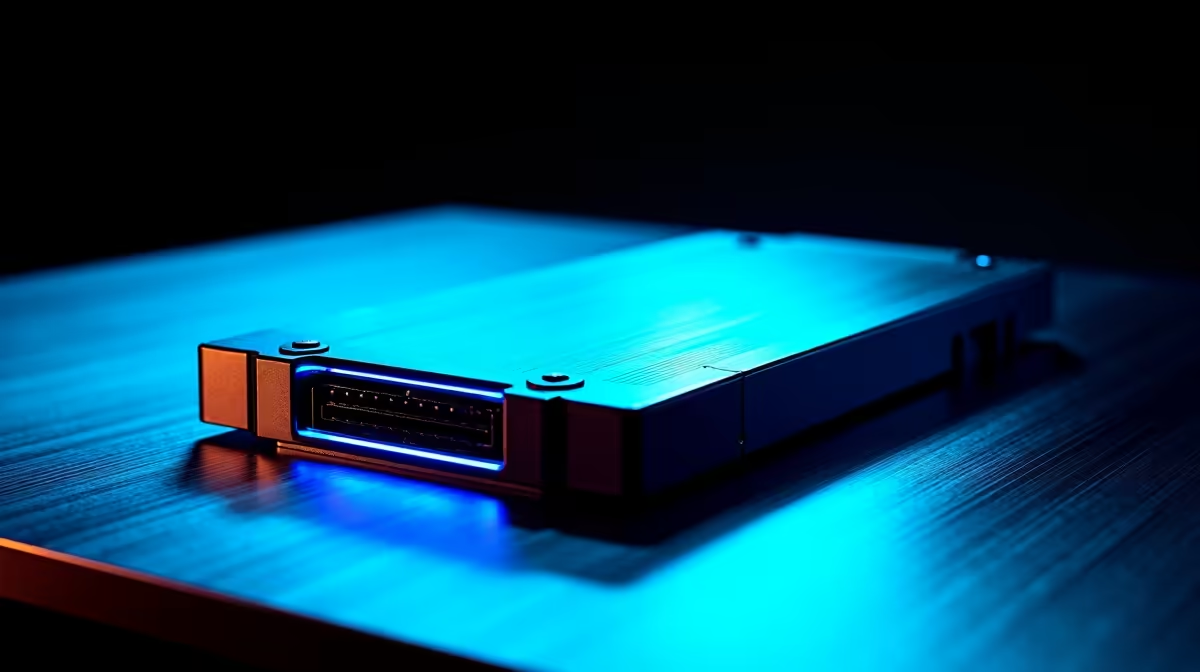
For any modern build, a Non-Volatile Memory Express (NVMe) M.2 Solid State Drive (SSD) is non-negotiable. Forget traditional hard drives or even older SATA SSDs for your main drive. An NVMe SSD plugs directly into your motherboard, offering speeds that leave older tech in the dust.
For a R15k budget, the sweet spot is a 1TB NVMe SSD. This gives you enough space for Windows, all your essential apps, and a healthy handful of your most-played games like Apex Legends, Warzone, or Baldur's Gate 3. This single component is the most significant upgrade you can make for overall system snappiness and is a cornerstone of the best storage for R15000 gaming PC builds.
Check Your Drive's Health 🔧
Download a free tool like CrystalDiskInfo. It gives you a simple overview of your SSD's health, temperature, and lifespan. It's a great way to proactively monitor the condition of your storage, ensuring you don't face unexpected failures down the line.
What to Look For in a Budget-Friendly NVMe
Not all NVMe drives are created equal, but you don't need to overspend. While top-tier gaming PCs under R20,000 might feature the latest Gen4 drives, a high-quality Gen3 NVMe SSD offers more than enough speed for a balanced R15k build and is far better value.
Here’s a quick checklist:
- Capacity: Aim for 1TB as your primary drive. 500GB fills up surprisingly fast.
- DRAM Cache: Look for a drive with a DRAM cache. This small amount of super-fast memory helps the drive manage data, leading to better sustained performance and longevity.
- Read/Write Speeds: Anything around 3,000 MB/s is fantastic for this budget and will make your PC feel incredibly fast.
Expanding Your Library: Secondary Storage Options
Once your 1TB NVMe is full, what's next? You have two main options for a secondary "games library" drive.
SATA SSD
A 2.5-inch SATA SSD is a brilliant and affordable second drive. While not as fast as your main NVMe, it's still lightyears ahead of a mechanical hard drive. A 1TB or 2TB SATA SSD is perfect for storing the rest of your Steam library. Many of our best pre-built PC deals use this exact combination for optimised performance and capacity.
Mechanical Hard Drive (HDD)
While we don't recommend running modern games from an HDD, they still have a place for mass storage. If you store a lot of videos, photos, or older games, a cheap 2TB HDD is a cost-effective solution. Just keep your main, performance-critical games on an SSD. Of course, as you look at PCs above R20k, you'll see builds that can afford to go all-in on large, multi-terabyte SSDs.
The Verdict: The Ideal Storage for a R15k Rig 🚀
To get the absolute best storage for your R15000 gaming PC build in South Africa, follow this simple strategy:
- Primary Drive: Dedicate the biggest chunk of your storage budget to a quality 1TB NVMe M.2 SSD. This is for your OS and most-played games.
- Secondary Drive (Optional): If your budget allows, add a 1TB SATA SSD for the rest of your game library. If not, you can always add one easily later.
This two-drive setup gives you blistering speed where it counts without breaking the bank. It ensures your new rig feels as fast and responsive as it should. If you're looking for a system where these choices are already perfectly balanced, checking out the best gaming PC deals is a great way to see these principles in action.
Ready to Build Your Speed Demon? Choosing the right parts can be tricky, but the perfect storage makes all the difference. If you want a perfectly optimised rig without the hassle, explore our range of pre-built gaming PCs. Find your perfect gaming PC today and jump straight into the action.











