

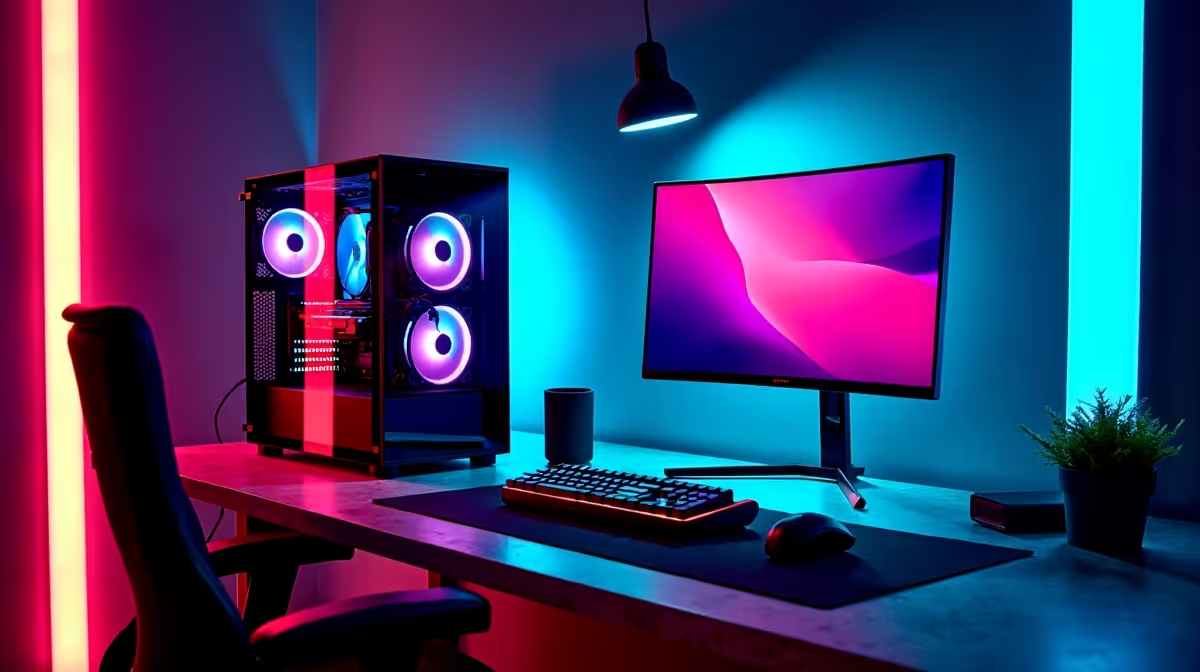
Heading to varsity in 2026 doesn't mean you have to sacrifice your gaming life. Balancing heavy assignment loads with late-night lobby sessions requires a rig that can handle both without melting down. If you have saved up or convinced your parents to invest, creating the best student setup under R50,000 in South Africa 2026 is entirely possible. Let us break down how to maximise every single Rand.
When building a hybrid study and gaming ecosystem, your primary decision is portability versus raw desk power. For engineering or design students who need mobility on campus, browsing high-performance laptops for sale is the logical first step. Modern notebooks pack incredible power into slim chassis. However, if your res room or flat is your main base of operations, a dedicated desktop setup offers far better thermal performance, longevity, and upgradeability for your R50k budget.
Choosing the Heart of Your 2026 Student Setup
Time is your most valuable asset at university. Instead of spending days stressing over part compatibility and cable management, you can grab one of the latest pre-built PC deals to get up and running instantly. A solid mid-range system leaves plenty of room in the budget for dual monitors... an absolute necessity for keeping research tabs open while typing essays. If you want maximum frame rates for your downtime, exploring the best gaming PC deals ensures you get top-tier cooling, balanced components, and full warranty support right out of the box. 🚀
Balancing Components for Work and Play
In 2026, software demands are heavier than ever. You need a machine that crunches complex data sets and runs the newest AAA titles seamlessly. The trick is knowing exactly where to allocate your ZAR. A robust modern CPU is non-negotiable for heavy multitasking, but your graphical power ultimately defines your gaming experience. When you buy graphics cards, aim for a GPU with ample VRAM. This ensures it can handle both modern gaming textures and intensive creative rendering workloads without breaking a sweat.
Budget Allocation Pro Tip 💡
Don't blow your entire R50,000 on the PC tower alone. Reserve at least R10,000 to R15,000 for a crisp 1440p monitor, a highly ergonomic chair, and a reliable mechanical keyboard. Your back and your eyes will thank you during those marathon exam prep sessions.
Peripherals to Complete Your Station
A powerful rig is practically useless without the right gear to interact with it. High refresh rate monitors, comfortable headsets for online lectures, and precise mice are crucial to your daily routine. To keep everything well within your R50,000 limit, always keep a close eye on seasonal tech specials to snatch up premium peripherals at a fraction of their normal cost. Building a setup that looks great and performs flawlessly is all about smart shopping. ✨
Ready to Build Your Dream Varsity Rig? Balancing university workloads and hardcore gaming is easy when you have the right hardware. Explore our massive range of student and gaming specials and find the perfect machine to conquer your world.











