

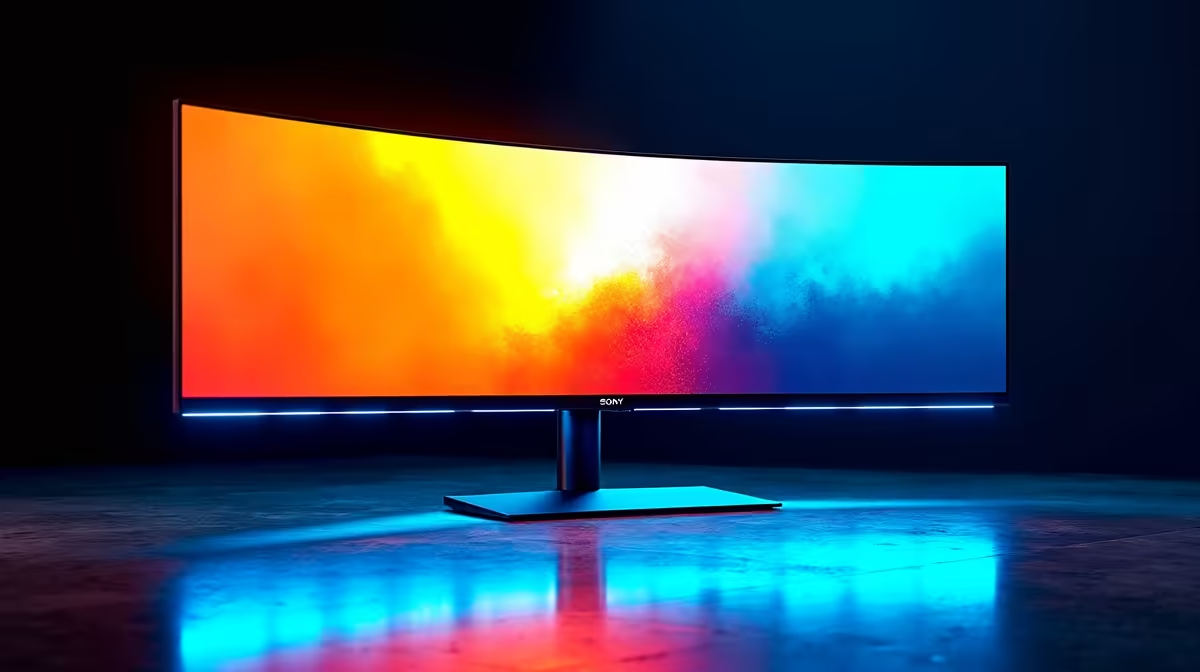
Ultrawide monitors bring a genuinely transformative gaming and productivity experience - the wider field of view in games and the expanded workspace for multitasking are hard to give up once you've used one. Finding a quality ultrawide for under R5,000 in South Africa in 2026 is a realistic goal, but requires knowing which specs actually matter at this price point.
Quick Answer
Best Ultrawide Monitor Under R5,000 in South Africa 2026: In this budget, you are looking at 2560x1080 (21:9) panels in the 29–34 inch range, typically running VA or IPS panels at 75Hz–100Hz. Look for a panel with FreeSync Premium for tear-free gaming and ensure the stand allows height adjustment. Options with USB-C are a growing bonus for laptop users.
🔧 What to Expect Under R5,000
At the sub-R5,000 price point in the SA market, ultrawide monitors generally fall into these categories:
2560x1080 at 29–32 inches (VA panel, 75Hz): The most common entry-level ultrawide configuration. Good contrast ratios from VA panels (typically 3000:1) deliver punchy blacks. 75Hz is adequate for casual gaming but lacks the smoothness of 100Hz or higher. Pixel density at this resolution is acceptable at 29 inches but starts to look loose at 32 inches.
2560x1080 at 29 inches (IPS panel, 100Hz): Slightly rarer at this price but worth seeking out. IPS panels deliver better colour accuracy and viewing angles, and 100Hz makes a noticeable difference in game smoothness versus 75Hz.
3440x1440 (34-inch): At R5,000, genuine 3440x1440 ultrawides are rare but occasional clearance pricing or older model availability may bring them into reach. If you find one from a reputable brand at this price, prioritise it - the resolution jump is dramatic.
📊 Key Specs to Prioritise
Resolution: 2560x1080 is the minimum acceptable ultrawide resolution. Avoid 1920x1080 in a 21:9 aspect - the pixel density is poor and you lose all the benefits of the wider panel format.
Refresh Rate: 100Hz is the recommended floor for gaming. 75Hz ultrawides work for casual or single-player gaming but feel noticeably less smooth in fast-paced titles.
Panel Type: VA for budget buyers wanting better contrast in dark room gaming. IPS for content creators, designers, and anyone who works with colour-sensitive material. TN panels at ultrawide are rare and not recommended.
FreeSync/Adaptive Sync: Essential at this price tier. Tearing and stutter are distracting on ultrawide panels due to the large screen area. FreeSync Premium certification ensures low framerate compensation (LFC) is supported.
Connectivity: HDMI 2.0 and DisplayPort 1.4 are standard. USB-C input with DP Alt Mode is a growing addition and very useful for South African students and professionals running laptops.
Stand Ergonomics: At R5,000 and below, many stands only offer tilt adjustment. A height-adjustable stand is worth paying a modest premium for - ultrawide monitors at desk level without height adjustment frequently cause neck strain over long sessions.
💡 Value Tips for SA Ultrawide Shoppers
Consider the previous generation: Brand-name ultrawides from one or two model cycles ago often represent excellent value. A 2023-era 34-inch ultrawide with known good panel quality is preferable to an unknown-brand 2026 entry at the same price.
Check warranty terms: Panel warranty matters for ultrawides - large panels have higher rates of dead pixel clusters at lower price tiers. Look for at least a 2-year local warranty with dead pixel coverage.
GPU requirements: 2560x1080 is much lighter on your GPU than 3440x1440. An RX 7600 or RTX 4060 handles 2560x1080 with comfortable headroom in most titles. If you are buying a budget ultrawide, ensure your GPU is matched accordingly - a high-refresh ultrawide paired with an underpowered GPU is a frustrating combination.
Desk depth: Standard ultrawide monitors require more desk depth than standard 16:9 panels. Measure your desk before ordering - many SA students and home office users find 60cm-depth desks too shallow for comfortable ultrawide positioning.
Quick Tip
students and professionals who split time between gaming and work: ultrawide monitors dramatically improve spreadsheet, document, and multi-window productivity. The gaming benefits are well-known, but the work productivity case is equally strong and often overlooked when justifying the purchase.
❓ Frequently Asked Questions
Is 2560x1080 good enough for a 34-inch ultrawide? At 34 inches, 2560x1080 yields approximately 81 PPI - noticeably softer than a 2560x1440 16:9 panel at 27 inches. For gaming, it is acceptable with good anti-aliasing settings. For close-up text work or fine design detail, the lower pixel density is evident. A 29–32 inch panel at 2560x1080 is a better fit.
Do ultrawide monitors work with consoles? Most consoles (PlayStation 5, Xbox Series X) do not output native 21:9 resolution. They output 16:9 which displays with black bars on a 21:9 ultrawide, or stretched depending on monitor settings. Ultrawide monitors are best suited to PC gaming.
What is the power draw of ultrawide monitors under R5,000? Most 29–34 inch ultrawides in this tier draw 25–45W during use. This is comparable to a standard 27-inch gaming monitor. Power draw is not a meaningful concern for this class of monitor.
Shop All Monitors and Graphics Card Deals at Evetech for fast delivery across South Africa.
Ready to Find Your Perfect Match? Shop at Evetech











