

So, you’re dreaming of a rig that can handle the latest titles without forcing you to survive on two-minute noodles for a month. We get it. With the rand doing its thing, brand-new components can feel out of reach. That’s when the temptation kicks in: scouring online marketplaces for used PC parts in South Africa. It’s a path many local builders have walked, but it’s one filled with both treasure and traps. Let's get you sorted.
The Allure of Second-Hand PC Components in SA
The biggest draw is obvious: price. You can potentially build a capable 1080p gaming machine for a fraction of the cost of a new one. Finding a slightly older, high-end GPU for a bargain feels like a massive win. But here’s the reality check… buying used computer parts means you’re often buying something with no warranty, an unknown history, and potential wear and tear that isn’t visible to the naked eye.
It's a classic risk vs. reward scenario. A smart purchase could save you thousands of Rands, while a bad one could leave you with a very expensive paperweight.
Navigating the Used Parts Market: What to Buy vs. What to Avoid
Not all components are created equal when it comes to their second-hand reliability. Some parts are built like a tank, while others have a much shorter or more fragile lifespan. Here’s our breakdown of which used PC parts in South Africa are generally safe bets and which are risky buys.
Safe Bets (Usually) 🔧
These components have few moving parts or complex circuits that are likely to fail, making them excellent candidates for your budget build.
- Processors (CPUs): A CPU is essentially a durable piece of silicon. It either works or it doesn't. As long as there are no bent pins (for AMD) or damaged contact pads (for Intel), it’s one of the safest second-hand purchases you can make. Just make sure it's compatible with your motherboard and not an ancient model that will bottleneck modern components. You can always compare the used price against new modern CPU processors to see if the saving is worth it.
- RAM: Like CPUs, RAM modules are very resilient. A quick run of a tool like MemTest86 can confirm they're error-free. The main thing to check is compatibility; ensure you're getting the right generation (e.g., DDR4 or DDR5) for your motherboard, as older DDR4 or DDR5 gaming RAM won't work in newer boards.
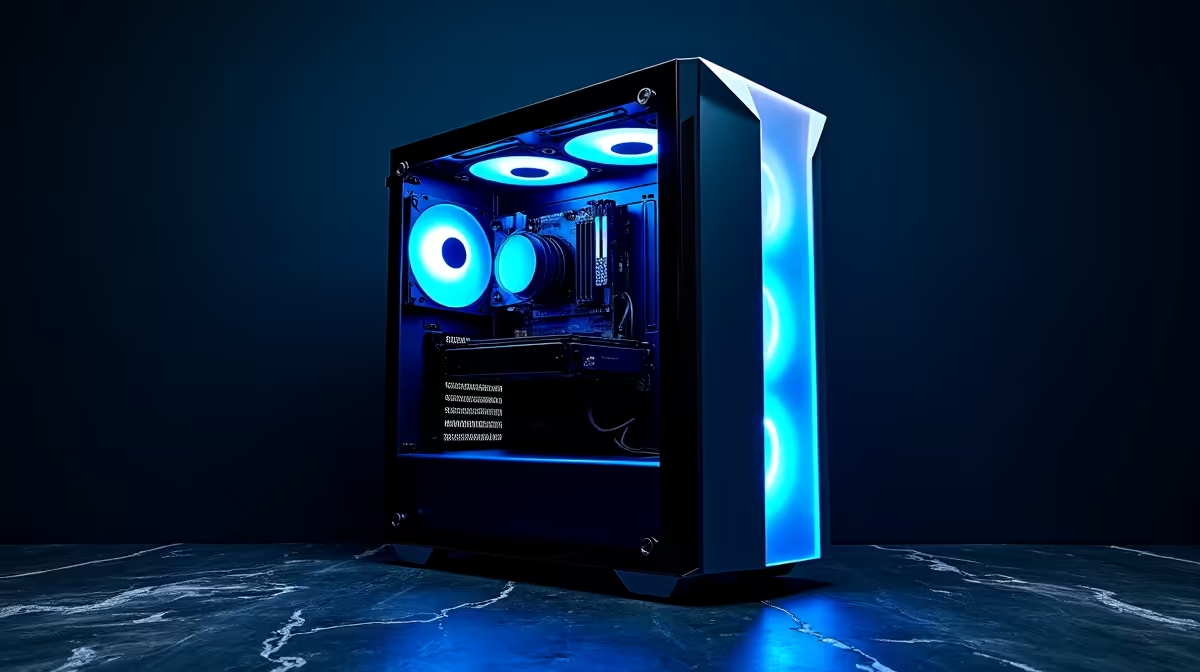
- Computer Cases: It’s a box! As long as it’s not horribly dented, has all its panels, and the front I/O ports work, you’re good to go. Scratches and scuffs are just cosmetic. There's a huge variety of new computer cases if you can't find a second-hand one you like.
- CPU Coolers: Air coolers, in particular, are very safe. The heatsink itself is just a block of metal that won't degrade. The fan is the only point of failure, and that's cheap and easy to replace. You will, however, absolutely need to apply fresh thermal paste before installation.
Risky Buys (Proceed with Caution!) ⚡
These components are more complex, have a higher failure rate, or can cause catastrophic damage to your other parts if they go wrong.
- Motherboards: This is the central nervous system of your PC. With countless tiny capacitors, VRMs, and sensitive sockets, a lot can go wrong. A hidden fault might not show up for weeks. Unless you can test every single port and slot, buying new from a selection of affordable motherboards is often the wiser choice.
- Graphics Cards (GPUs): This is the holy grail of used parts, but also the most dangerous. Many used GPUs in South Africa are ex-mining cards that have been running 24/7 under heavy load for years. This can degrade the cooling fans and thermal paste, leading to overheating and performance issues. For peace of mind, browsing the latest graphics cards with a full warranty is highly recommended.
- Power Supplies (PSUs): Do not buy a used PSU. We can't stress this enough. A power supply's performance degrades over time, and a failing one can send incorrect voltages through your system, frying your expensive CPU, motherboard, and GPU. It is the one component where you should never cut corners. Investing in a reliable new power supply is non-negotiable insurance for your entire build.
- Storage (SSDs & HDDs): Hard drives have moving parts that wear out, and SSDs have a finite number of write cycles. You have no idea how much life is left in a used drive. Your data is too important to risk on a drive with an unknown history. With the low cost of brand-new solid-state drives these days, it's a false economy.
Deep Clean Your Used Gear ✨
Always give your second-hand parts a thorough clean before installation. Use a can of compressed air to blast dust from heatsinks and fans. For grime on surfaces, a cloth lightly dampened with isopropyl alcohol works wonders. This isn't just for looks; a clean component runs cooler and lasts longer. Never spray liquid directly onto any part!
The Smarter Alternative: New Budget Components & Bundles
While hunting for used PC parts in South Africa can be a fun project, the risk and effort involved aren't for everyone. The peace of mind that comes with a manufacturer's warranty is often worth the slightly higher cost.
Today's entry-level components offer incredible performance for the price. A modern budget build can easily outperform a high-end system from a few years ago. For an even simpler and more cost-effective route, consider pre-selected motherboard and CPU bundles. These take the guesswork out of compatibility and often come at a great price, giving you the perfect foundation for your new gaming rig. You get guaranteed compatibility, a full warranty, and a fantastic starting point for a reliable PC. 🚀
Ready to Build with Confidence? Hunting for used PC parts can be a gamble. For guaranteed performance, a full warranty, and expert support, nothing beats building with new components. Explore our massive range of PC components and build your dream rig the smart way.











