

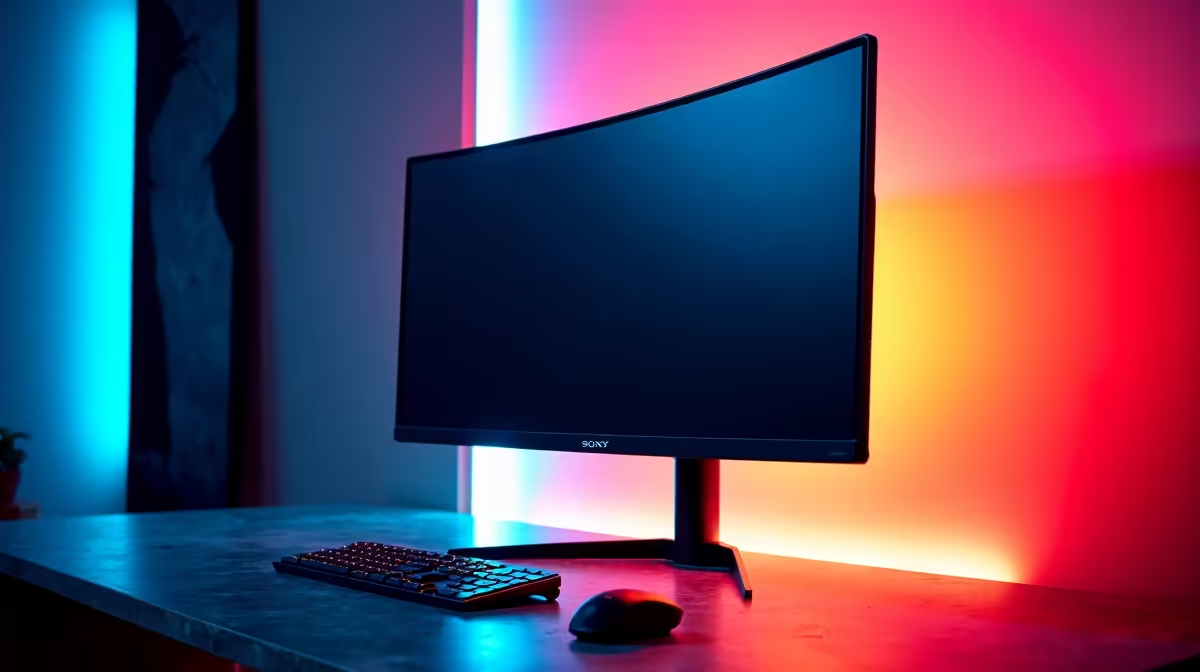
The 1440p monitor market under R10,000 in South Africa has matured significantly in 2026, with genuine high-refresh-rate IPS panels and accurate colour reproduction now available at prices that were previously only possible by compromising on one or more of those factors.
Quick Answer
What is the best value 1440p monitor under R10,000 in South Africa? Monitors from LG, Samsung, AOC, and MSI in the R7,000–R10,000 bracket deliver 1440p resolution, 144Hz or higher refresh rates, and IPS panel technology at genuinely competitive rand pricing. The LG 27GP850-B and Samsung G5 series consistently top value recommendations in this category for SA buyers.
🔧 What to Prioritise in a Sub-R10,000 1440p Monitor
Resolution and panel type: 2560x1440 (1440p) at 27 inches delivers the ideal pixel density for desktop viewing distances - sharp enough to see fine detail without needing to scale the UI. IPS panels offer the best colour accuracy and viewing angles; VA panels offer higher contrast ratios but slower pixel response times. TN panels are largely obsolete in the 1440p gaming space. Prioritise IPS or Fast IPS for gaming use.
Refresh rate: At 1440p under R10,000 in 2026, 144Hz is the baseline expectation. Many monitors in this bracket have moved to 165Hz or even 180Hz, offering smoother motion clarity at no additional cost. 240Hz at 1440p remains in the premium tier above R10,000.
Response time: Look for 1ms GTG (grey-to-grey) or 1ms MPRT rated panels. Slower response times produce visible ghosting behind fast-moving objects in gaming. Most IPS panels now meet this specification at 1440p in the R7,000–R10,000 range.
Adaptive sync: FreeSync Premium or G-Sync Compatible certification eliminates screen tearing without the premium G-Sync module cost. Both AMD and NVIDIA GPUs support FreeSync monitors, making FreeSync Premium the practical choice for value buyers.
📊 Best Value 1440p Monitors Under R10,000 in SA 2026
LG 27GP850-B: A 27-inch Nano IPS panel at 165Hz with 1ms GTG response time and NVIDIA G-Sync compatibility. Excellent out-of-box colour accuracy and a slim bezelled design. Consistently praised for gaming and content creation versatility. A top-three recommendation in this category.
Samsung Odyssey G5 (27-inch): VA panel with 165Hz and 1ms response time. The curved 1000R display and higher contrast ratio (2500:1 vs IPS's typical 1000:1) make dark scenes in games look exceptional. Slightly behind IPS in colour accuracy but compensates with deeper blacks.
AOC Q27G2E/BK: 27-inch IPS at 144Hz with FreeSync Premium. Competitively priced in SA and delivers reliable performance across gaming and productivity workloads. A strong entry-level pick if you want IPS quality without pushing the budget ceiling.
MSI Optix MAG274QRF-QD: Quantum dot IPS technology at 165Hz. Slightly above the R8,000 mark in SA but regularly dips under R10,000 on promotion. Covers 99% DCI-P3 colour space, making it a strong choice for content creators who also game.
💡 Matching Your Monitor to Your GPU for 1440p in SA
A 1440p monitor at 144Hz or above needs a GPU that can sustain 144+ fps in your target games. The RX 7600 and RTX 4060 are the typical entry points for consistent 1440p high-frame-rate gaming. More demanding titles at ultra settings require at least an RX 7700 XT or RTX 4070 to hold above 100fps consistently. Check that your GPU's display outputs match your monitor's inputs - HDMI 2.0 or DisplayPort 1.4 are required for 1440p at 144Hz without bandwidth compromises. Use DisplayPort over HDMI where possible for the cleanest signal and full refresh rate support.
❓ Frequently Asked Questions
Is 27 inches the best size for 1440p monitors? Yes, 27 inches is the ideal size for 1440p at typical desktop viewing distances of 50–70cm. The resulting pixel density of 109 PPI is sharp without requiring UI scaling, unlike 27-inch 4K displays that often need scaling to remain readable.
Should I choose IPS or VA for a 1440p gaming monitor? IPS is the better all-rounder: better colour accuracy, wider viewing angles, and faster pixel response. VA offers higher contrast and deeper blacks, which suits dark gaming environments. Both are valid choices; VA panels have improved significantly in response time in 2026.
Does FreeSync work with NVIDIA GPUs? Yes. Most FreeSync monitors are certified as G-Sync Compatible by NVIDIA, meaning they support variable refresh rate with both AMD and NVIDIA GPUs. Enable G-Sync Compatible mode in the NVIDIA Control Panel.
What cables do I need for 1440p at 144Hz? DisplayPort 1.4 or HDMI 2.1 handle 1440p at 144Hz without any bandwidth limitation. HDMI 2.0 supports 1440p at 144Hz in most cases but check your monitor's specifications. Avoid HDMI 1.4 cables, which cap out at 1080p or lower refresh rates at 1440p.
Are curved 1440p monitors worth it under R10,000? Curved monitors at 1440p offer a more immersive single-screen experience for gaming. The curvature (typically 1500R or 1000R) reduces eye travel across wider displays. For productivity and design work, flat panels are preferable for straight-line accuracy. The choice comes down to primary use case.
Shop All Monitors and Graphics Card Deals at Evetech for fast delivery across South Africa.
Ready to Find Your Perfect Match? Shop at Evetech











