

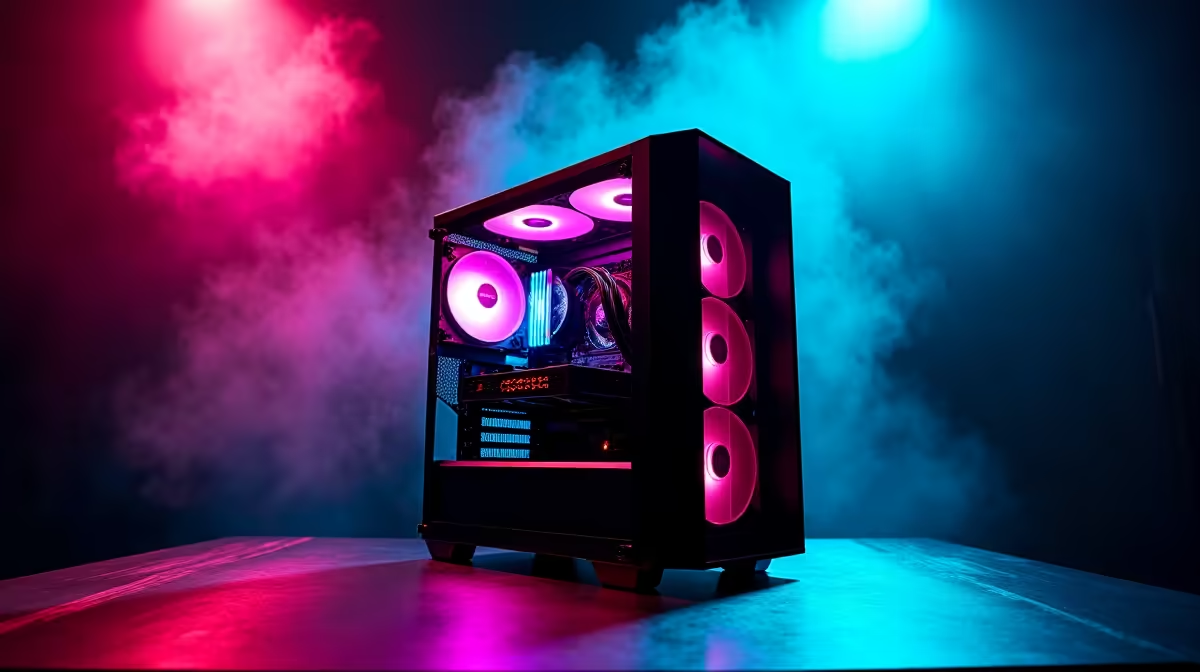
South African content creators - from YouTubers and streamers to graphic designers and video editors - face a tough challenge: building a machine capable of handling demanding creative software without blowing the budget. R20,000 is a meaningful ceiling in the local market, and getting the component mix right makes the difference between a smooth creative workflow and a frustrating one. This guide breaks down the best value content creation PC build under R20,000 in SA for 2026.
Quick Answer
The best content creation PC under R20,000 in SA for 2026 centres on an AMD Ryzen 7 7700X or Intel Core i7-13700K paired with 32GB DDR5 RAM, a mid-range GPU with hardware video encode (RTX 4060 or RX 7700), and a fast NVMe SSD. This combination handles 4K video editing, graphic design, and live streaming without breaking the budget.
🧠 CPU: The Foundation of Creative Performance
For content creation, multi-core CPU performance matters far more than in gaming - video encoding, 3D rendering, and batch photo processing all benefit from high core counts. Within a R20,000 total budget, the AMD Ryzen 7 7700X (8 cores/16 threads) and Intel Core i7-13700K (16 cores/24 threads) are the two strongest local options. The i7-13700K's higher core count gives it an edge in sustained rendering workloads like DaVinci Resolve exports and Blender, while the Ryzen 7700X's faster per-core speed is better for applications that don't scale well with many cores. Both are available from the Evetech CPU range and sit in the R5,000–R7,000 range, leaving healthy budget for the rest of the build.
🎨 GPU, RAM, and Storage: Don't Skimp Here
For content creation, 32GB of RAM is the minimum worth targeting - video editing and design apps are memory-hungry, and 16GB will bottleneck you in multi-application workflows. DDR5-5600 kits from the Evetech RAM range are now priced competitively and pair well with modern platforms. For GPU, the NVIDIA RTX 4060 is the value pick - its NVENC hardware encoder is industry-leading, dramatically speeding up final exports in Premiere Pro and DaVinci Resolve, and NVIDIA's CUDA acceleration is supported by more creative apps than AMD's equivalent. If you primarily use apps that leverage OpenCL rather than CUDA, the AMD RX 7700 is a worthy alternative at a similar price. For storage, a 1TB NVMe SSD as your OS and project drive is essential - slow storage is the single biggest workflow bottleneck in video editing. A quality Gen4 NVMe from the Evetech SSD range sets the foundation right.
🖥️ Display, Case, and Peripherals: Completing the SA Creator Setup
A colour-accurate monitor is critical for design and video work - an IPS panel with at least 95% sRGB coverage is the minimum, with DCI-P3 coverage preferred for professional video. The Evetech monitor range includes options from 24-inch to 32-inch suitable for creative work within budget. For the case, a mid-tower with good airflow like a mesh-front option protects sustained creative workloads that push the CPU hard for extended periods. Keep case budget around R800–R1,200 to leave room for quality components. A quality PSU rated 650W or above from the Evetech PSU range is non-negotiable - don't cut corners here as a failing PSU can destroy an entire build.
📊 Sample R20,000 Content Creation Build Breakdown
| Component | Estimated Cost |
|---|---|
| AMD Ryzen 7 7700X | R5,500 |
| B650 Motherboard | R2,800 |
| 32GB DDR5-5600 RAM | R2,200 |
| RTX 4060 8GB | R4,500 |
| 1TB Gen4 NVMe SSD | R1,200 |
| 650W PSU | R1,500 |
| Mid-Tower Case | R1,000 |
| CPU Cooler | R800 |
| Total | ~R19,500 |
This leaves a small buffer for cable management accessories or a second storage drive.
❓ FAQ
Q: Is 32GB RAM really necessary for content creation under R20,000? A: Yes, especially for video editing. 16GB works for basic editing but becomes a bottleneck when running DaVinci Resolve alongside a browser, reference files, and communication apps simultaneously. 32GB is the professional standard.
Q: Should I prioritise GPU or CPU for video editing? A: CPU for rendering and exports, GPU for real-time playback acceleration. NVIDIA's NVENC makes a meaningful difference in export speeds in Premiere Pro and DaVinci Resolve - don't skip a dedicated GPU.
Q: Is AMD or Intel better for content creation in SA at this budget? A: Both are strong. Intel Core i7-13700K has more cores for better sustained render performance. AMD Ryzen 7 7700X offers slightly more modern platform features (DDR5, PCIe 5.0). Either choice builds an excellent creator machine.
Q: Can I upgrade this build later? A: Yes. Both AM5 (AMD) and LGA1700 (Intel) platforms support future CPU upgrades. The GPU is the easiest upgrade path - the RTX 4060 can be replaced with a faster card when your budget allows without touching any other component.
Evetech stocks Graphics Card Deals and Evetech Best Sellers — shop online with fast delivery across South Africa.
Ready to Find Your Perfect Match? Browse Evetech's best PC deals and price up your content creation build today.











