

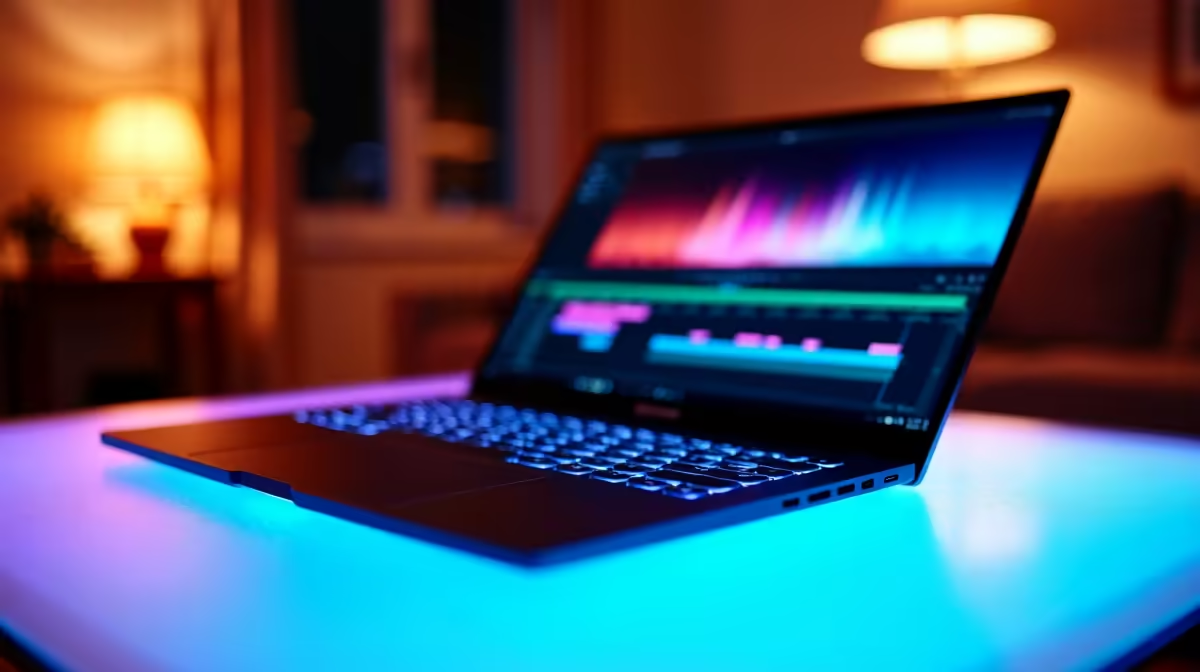
Video editing is one of the most demanding workloads you can throw at a laptop, requiring fast CPU cores, dedicated GPU power, ample RAM, and a display that accurately represents what you are colour grading. In South Africa, the sub-R50,000 laptop segment has become surprisingly capable for professional video work in 2026, with several machines offering genuine 4K editing performance at a price point that does not require a full studio budget. Here is what to look for and which specifications deliver the best value for SA video editors.
Quick Answer
What is the best video editing laptop under R50,000 in South Africa in 2026? The best sub-R50,000 video editing laptops in SA pair a high-core-count CPU (Intel Core Ultra 9 or Ryzen 9 AI series), a dedicated GPU with hardware encoding support, at least 32GB RAM, and a colour-accurate display. These specs handle Premiere Pro, DaVinci Resolve, and Capcut Pro workflows at 4K resolution without proxy-only editing.
🔧 What Specs Actually Matter for Video Editing
CPU: cores and clock speed both count. Video encoding is heavily multi-threaded - export times scale with core count. For the sub-R50,000 range in SA, aim for at minimum an Intel Core Ultra 7 or AMD Ryzen 9 7945HX class processor. These chips handle 4K timeline scrubbing and multi-stream editing without grinding to a halt.
GPU: hardware encoding is non-negotiable. Both NVIDIA and AMD discrete GPUs include dedicated hardware encoders for H.264, H.265, and AV1. DaVinci Resolve in particular is heavily GPU-accelerated - a mid-range dedicated GPU reduces render times by 30–60% compared to CPU-only rendering. At sub-R50,000, look for at minimum an RTX 4060 Laptop GPU or RX 7600M XT.
RAM: 32GB minimum, 64GB preferred. DaVinci Resolve recommends 32GB for 4K work. Premiere Pro's multi-sequence workflows and After Effects compositions push memory needs higher. If you can get 64GB within budget, future-proof yourself.
Storage: NVMe speed matters for 4K. 4K footage from cameras like Sony FX3 or the DJI Ronin 4D writes data at 500–800 MB/s. Your laptop's internal SSD must sustain read speeds above that threshold for smooth direct editing. PCIe Gen 4 NVMe drives are the minimum; Gen 5 is a bonus. Get at least 1TB internal, with an external NVMe for project storage.
Display: colour accuracy, not just resolution. A laptop with a 4K panel that only covers 70% of sRGB is worse for colour grading than a 2K panel hitting 100% DCI-P3. In the sub-R50,000 range, prioritize displays covering 100% sRGB minimum and targeting DCI-P3 coverage. Factory calibration certificates are a premium worth chasing.
📊 Spec Tiers at the Sub-R50,000 Price Point
R25,000–R32,000 (Entry Professional): Processors at the Ryzen 7 7745HX or Core Ultra 5 level paired with RTX 4050 Laptop or integrated graphics. Capable of 1080p and 1440p editing. 4K work requires proxy workflows. Suitable for content creators editing shorts, reels, and YouTube up to 4K with proxies.
R32,000–R40,000 (Mid Professional): Ryzen 9 or Core Ultra 7 class CPUs with RTX 4060 Laptop or RX 7700S. 32GB RAM standard at this tier. Native 4K timeline editing in Resolve with GPU acceleration. This is where most full-time freelance video editors should target.
R40,000–R50,000 (Upper Mid): Core Ultra 9 or Ryzen 9 AI with RTX 4070 Laptop or better. 32–64GB RAM. High-refresh, wide-colour-gamut OLED or IPS displays. Handles 6K RAW workflows with proxy assistance and 4K native without any proxy requirement. Suitable for agencies and broadcast editors.
💡 Practical Buying Tips for SA Video Editors
Thermal performance in SA conditions. SA summers push ambient temps high enough that thin-and-light laptops with aggressive thermal designs can throttle during long export jobs. Before buying, check thermal reviews of specific models - machines with dual-fan, multi-heatpipe designs sustain performance better in warm conditions.
Calibrate your display. Even factory-calibrated panels drift. If your client deliverables need colour accuracy, budget for a colorimeter (X-Rite or Datacolor) and recalibrate every 3–6 months.
Plan your external storage. Thunderbolt 4 or USB4 connectivity enables external NVMe enclosures that reach 3,000+ MB/s. This is essential if you shoot 4K RAW or multiple camera angles - internal storage fills quickly on long projects.
Software licensing in SA. Adobe Creative Cloud is billed in USD for SA users. DaVinci Resolve's free tier is exceptionally capable and avoids that ongoing forex exposure. If budget is a consideration, Resolve handles everything from editing to colour grading to audio in one app.
❓ Frequently Asked Questions
Can I edit 4K video on a gaming laptop? Yes - gaming laptops at this price point often represent the best value for video editing in SA because they prioritize GPU performance, fast storage, and thermal headroom. The main tradeoff is battery life and portability versus a dedicated workstation laptop.
How much RAM do I really need for video editing? For 1080p, 16GB gets by. For 4K editing in Premiere or Resolve, 32GB is the practical minimum. If you work with multiple 4K streams simultaneously, colour grade heavy effects chains, or run motion graphics, 64GB removes all memory bottlenecks.
Does the editing software affect which laptop I should buy? Yes, significantly. DaVinci Resolve is highly optimized for AMD GPUs and Apple Silicon. Premiere Pro performs well on NVIDIA GPUs with CUDA acceleration. Know your primary software before deciding on GPU brand - both deliver excellent results, but the GPU vendor alignment with your software can affect render and export performance.
Browse Laptop Specials and Graphics Card Deals at Evetech to find the right laptop for your needs and budget.
Ready to Find Your Perfect Match? Shop at Evetech











