

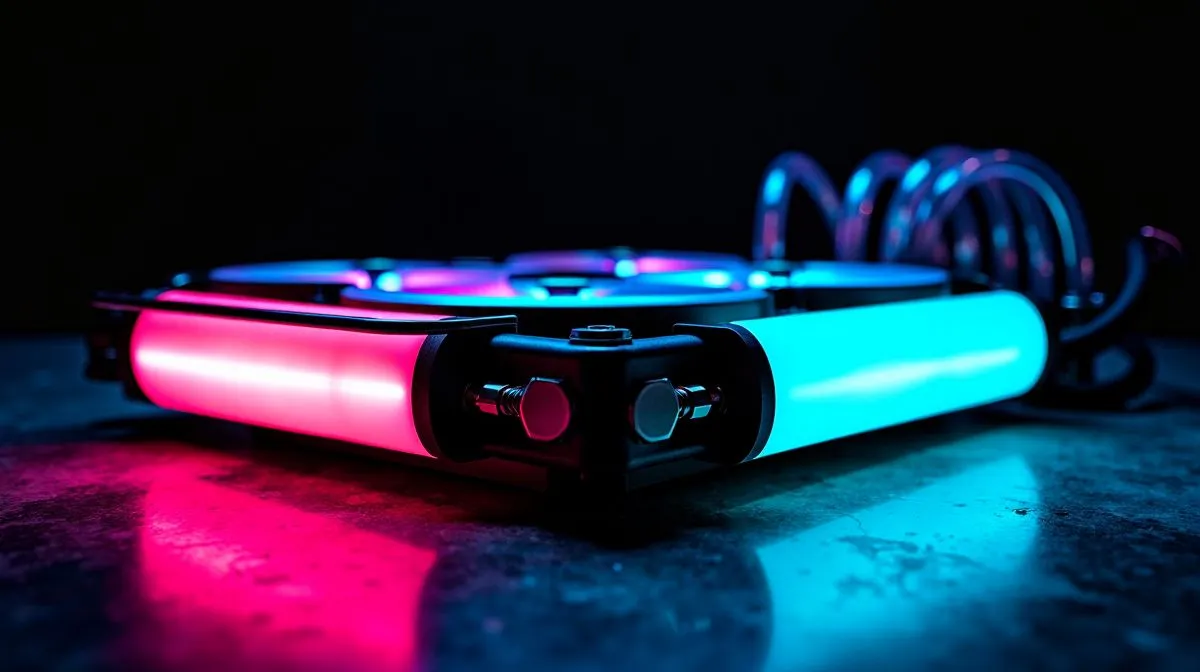
Side-Mounted Tubes for Clean Cables: the cleanest way to finish a build 🔧
If your AIO tubing looks messy, the whole rig feels unfinished. South African gamers know the vibe... a sharp GPU, tidy RGB, then two awkward tubes ruining the shot. The good news? A cleaner layout is usually simple. With the right radiator position, tube path, and a bit of patience, you can make your build look premium without spending a cent more.
Side-Mounted Tubes for Clean Cables: start with radiator position
The best result usually begins with the radiator mount. Side mounting gives you more control over tube direction, especially in mid-tower cases with a clear front intake path. When possible, keep the tubes low and route them naturally toward the CPU block. That reduces visual clutter and helps the build feel intentional.
If you are choosing parts for a fresh build, browse Evetech’s full range of CPU coolers. If you already know you want an AIO, check the liquid cooler selection to compare form factors before you commit.
Clean routing starts with the case layout
Before tightening anything, test the path with the side panel off. Look for sharp bends, cable tie points, and where the tubes naturally rest. A relaxed curve always looks better than a forced one. That matters even more in tempered-glass cases, where every cable is visible.
For brand-specific browsing, you can view CORSAIR liquid coolers or Deepcool liquid coolers. If you are planning a larger build, a 360mm radiator AIO can suit cases with strong airflow and plenty of clearance.
A smaller radiator can be easier to tidy
Not every build needs a monster cooler. In many gaming PCs, a 240mm radiator AIO is easier to place neatly, especially in compact cases. Fewer mounting headaches often means cleaner cable management too.
Build Lab Tip ✨
When routing side-mounted tubes, let the tubes exit the block in a gentle arc, then secure fan cables behind the radiator tray. A 10-minute cable re-route can make the whole PC look custom-built. }
Side-Mounted Tubes for Clean Cables: practical placement tips
Keep the pump block readable. If the logo is upside down, rotate the block only if the tubing and mounting holes allow it. Avoid twisting the tubes to force a perfect logo angle. That usually makes the final look worse.
Use cable combs, Velcro straps, and the rear chamber of the case. These simple tools hide the mess quickly. Also, build from the inside out. Mount the cooler, confirm tube clearance, then connect power cables last. That sequence saves time and keeps your front-facing side neat.
Micro-story from the bench
A common mistake? Builders route everything first, then realise the tube pair blocks the 24-pin cable. One small adjustment fixes it. Move the radiator slightly forward, drop the tube line by a few centimetres, and suddenly the build looks intentional. Tiny changes matter.
Side-Mounted Tubes for Clean Cables: choose the right parts for the job
If your case is tight, go for a cooler that matches the space rather than fighting it. Evetech’s cooler listings make it easier to compare sizes and brands in one place. That saves you from guessing, which is always a win when you are buying in ZAR and want value.
The cleanest builds are usually the ones planned before the first screw is tightened. Pick the right radiator size, test the tube path, and keep the rear cables under control. Do that, and your PC will look as good as it performs. ⚡
Ready to Find Your Perfect Match? The Mac vs Windows debate is complex, but for maximum power, choice, and value in South Africa, Windows is hard to beat. Explore our massive range of laptop specials and find the perfect machine to conquer your world.











