

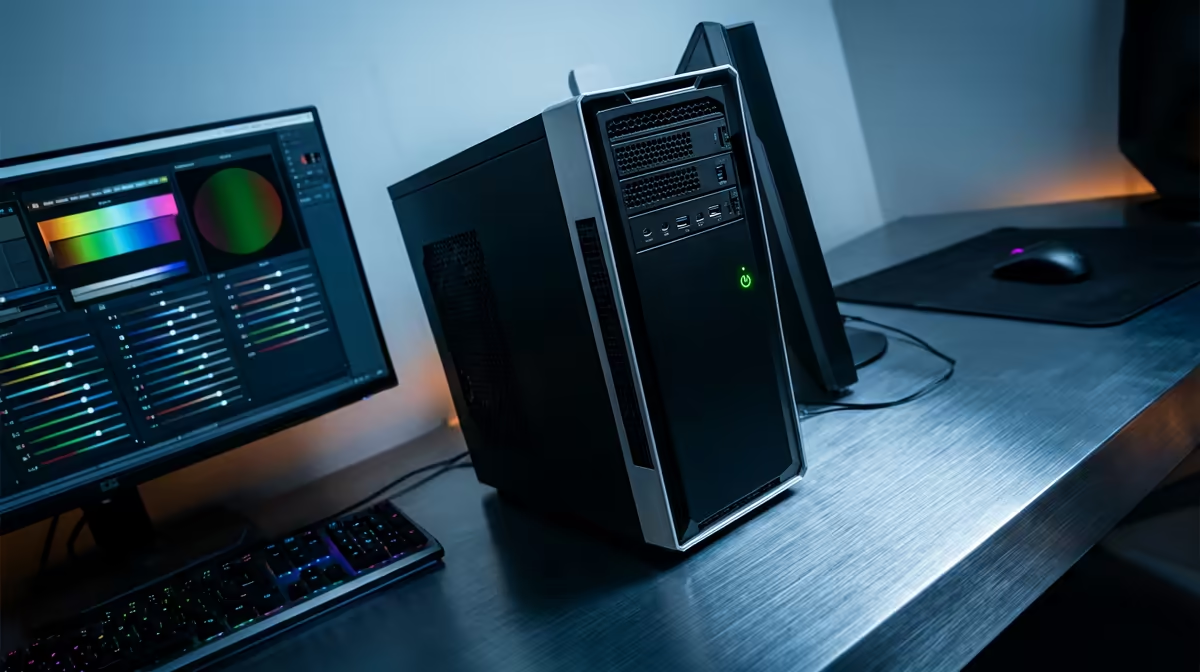
Staring at a stuttering timeline in Premiere Pro? Is DaVinci Resolve choking every time you add a colour grade? We've all been there. For South African creators, YouTubers, and aspiring filmmakers, the dream of a smooth editing workflow can feel expensive. But what if you could get a powerful machine that crushes 4K timelines without emptying your bank account? Building or buying a budget editing PC in South Africa is more achievable than you think. Let's dive in. 🚀
What Makes a Great Budget Editing PC in South Africa?
Before you start adding components to your cart, it's crucial to understand where your money makes the biggest impact. Unlike a pure gaming rig where the GPU is king, a video editing PC is a more balanced machine. The performance of your editing software relies on a team effort between four key components:
- CPU (Processor): The brain of the operation. It handles decoding footage, processing effects, and, most importantly, rendering your final video.
- RAM (Memory): Your computer's short-term workspace. More RAM allows you to work with higher-resolution footage and more complex timelines without slowdowns.
- Storage (SSD/HDD): Where your operating system, software, and media files live. The speed of your storage directly affects how quickly your projects load and footage is accessed.
- GPU (Graphics Card): While vital, its role is more specific. It accelerates visual effects, playback, and can significantly speed up export times in supported software.
Getting the balance right is the secret to building an affordable editing PC that punches well above its weight.
Decoding the Core Components for Editing
Let's break down what you should prioritise when you're on a tight budget.
The CPU: Your Timeline's Best Friend
For video editing, the CPU does most of the heavy lifting. You want to look for a processor with a good balance of high core count and fast clock speeds.
- Core Count: More cores mean the CPU can handle more tasks simultaneously. This is brilliant for rendering, as the software can split the job across all available cores, drastically cutting down export times.
- Clock Speed (GHz): This determines how fast each core can process tasks. A higher clock speed results in a snappier, more responsive experience when scrubbing through your timeline and applying effects.
In the current market, both Intel and AMD offer fantastic value. Intel's Core i5 processors provide a solid foundation, and you can explore some great value Intel PC deals to get started. On the other side, our range of AMD Ryzen PC deals often packs a serious multi-core punch for the price, making them a favourite for content creators.
RAM: Your Creative Workspace
Ever tried to edit a 4K video clip on a machine with only 8GB of RAM? It's a painful experience. When you run out of RAM, your computer starts using your much slower storage drive as a temporary "swap file," causing everything to grind to a halt.
For a smooth editing experience in 2024:
- 16GB: This is the absolute minimum for 1080p editing. It's workable, but you might need to close other applications.
- 32GB: This is the sweet spot for a budget editing PC in South Africa, especially if you plan on working with 4K footage or complex motion graphics. It gives you the headroom you need to create without compromise.
Productivity Pro Tip ⚡
On Windows, use the PowerToys FancyZones utility to create custom snap layouts for your windows. It's a lifesaver for managing multiple apps on an ultrawide monitor, letting you organise your timeline, preview window, and asset folders perfectly for video editing.
Storage: Speed Kills... Lag Time
Your storage configuration can make or break your workflow. A fast boot drive and quick access to your media are non-negotiable.
- Boot Drive (OS & Apps): An NVMe M.2 SSD is essential. Its lightning-fast speeds mean your PC boots in seconds and your editing software launches almost instantly. A 500GB drive is a great starting point.
- Project & Media Drive: A second, larger SATA SSD is ideal for storing your active projects and footage. This ensures fast read/write speeds when your timeline is accessing multiple files. For archiving completed projects, a traditional Hard Disk Drive (HDD) still offers the most storage for your Rand.
The Pre-Built Advantage: Power Without the Hassle ✨
While building a PC from scratch can be rewarding, it's also time-consuming and requires technical know-how. For creators who just want to get to work, a professionally assembled and tested pre-built PC is the perfect solution. You get a balanced system, a full warranty, and you skip the stress of troubleshooting. This is often the smartest route to getting a powerful and affordable editing PC.
At Evetech, we've done the hard work of balancing components for maximum performance at minimum cost. You can find some killer PCs under R20,000 that are perfectly optimised for video editing, letting you focus on what you do best: creating amazing content.
Ready to Stop Waiting and Start Creating? A slow computer shouldn't hold your creativity hostage. A powerful, well-balanced editing PC is the single best investment you can make in your workflow. Explore our range of powerful custom-built PCs and find the perfect machine to bring your vision to life.











