

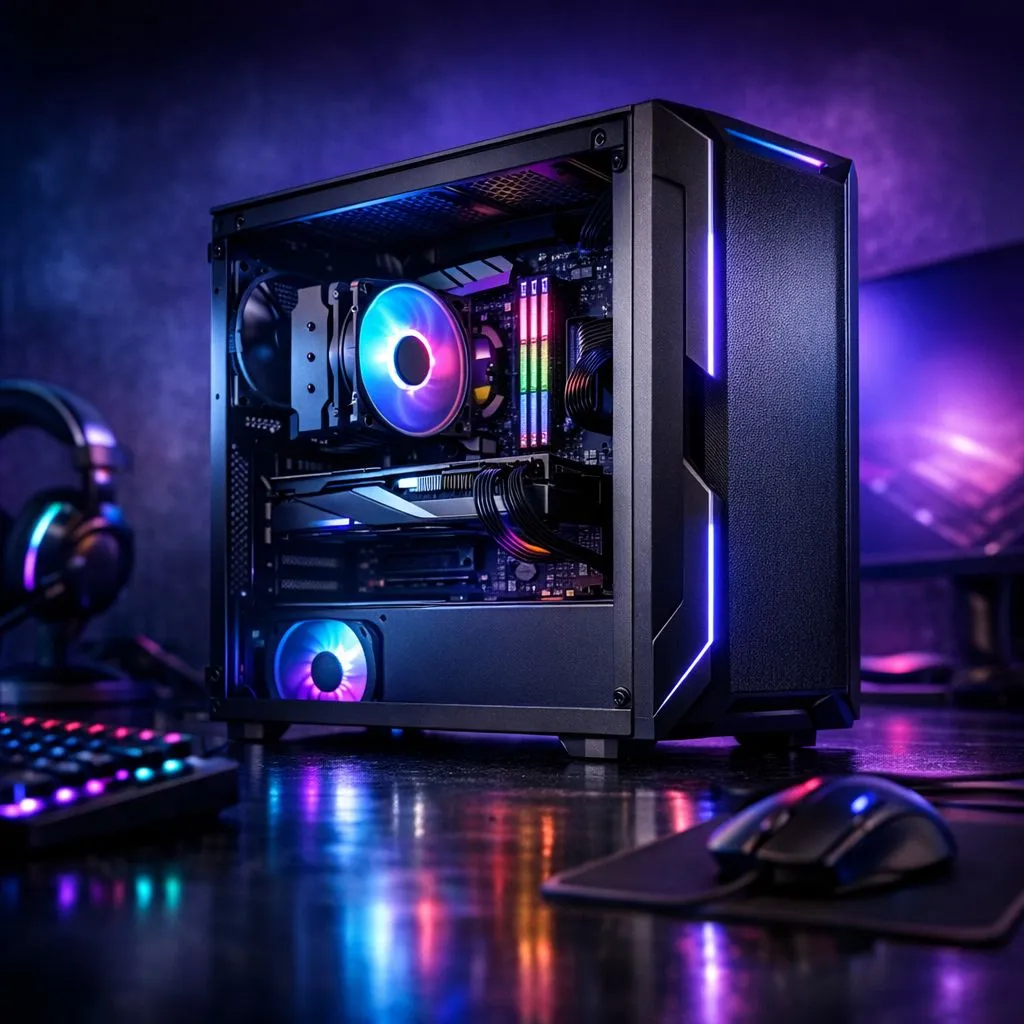
Building a gaming rig in South Africa can feel like a boss battle against the exchange rate. You want epic frame rates, but your wallet is screaming for mercy. What if we told you that a powerful, budget gaming PC in South Africa isn't a myth? It’s about being clever... knowing exactly where to spend your hard-earned Rands and where to save without sacrificing performance. Let’s dive in and get you gaming. 🚀
Spend Here: The Non-Negotiable Components
When you're putting together an affordable gaming PC in South Africa, some parts are simply not worth skimping on. These are the foundation of your build; getting them right ensures stability, performance, and a better experience down the line.
### Power Supply Unit (PSU)
Think of the PSU as the heart of your PC. A cheap, unrated power supply is the quickest way to turn your prized components into expensive paperweights. It can fail under load, taking your motherboard or GPU with it. Always invest in a reputable brand with at least an 80+ Bronze rating. It’s the ultimate peace of mind and a non-negotiable part of any solid budget gaming build in South Africa.
### CPU and Motherboard
Your processor and motherboard work as a team. While you don't need a top-of-the-line i9 or Ryzen 9, a weak CPU will bottleneck a good graphics card, meaning you're not getting the performance you paid for. Aim for a modern entry-level to mid-range CPU (like an Intel Core i3/i5 or AMD Ryzen 3/5) and a compatible motherboard that offers the features you need, like enough ports and potential for future upgrades.
Save Here: Smart Ways to Stretch Your Budget
This is where you can be tactical to get the best performance-per-Rand. Smart savings in these areas allow you to allocate more of your budget to the components that directly impact your frame rates.
### RAM (Memory)
For years, 16GB has been the sweet spot for gaming, and that hasn't changed. The real choice comes down to the memory generation. While you can find incredibly cheap older DDR3 RAM modules for legacy systems, the best value for a new budget gaming PC in South Africa lies squarely with DDR4 memory. It offers excellent performance at a fantastic price point. While next-gen DDR5 memory is faster, the cost of both the RAM and compatible motherboards often pushes it out of a strictly budget build. If you do have some wiggle room, trusted brands like Kingston and other great options from ADATA offer reliable performance for those looking to future-proof their rig.
Check Your Motherboard Specs! 🔧
Before buying any RAM, always check your motherboard's product page to confirm compatibility. It will list the supported memory types (e.g., DDR4 or DDR5), the maximum supported speed (in MHz), and the total capacity. Mismatched RAM simply won't work!
### Storage
You don't need a multi-terabyte NVMe SSD to get started. The best budget strategy is a two-drive solution. Get a smaller, fast NVMe SSD (250GB-500GB) to install Windows and your most-played games on for lightning-fast boot and load times. Then, add a larger, much cheaper 1TB or 2TB traditional hard drive (HDD) for your bigger game library, documents, and media. ✨
### The Case
A flashy case with tons of RGB lighting looks cool, but it won't give you a single extra frame per second. You can save hundreds of Rands by choosing a clean, simple, and well-ventilated case from a reputable brand. Prioritise good airflow over fancy aesthetics; your components will thank you with lower temperatures and better performance. A functional case is a cornerstone of a smart budget gaming build.
Ready to Build Your Budget Beast? Building a budget gaming PC in South Africa is a rewarding journey. Armed with the right knowledge, you can create a machine that punches well above its weight. Explore our massive range of PC components and start piecing together your dream rig today.











