

The Smart Way to Build a Budget Student PC
Balancing a student budget in South Africa often feels like a final boss fight. Between textbooks and tuition, finding the cash for a Budget Student PC Build: NSFAS-Friendly Onimusha Guide might seem impossible. But your studies shouldn't suffer because of slow hardware. Whether you are crunching spreadsheets or blowing off steam in a quick gaming session, building a smart, cost-effective rig is the ultimate student power move. 🚀
Maximising Your NSFAS Allowance for Tech
In the Build Lab, we know that every Rand counts when you are working with a limited allowance. The goal is to create a machine that handles heavy multitasking for research while remaining capable of entry-level 1080p gaming. By focusing on an "Onimusha" style philosophy—sharp, efficient, and lethal in performance—you can avoid overspending on flashy components that don't add actual speed to your workflow.
Choosing a modern APU (a processor with integrated graphics) is often the best path for a budget student PC build. This eliminates the need for an expensive dedicated graphics card upfront, allowing you to invest more in high-speed RAM and a reliable SSD. You can always add a GPU later when your budget allows, but getting the foundation right is what matters most for academic success.
Power Management Pro Tip ⚡
In Windows, set your Power Plan to 'Balanced' rather than 'High Performance' if you are using a budget build. This reduces heat and power draw during light tasks like writing essays... which helps your components last longer and saves a few cents on the prepaid meter.
Protecting Your Gear from Load Shedding
South African power grids are notoriously unpredictable. There is nothing worse than losing a 2,000-word assignment because the lights went out unexpectedly. To protect your new investment, you should look into budget-friendly UPS solutions under R800 that provide enough runtime to save your work and shut down safely. 🔧
Investing in power protection is just as important as the CPU or Motherboard. A sudden surge can fry sensitive components, turning your hard-earned tech into an expensive paperweight. For those looking for more robust backup power to keep the Wi-Fi and PC running longer, Evetech stocks a wide range of UPS systems designed to handle the unique challenges of the local power grid. ✨
Future-Proofing Your Student Rig
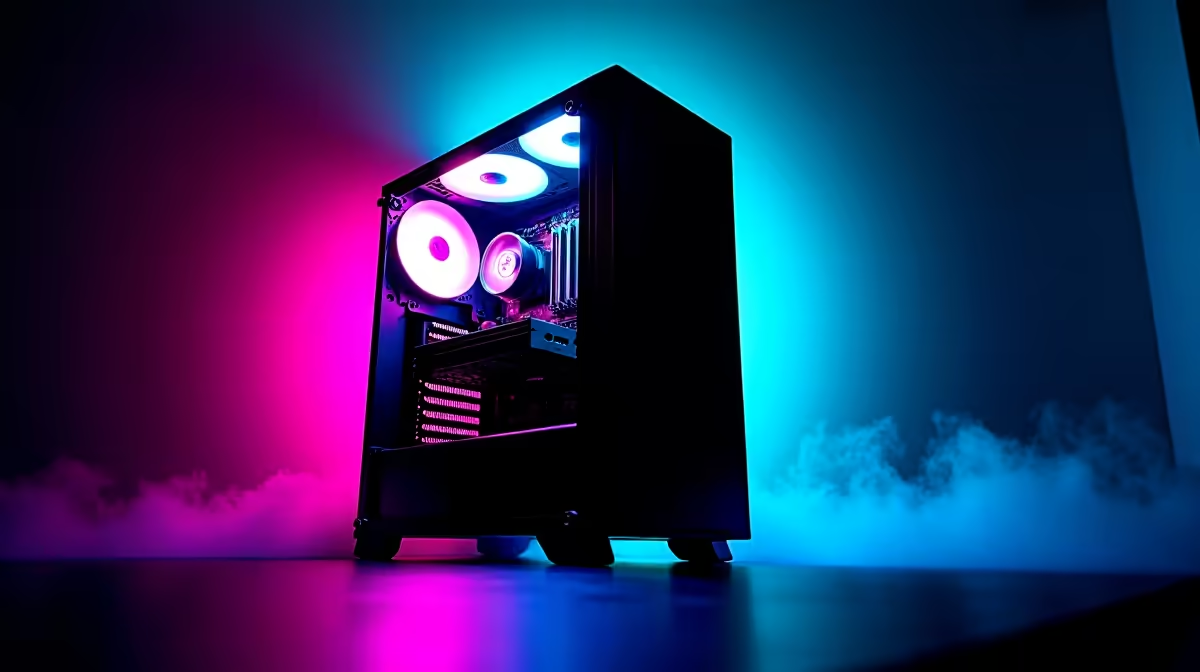
A truly NSFAS-friendly Onimusha guide focuses on longevity. Instead of buying the absolute cheapest parts, look for motherboards with four RAM slots and NVMe support. This ensures that as your studies progress and your software requirements grow, your PC can grow with you. Choosing a chassis with good airflow—like the Onimusha series—ensures your parts stay cool during those long summer study sessions in the dorm.
Remember to keep your drivers updated and your storage organised... a clean system is a fast system. By following these steps, you ensure that your PC remains a reliable tool from your first year all the way to graduation.
Ready to Build Your Academic Powerhouse? Building a PC on a student budget doesn't mean compromising on quality or performance. Explore our latest PC component deals and start your journey toward the perfect NSFAS-friendly setup today.











