

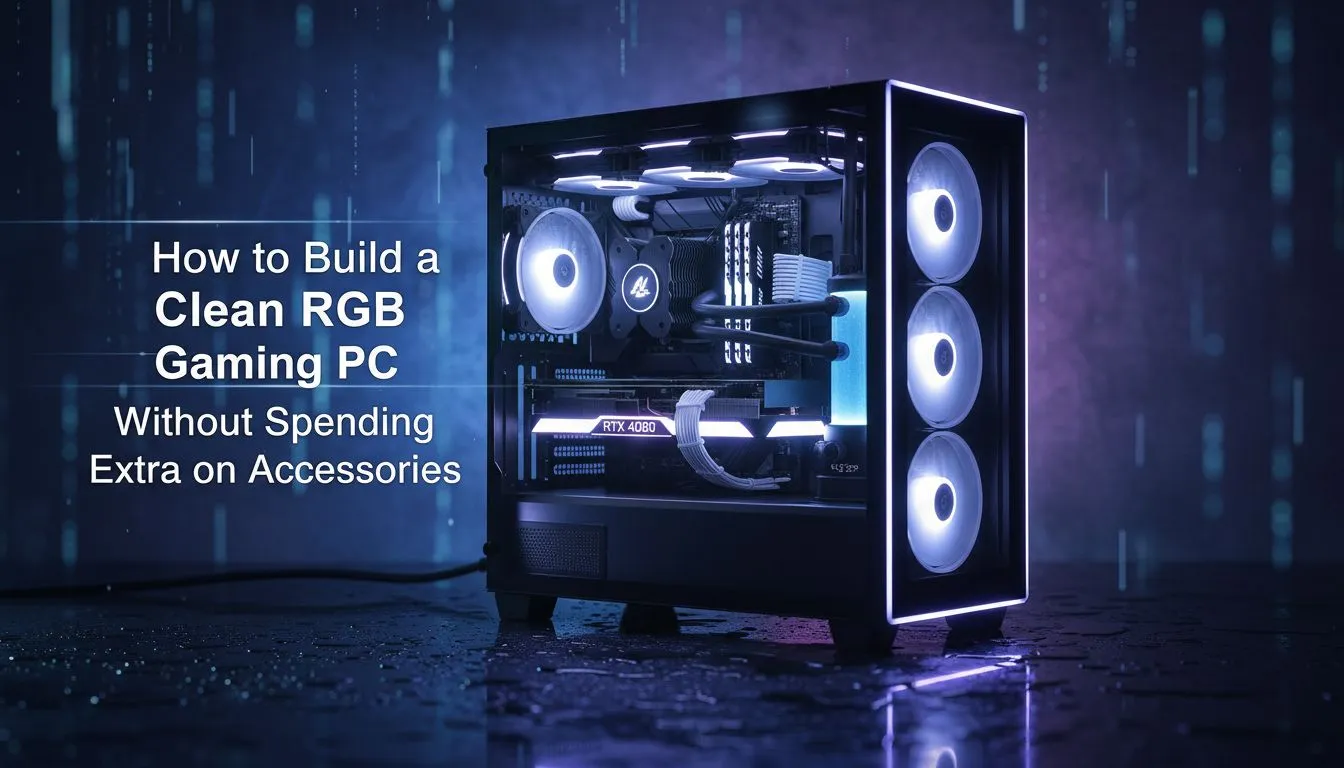
Love the vibrant glow of a high-end gaming rig but dread the thought of cable chaos? You're not alone. Many South African gamers think a stunning light show requires a tangled mess of controllers, hubs, and adapters. What if you could build a clean RGB gaming PC with less clutter and fewer accessories? It’s not magic… it’s just smart planning. Let's dive into how you can achieve that minimalist, jaw-dropping aesthetic without the extra cost or headache. 💡
Start with a Smarter Chassis
The foundation of any clean PC build is the case. Forget just looks; you need a chassis designed for modern aesthetics and easy cable management. A well-designed case is your first and best tool to help you build a clean RGB gaming PC right from the start. Look for features like generous space behind the motherboard tray, rubber grommets, and built-in cable tie-down points.
Many modern enclosures come with integrated fan or ARGB (Addressable RGB) hubs, immediately solving the "too many cables, not enough headers" problem. These hubs centralise your connections, meaning you only need to run one or two cables to your motherboard instead of a whole handful. Exploring a wide selection of computer cases is the best first step to see what features align with your vision and budget.
The Secret to a Hub-Free RGB Build: Your Motherboard
The unsung hero of a minimalist RGB setup is your motherboard's software. Suites like ASUS Aura Sync, MSI Mystic Light, and Gigabyte RGB Fusion 2.0 are incredibly powerful. They allow you to control and synchronise the lighting of all your compatible components from a single application, completely removing the need for physical controllers with dodgy remotes.
The key is to buy components that are compatible with your motherboard's ecosystem. Look for the "Aura Sync compatible" (or equivalent) logo on the packaging of your RAM, fans, and even your GPU. This ensures everything will play nicely together. Most modern motherboards have at least one 3-pin 5V ARGB header, which is the current standard for most components. For those seeking a truly sleek look, premium options from brands like Fractal Design often prioritise clean internals and compatibility.
Check Your Pins! ⚡
you buy any RGB component, double-check your motherboard's headers. There are two main types: 4-pin (12V RGB) and 3-pin (5V ARGB). They are not interchangeable! Plugging a 3-pin ARGB device into a 4-pin RGB header can permanently damage the component's LEDs. Always match the pins to the header.
Smart Component Choices for a Streamlined Setup
Achieving an RGB PC build without extra accessories relies on choosing parts that are designed to work together seamlessly. It’s all about creating a daisy chain of light. ✨
Fans and Coolers
Instead of buying a multi-pack of fans that comes with a proprietary hub, look for fans that can be "daisy-chained." This means each fan has both an input and an output ARGB cable, allowing you to link them together in a series and plug just a single cable into your motherboard. This dramatically cuts down on clutter.
Cases with Integrated RGB
Many builders find that starting with a case that includes pre-installed, motherboard-sync-capable fans is the easiest route. Many Gamdias gaming cases, for example, offer excellent aesthetics with ARGB fans included, simplifying the process. You don't need a massive budget for this either; there are plenty of great value cases under R1500 that provide a fantastic starting point for a clean build.
By focusing on a great case, leveraging your motherboard's software, and choosing daisy-chainable components, you can easily build a clean RGB gaming PC. The result is a stunning, synchronised system that looks professionally built… without the nest of wires. 🚀
Ready to Build Your Clean Machine? A stunning, minimalist RGB gaming PC is within reach. It's not about more accessories… it's about smarter choices. Browse our massive range of computer cases and start planning the clean, powerful rig you deserve.











