

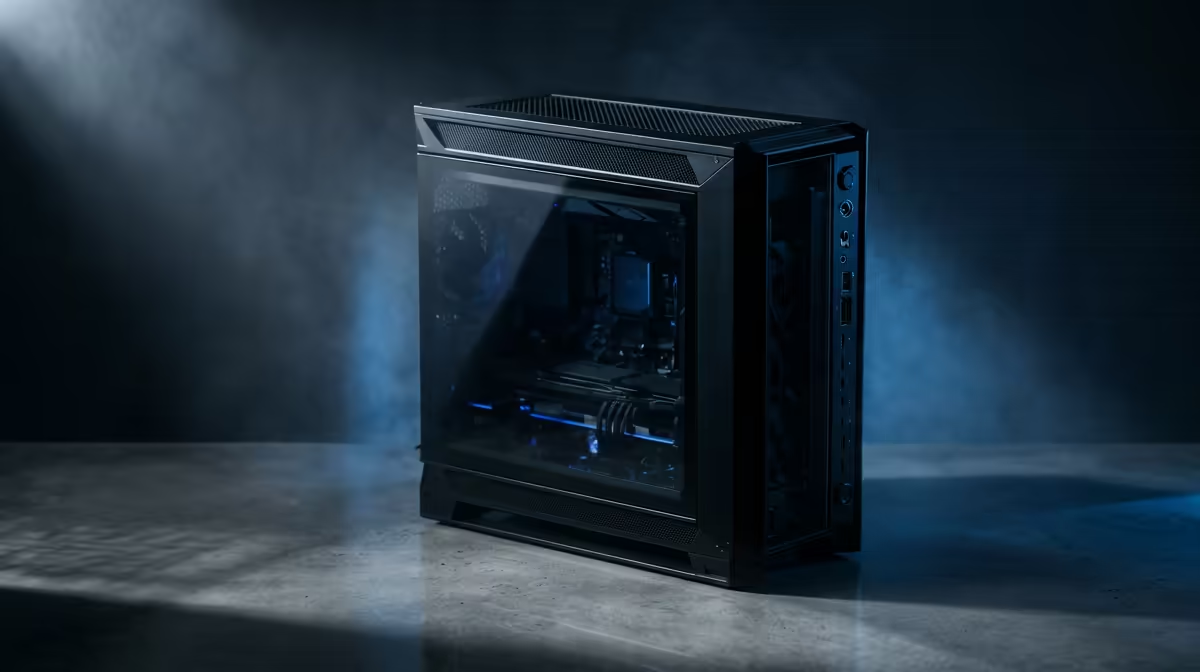
Dreaming of a butter-smooth 4K editing timeline but your wallet is screaming 'no'? You're not alone. Many South African creators think a powerful editing rig costs a fortune. The good news? It doesn't have to. We're going to show you exactly how to build an editing PC under R20k that punches well above its price tag, without cutting corners where it truly counts. Let's get building. 🔧
Prioritising Your Budget for Peak Performance
When you're working with a specific budget, every rand counts. For video editing, the hierarchy of importance is different from a pure gaming PC. To get the most bang for your buck on an editing PC build under R20k, you should allocate your funds in this order:
- Processor (CPU): The absolute king. It handles encoding, rendering, and timeline scrubbing. More cores and higher clock speeds mean less time staring at progress bars.
- RAM: Your CPU's workspace. Not enough RAM leads to stuttering previews and slow performance when working with high-resolution footage or multiple applications.
- Storage (SSD): A fast NVMe SSD is non-negotiable for your operating system, editing software, and active project files. It dramatically cuts down on loading times.
- Graphics Card (GPU): While important for effects, colour grading, and accelerated rendering, you don't need a top-tier card to start. The CPU does more of the heavy lifting in many editing workflows.
Choosing Your Processor: The Brains of the Operation
The CPU is where the magic happens. In the sub-R20k bracket, the battle is fierce between Intel and AMD, which is great news for consumers. You're looking for a sweet spot of 6 to 8 cores for a smooth editing experience.
Processors like the Intel Core i5 series or the AMD Ryzen 5 series offer incredible value. They provide the multi-threaded performance needed to chew through video timelines without breaking the bank. When you're browsing components, look at both the powerful Intel PC deals and the versatile AMD Ryzen PC deals to see which platform currently offers the best price-to-performance ratio for your needs.
Memory and Storage: Your Workflow's Best Friends ✨
Think of RAM as your digital workbench. For a modern editing workflow, 16GB is the absolute minimum. This allows you to comfortably edit 1080p and even some 4K footage. If you can stretch the budget to 32GB, you'll see a noticeable improvement, especially when using programs like After Effects alongside your editor.
For storage, speed is key. An NVMe SSD will change your life. Installing your operating system and editing software on one means your PC boots in seconds and your apps launch instantly. A 1TB NVMe drive is a fantastic starting point for an R20k editing PC, giving you enough space for your system and a few active projects.
Editing Pro Tip ⚡
For a massive performance boost in apps like Adobe Premiere Pro or DaVinci Resolve, set up dedicated 'scratch disks'. Go into your project settings and assign your media cache, previews, and exports to your fastest drive (your NVMe SSD). This tells the software where to read and write temporary files, preventing bottlenecks and keeping your timeline silky smooth.
The Graphics Card Myth: What Do You Really Need?
Many aspiring editors believe they need a monstrously expensive GPU. While a good GPU helps, especially with colour grading, 3D effects, and AI-powered tools, the CPU and RAM are more critical for the core editing experience on a budget.
A solid entry-level to mid-range graphics card with at least 6GB of VRAM is more than enough to get started. It will provide the necessary GPU acceleration for smooth playback and faster exports without consuming a massive chunk of your R20,000 budget.
The Smart Alternative: Expertly Crafted Pre-Built Rigs 🚀
Let's be honest, sourcing parts and building a PC from scratch isn't for everyone. It takes time, research, and a bit of courage. If you'd rather skip the build process and jump straight into creating content, a pre-built system is a fantastic, hassle-free option.
You get a professionally assembled and tested machine with a full warranty, often for a price that's highly competitive with building it yourself. Exploring a curated selection of pre-built PCs under R20k is a brilliant way to get a balanced, optimised system without any of the guesswork.
Ready to Power Your Creativity? Building a PC is rewarding, but sometimes you just want to plug in and create. If you'd rather skip the build and get straight to editing, we've got you covered. Explore our expertly configured PCs under R20k and find the perfect machine for your creative workflow.











