

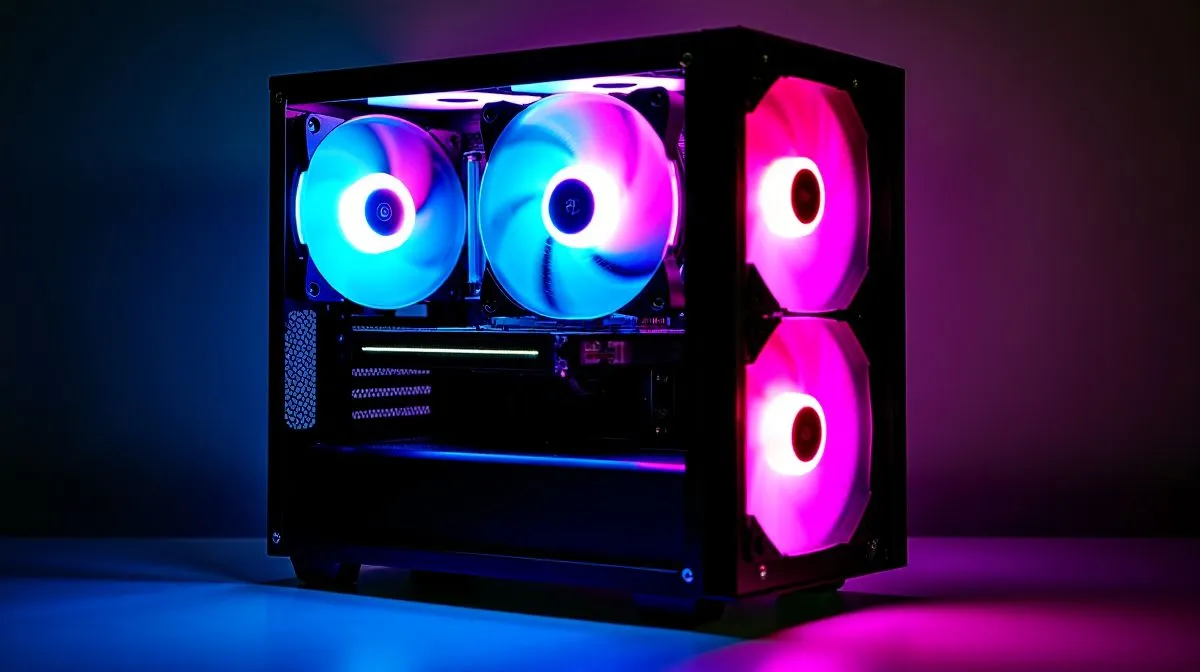
Planning Your ATX Build With Pre-Installed ARGB Fans
If you’ve bought an ATX case that comes with ARGB fans, you’ve already saved time and cash. How to build in an ATX case with pre-installed ARGB fans isn’t just about aesthetics; it’s about airflow, cable routing, and control. This guide walks South African builders through the practical steps to get a clean, quiet, and colourful rig that performs.
Prepare the Case and Fan Connections
Open the case on a flat surface and consult the manual. Identify fan cables: a 3-pin ARGB header (often labelled 5V ADD_HEADER) differs from the 4-pin RGB (12V). If your motherboard lacks an ARGB header, use a controller or the included hub. Check compatibility with your board; browse Evetech’s computer cases collection for models bundled with ARGB accessories: Evetech computer cases. 🔧
Mounting the Motherboard, PSU and Fans
Seat the motherboard using standoffs and install the PSU next. Attach fans in a balanced airflow setup: front intake, rear exhaust, top exhaust if present. Pre-installed ARGB fans save time but still check fan screws and rubber pads to avoid vibration. Route fan power and ARGB cabling behind the tray, using the chassis tie points and Velcro straps. Fractal designs often favour tidy layouts that help; explore the Fractal range at Evetech for cases built around airflow and cable management: Fractal Design PC cases. ✨
Connect ARGB, Fans and Control Software
Most ARGB headers use a 3-pin 5V connector labelled ADD_HEADER or ARGB. Plug fans into any included hub, then connect the hub to the motherboard header or a SATA/molex power feed. If your board needs a dedicated controller, use the hub’s remote or the external controller to avoid risk to the header. Gamdias cases sometimes include hubs and remotes, which is useful if your motherboard lacks an addressable header—compare Gamdias models at Evetech to see what’s included: Gamdias gaming cases.
Final Checks, Testing and Pro Tips
Power up with the case open on first boot. Enter BIOS to confirm fan RPM readings and set safe fan curves. Install your motherboard RGB utility to test lighting presets and synchronise zones. Clean up cables, secure loose connectors, and check that no fan blades touch cables.
Build Lab Pro Tip ⚡
When routing ARGB cables keep the power lead separate from the data lead where possible. Label both ends with tape before you start; it saves time when you tweak profiles or swap headers later.
If budget matters, Gamdias offers competitive models under R1500 that include ARGB kits; compare filtered options on Evetech to balance cost and features: Gamdias budget cases under R1500. 🚀
Wrap Up
Pre-installed ARGB fans are a convenience, but good planning makes them an asset. With proper routing, correct headers, and careful testing you’ll achieve both performance and style.
Remember to check dust filters, replace thermal paste when upgrading CPU, and keep firmware and RGB software up to date. Small tweaks to fan curves cut noise without losing temperatures. If ever unsure, ask Evetech support for compatibility advice before purchase. Happy building — enjoy your rig.
Ready to Find Your Perfect Match? The Mac vs Windows debate is complex, but for maximum power, choice, and value in South Africa, Windows is hard to beat. Explore our massive range of laptop specials and find the perfect machine to conquer your world.











