

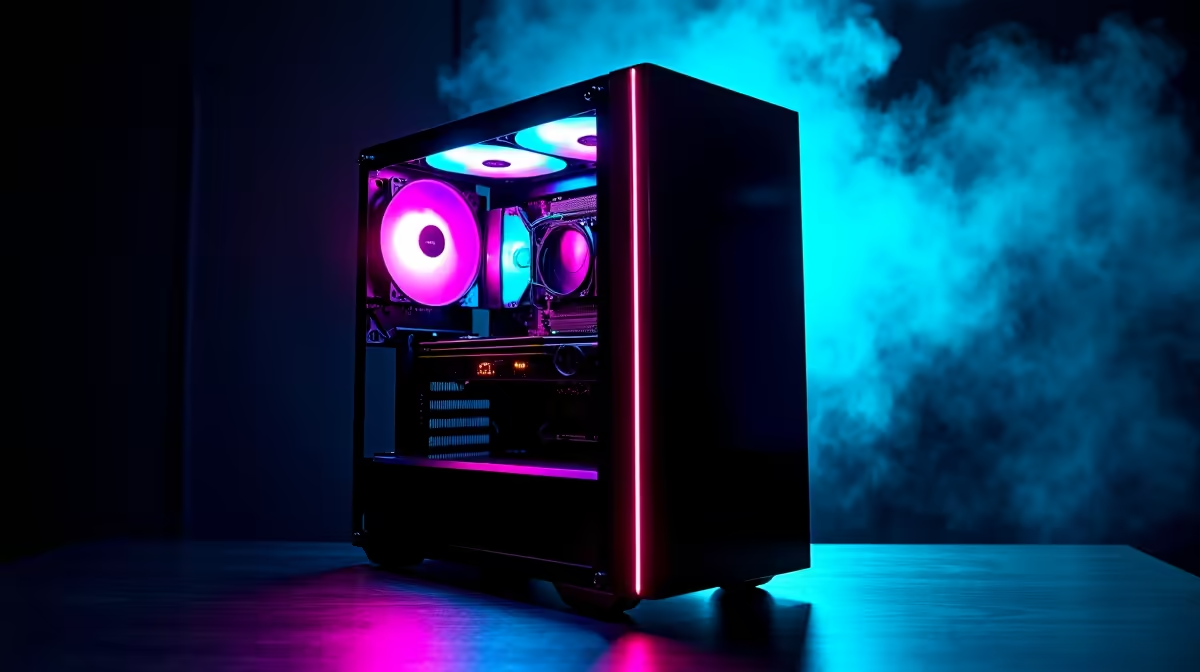
Is your gaming PC so loud it sounds like a jet taking off from OR Tambo? You’re not alone. Many powerful rigs trade silence for performance, leaving you with a distracting hum that ruins immersion. But what if you could have both? Building a quiet gaming PC is easier than you think. It's about making smart component choices and a few tweaks to achieve that blissful, whisper-quiet state where you only hear the game. 🚀
Why a Silent Gaming PC is Worth It
Beyond the obvious peace and quiet, crafting a silent gaming rig has real benefits. For starters, immersion is everything. Hearing every subtle footstep in Warzone or the atmospheric whispers in Alan Wake 2 is impossible when your case fans are screaming. If you're a streamer or content creator, a quiet PC means cleaner audio without aggressive noise suppression filters. It's also just more considerate for anyone else in the house!
A well-optimised, quiet system often runs cooler and more efficiently too. It's a sign of a balanced build, something we pride ourselves on across all our best gaming PC deals.
Core Components for Your Quiet PC Build
Achieving silent performance starts with selecting the right hardware. A few key choices can make the difference between a gentle hum and a distracting roar.
The Chassis: Your First Line of Defence
Don't underestimate your PC case. Modern chassis from brands like Fractal Design, Be Quiet!, and Corsair often come with sound-dampening foam on the panels. These are specifically engineered to absorb vibrations and fan noise. But remember, airflow is still king. A case with good ventilation allows fans to spin slower while keeping temps low. Look for a balance between sound insulation and mesh front panels for optimal results.
Cooling: The Air vs. Liquid Debate
Your CPU cooler is a major source of noise. Here’s the breakdown:
- Air Coolers: Large, high-end air coolers with big heatsinks and 120mm or 140mm fans (like those from Noctua or DeepCool) are incredibly effective and can be virtually silent. Bigger fans move more air at lower RPMs, which is the golden rule for a quiet build.
- AIO Liquid Coolers: All-in-One liquid coolers can also be very quiet, but the pump can sometimes introduce a low hum. The key is to get a quality AIO and set the radiator fan curves properly. Many of our high-performance PCs over R20,000 offer both options.
The Graphics Card: Taming the Beast
Your GPU is often the loudest part of your PC under load. Look for models with a "0 RPM" or "fan-stop" feature. This means the fans don't spin at all during light tasks like browsing or watching videos. When gaming, cards with three fans often run quieter than those with two, as they can achieve the same cooling with lower individual fan speeds.
Advanced Tip: Undervolting ⚡
For the tech-savvy, undervolting your GPU is a fantastic way to reduce heat and noise. By using a tool like MSI Afterburner, you can lower the voltage your GPU receives without sacrificing much, if any, performance. Less power means less heat, which means your fans don't have to work as hard. It's a free performance-per-watt upgrade!
The Power Supply: Silent and Steady
A cheap, inefficient Power Supply Unit (PSU) is a false economy. It wastes energy as heat, forcing its fan to spin up loudly. Look for a PSU with an 80 Plus Gold rating or higher. These are highly efficient and often feature a "hybrid" or "zero RPM" mode, where the fan only turns on under significant load. It’s a crucial component, even in carefully selected budget gaming PCs.
Fine-Tuning for Whisper-Quiet Operation 🔧
Got the right parts? Lekker. Now it's time to optimise your system for true silence. This is where you can turn a good build into a great one.
Master Your Fan Curves
Don't just plug your fans in and forget about them. Dive into your motherboard's BIOS or use software like Fan Control to set custom fan curves. Instead of letting them ramp up and down aggressively, create a smooth, gradual curve. Aim to keep case fans at a constant, low RPM that you can't hear, only increasing speed when component temperatures genuinely demand it. This simple tweak is available on most modern systems, including many of our PCs under R20,000.
Cable Management Isn't Just for Looks
A bird's nest of cables inside your case doesn't just look messy; it obstructs airflow. Blocked airflow traps hot air, forcing your fans to spin faster and louder to compensate. Taking the time to route cables neatly behind the motherboard tray ensures a clear path for cool air to reach your components, making your whole system quieter and more efficient. ✨
Don't Want the DIY Hassle?
Building a quiet gaming PC is a rewarding project, but it requires research and patience. If you'd rather just jump straight into silent, immersive gaming, we get it. Our team of expert builders meticulously selects and assembles components for optimal performance and acoustics. Check out our range of pre-built PC deals, where we’ve already done the hard work for you.
Ready for Silent Domination? Building a quiet PC is a rewarding journey into total gaming immersion. Whether you're choosing individual parts or looking for a professionally assembled rig, silence is golden. Explore our massive range of PC components and build the whisper-quiet machine of your dreams.











