

Building a 4K Gaming PC: The Ultimate ZAR Budget Breakdown for South African Gamers 🇿🇦
If you’ve been thinking “4K gaming sounds amazing… but what will it actually cost in ZAR?” you’re not alone. The good news? You can build a serious 4K rig without wasting money on the wrong parts. This guide breaks down a realistic 4K gaming PC budget in South African terms, so you can shop with confidence and avoid buyer’s remorse. 🔧
But first… one question. Are you aiming for smooth 60FPS, or “beautiful 4K” with settings tweaks? Your answer decides everything.
Building a 4K Gaming PC: The Ultimate ZAR Budget Breakdown (Part by Part) 💸
Below is a practical breakdown. Exact prices will move with stock and exchange rates, but the logic holds. Start with your target resolution and performance, then allocate budget where it matters most.
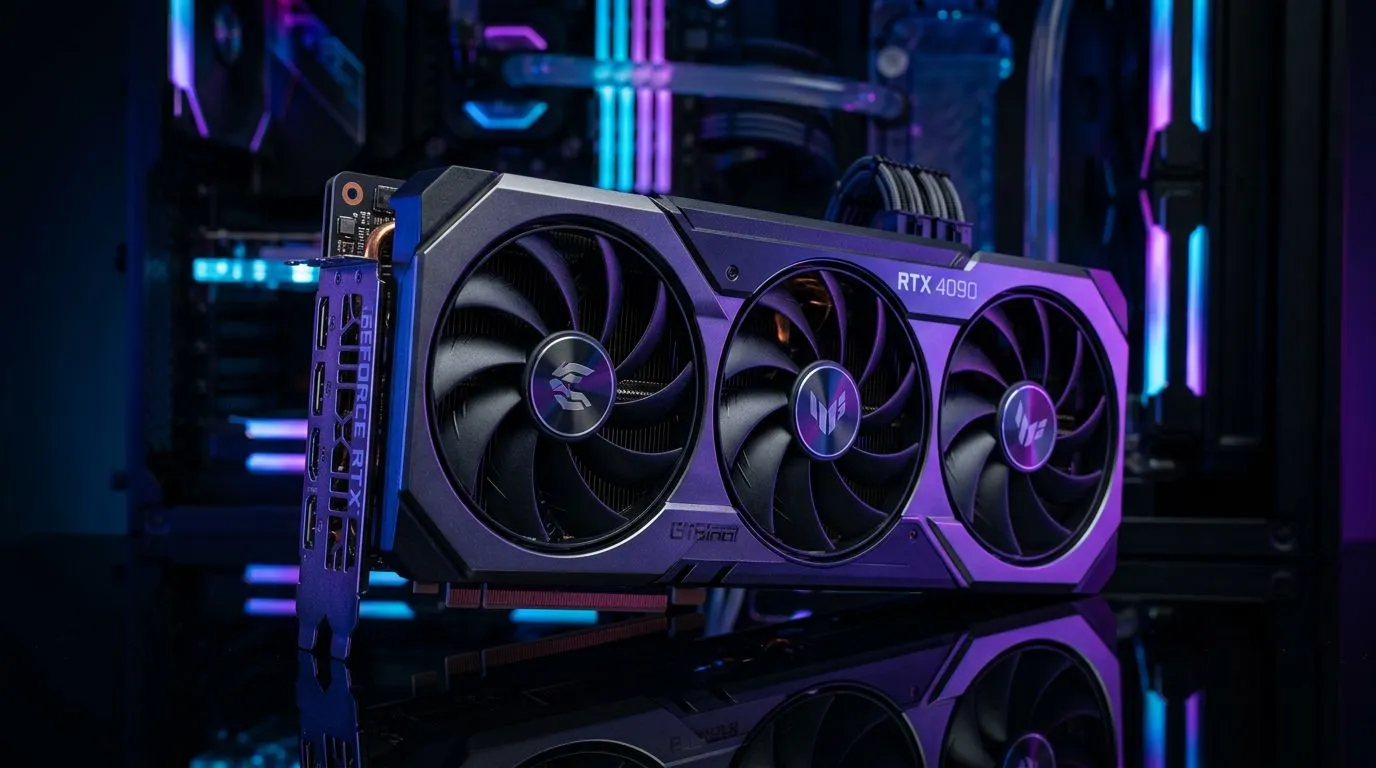
Building a 4K Gaming PC: The Ultimate ZAR Budget Breakdown starts with the GPU ⚡
For true 4K gaming, the graphics card is the biggest spend for a reason. It also determines whether you’ll rely on upscaling features later.
When comparing options, shop by GPU brand and model families on Evetech:
- If you’re leaning toward MSI cards, check options here: MSI graphics cards
- For AMD Radeon options, browse: Radeon graphics cards
- For NVIDIA GeForce / GeForce RTX cards, browse: GeForce graphics cards
- Want to cast a wider net by category? Start here: NVIDIA & ATI / Graphics cards (full listing)
Reality check for 4K: You can’t “budget” your way into 4K comfort without a capable GPU. Everything else should support it.
Building a 4K Gaming PC: The Ultimate ZAR Budget Breakdown means you shouldn’t skimp on CPU + RAM
A strong GPU paired with a weak CPU can choke performance, especially in CPU-heavy games and open-world titles. For smooth 4K, you still want a modern multi-core CPU and enough RAM to avoid stutter.
Good budget rule: aim for 32GB RAM for modern AAA titles. It’s often the difference between “smooth” and “why does it hitch here?”
Building a 4K Gaming PC: The Ultimate ZAR Budget Breakdown also includes storage you’ll actually use
4K texture packs and modern game installs add up fast. A good SSD helps load times and reduces in-game pauses.
Practical pick: a primary NVMe SSD for games, and optional extra storage if your library is large.
Building a 4K Gaming PC: The Ultimate ZAR Budget Breakdown needs cooling and a proper power supply
4K systems can draw more power under load. A quality PSU and sensible airflow keep performance stable and fan noise manageable.
4K Build Lab Pro Tip 🔧
On a budget, prioritise a strong GPU first, then make sure your PSU has enough headroom. A stable power supply reduces random crashes and makes future upgrades safer. If you’re unsure, tell us your target resolution and FPS and we’ll help you plan a balanced build.
Building a 4K Gaming PC: The Ultimate ZAR Budget Breakdown for Three Realistic ZAR Targets 🚀
Instead of one “magic” number, here are three targets you can use as a shopping compass.
Building a 4K Gaming PC: The Ultimate ZAR Budget Breakdown (Entry 4K)
Goal: beautiful 4K visuals with settings adjustments.
- GPU: mid-to-upper tier
- RAM: 16GB minimum, 32GB preferred
- Storage: 1TB SSD baseline
What to expect: 4K may not lock to 60FPS in every title. Upscaling and smart settings will be your friend.
Building a 4K Gaming PC: The Ultimate ZAR Budget Breakdown (Balanced 4K)
Goal: consistently high settings, smoother frame times.
- GPU: higher tier
- RAM: 32GB
- Storage: 2TB if you install a lot
What to expect: fewer compromises. You’ll spend more once, then enjoy longer without chasing deals.
Building a 4K Gaming PC: The Ultimate ZAR Budget Breakdown (Serious 4K)
Goal: high refresh + premium visuals.
- GPU: top-tier for your budget
- RAM: 32GB+ depending on your usage
- Cooling + PSU: quality-first
What to expect: this is where your build starts feeling “set and forget”.
Building a 4K Gaming PC: The Ultimate ZAR Budget Breakdown Shopping Checklist (So You Don’t Regret It) ✅
Before you click “buy”, run this quick checklist:
- Confirm your GPU first: it drives your 4K experience.
- Match the CPU to the GPU: avoid underpowered pairings.
- Plan RAM for your games: 32GB is a safe, modern baseline.
- Choose NVMe storage: load times matter more than people think.
- Don’t cheap out on PSU and airflow: stability beats aesthetics.
- Think upgrade path: leaving room for future GPU swaps can save money later.
If you’re collecting parts slowly, keep a “price log”. South African prices can shift, and tracking helps you strike while stock is available.
Building a 4K Gaming PC: The Ultimate ZAR Budget Breakdown Build Lab Next Steps ✨
Want us to help you turn this budget into an actual parts list? Tell us your target games, preferred FPS, and your maximum ZAR budget. Then we’ll guide you to a balanced build plan that fits your needs, not just generic advice.
Ready to Find Your Perfect Match? The Mac vs Windows debate is complex, but for maximum power, choice, and value in South Africa, Windows is hard to beat. Explore our massive range of laptop specials and find the perfect machine to conquer your world.











