

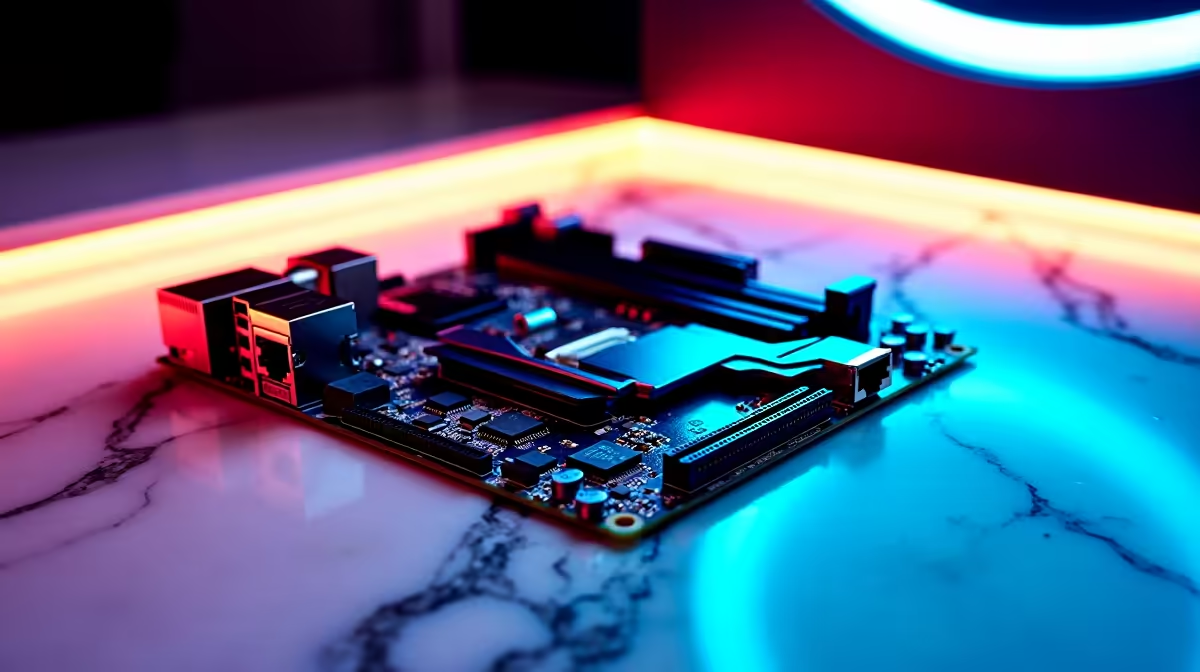
Load shedding might interrupt your session, but your rig's performance should never drop frames when the power is on. If you are chasing ultimate frame rates and a cable-free aesthetic, building a clean high-performance Intel PC around a DDR5, WiFi 7 and dual LAN motherboard is the ultimate power move. Let us look at how you can craft a sleek, future-proof powerhouse that dominates both work and play in South Africa. 🚀
The Foundation of Speed and Connectivity
When you set out to build a clean high-performance Intel PC around a DDR5, WiFi 7 and dual LAN motherboard, the board you choose dictates absolutely everything. A premium board ensures your high-end components communicate without frustrating bottlenecks. If you are browsing through motherboards, you will quickly notice that modern connectivity is no longer just a luxury.
WiFi 7 delivers massive bandwidth with ultra-low latency... perfect for those sweaty competitive lobbies when every millisecond counts. Meanwhile, dual LAN setups let you separate your gaming traffic from your streaming or home server data. For Team Blue enthusiasts, ASUS Intel motherboards offer incredible BIOS stability and sleek, minimalist designs that help hide unsightly cables. If you happen to prefer Ryzen builds, ASUS AMD motherboards deliver similar premium features and robust power delivery.
Maximising DDR5 and Clean Aesthetics ✨
A high-performance build needs memory that can keep up with modern demands. The leap to DDR5 brings massive bandwidth improvements, allowing your Intel processor to crunch data effortlessly. To fully utilise your next-generation board, you need high-speed memory kits that match your CPU capabilities perfectly.
But raw speed is only half the battle. A truly clean build means cable management is a top priority. Look for a chassis with hidden routing channels and consider reverse-connection motherboards. This keeps the inside of your case looking immaculate, improves overall airflow, and lets you synchronise your RGB colour schemes without visual clutter.
Cable Management Pro Tip 🔧
When building a clean PC, route your EPS CPU power cables before installing your bulky air cooler or radiator. It saves you from scraping your knuckles and keeps the top left corner of your case looking neat and professional.
Future-Proofing Your South African Setup
We all know tech prices in ZAR can fluctuate, often making premium components feel like a hefty investment. However, spending a bit more on a dual LAN and WiFi 7 setup now saves you from a full system overhaul later. You get the flexibility of blazing-fast wireless speeds alongside the rock-solid reliability of a wired connection. Whether you are transferring massive video files or grinding ranked matches, your network will never be the weak link.
If building from scratch feels daunting, you can always hunt for the best gaming PC deals that already feature these cutting-edge components. Pre-built systems from reputable builders ensure perfect cable management right out of the box... saving you both time and stress.
Ready to Build Your Dream Rig? Upgrading to the latest networking and memory standards guarantees peak performance for years to come. Explore our massive range of PC components and start piecing together your ultimate high-performance machine today.











