

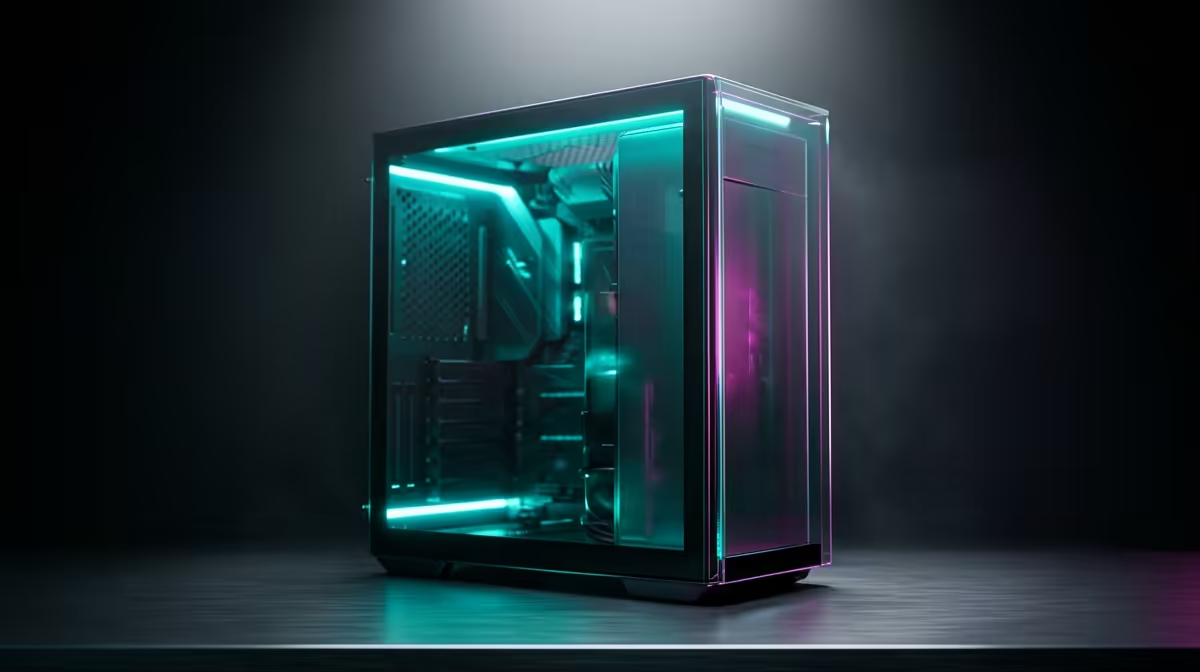
Ever stared at a render bar, watching it crawl slower than Friday traffic on the N1? Ja, we've been there. The frustration of choppy 4K playback or a system that chokes on simple colour grades is a creativity killer. That’s why we decided to document our process for building the best editing PC in South Africa—a machine that doesn’t just keep up, but pushes you forward. This isn't about specs for specs' sake; it's our story of creating the ultimate creative tool.
The Core Debate: Choosing Your Processor
When you're building a powerful editing computer, the processor (CPU) is your command centre. It handles everything from software responsiveness to the final export. For years, the choice has been a battle between two giants: Intel and AMD.
Intel CPUs, with features like Quick Sync Video, often provide excellent hardware acceleration in apps like Adobe Premiere Pro. They're fantastic for a smooth timeline experience. If you live in the Adobe ecosystem, it's worth exploring our latest Intel PC deals to see the performance on offer.
On the other hand, AMD Ryzen processors have become legendary for their multi-core performance. If your workflow involves heavy-duty rendering, 3D work in After Effects, or multitasking, the sheer number of cores can be a massive advantage. For raw rendering power, it's hard to look past Team Red. You can check out our AMD Ryzen PC deals for some serious multi-threaded muscle.
Ultimately, there's no single "best" choice, only what's best for your workflow.
Beyond the CPU: Graphics, Memory, and Storage 🚀
A great CPU needs a strong supporting cast. Without enough RAM or a speedy GPU, even the best processor will feel sluggish.
GPU: The Render Accelerator
Your graphics card (GPU) is crucial for real-time playback of effects, smooth timeline scrubbing, and dramatically faster export times. NVIDIA's CUDA cores are widely supported in creative apps like DaVinci Resolve and the Adobe Creative Suite, offloading complex tasks from the CPU. A solid GPU transforms your editing experience from a waiting game into a creative flow.
RAM: Your Creative Workspace
Think of RAM as your desk space. 16GB used to be enough, but for 4K video, motion graphics, and multiple apps running at once, 32GB is the new standard. If you're working with 6K or 8K footage, pushing to 64GB will ensure you never hit that dreaded "system memory is low" warning.
Storage Strategy for Editors ⚡
maximum performance, use a three-tiered storage setup. Tier 1: A fast NVMe SSD for your Operating System and software. Tier 2: A separate SATA or NVMe SSD for your active project files and cache. Tier 3: A large, traditional Hard Drive (HDD) for archiving completed projects and storing raw footage. This prevents bottlenecks and keeps your machine feeling snappy.
Building a Capable Editing PC on a Budget
Let's be real: building a high-performance machine in South Africa can feel expensive. But you don't need to spend a fortune to get a system that can handle serious work. The key is balance. By pairing a capable mid-range CPU with a decent GPU and 32GB of RAM, you can create a beast. You’d be surprised at what's possible; we have a whole range of powerful editing PCs under R20,000 that can chew through 1080p and even 4K projects without breaking a sweat.
Crafting the perfect editing PC is a journey, but the destination—a seamless, powerful, and reliable creative workflow—is worth every step.
Ready to Build Your Creative Powerhouse? Stop waiting for renders and start creating. Our expert team can help you configure the perfect machine for your workflow and budget. Design your dream editing PC with our Custom PC Builder and unlock your true potential.











