

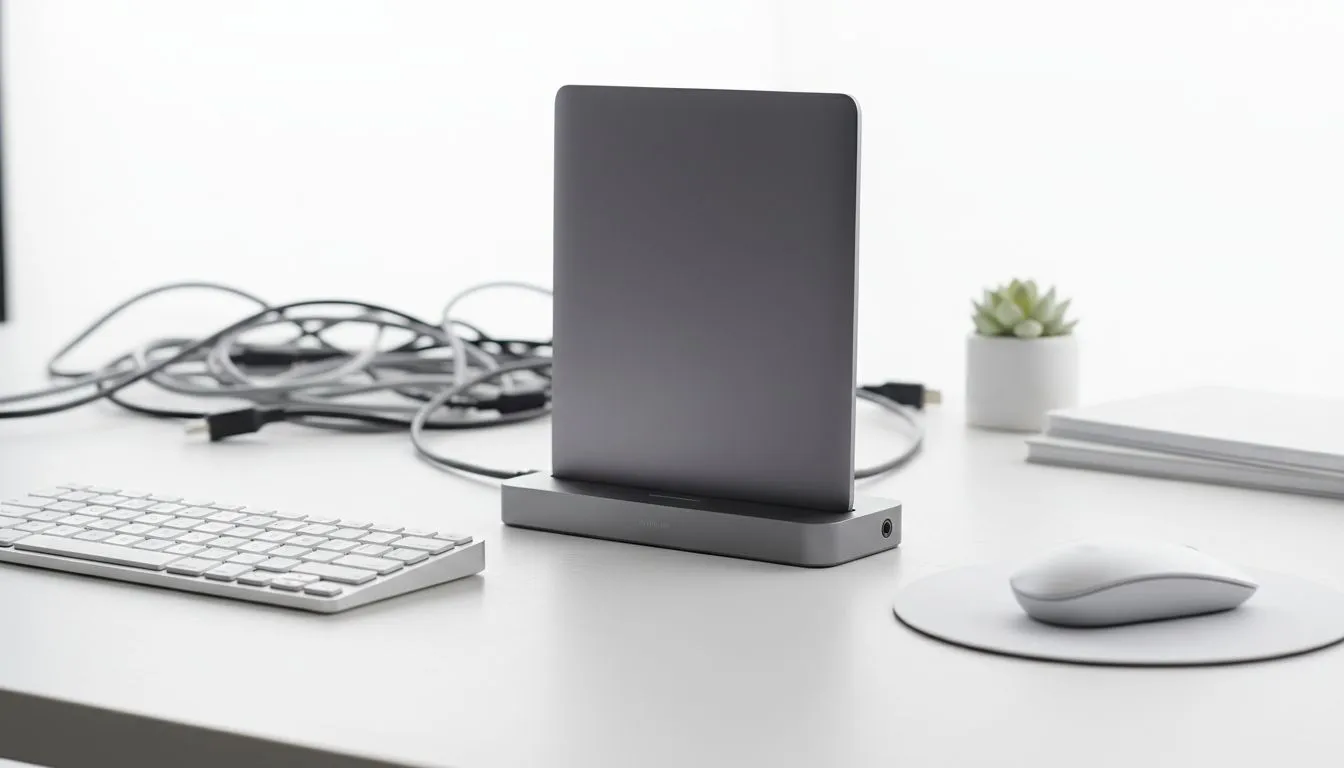
Tired of the "spaghetti monster" under your desk? A cable-free desk setup isn't just for Instagram... it boosts focus and makes your rig look professional. Whether you are a competitive gamer or a remote worker in Jozi, tidying up your space changes everything. Let's look at how to achieve that minimalist look without sacrificing performance. 🔧
The Essentials of a Cable-Free Desk Setup
Eliminating wires starts with your primary input devices. A clean keyboard and mouse area is the centerpiece of any professional battle station. The most significant impact comes from switching to wireless gaming keyboards. Modern wireless technology ensures that you don't lose a single millisecond during intense firefights. Removing the tether to your PC gives you freedom... you can position your gear exactly where it feels best.
Choosing High-Performance Wireless Gear
When you optimise your workspace, performance remains the top priority. Latency used to be a worry for South African gamers... but modern tech has closed that gap. For those who demand the fastest response times, Razer gaming keyboards offer industry-leading wireless stability.
If you prefer a more custom approach, Glorious keyboards provide a premium feel with a clean, modular design. Both options help maintain that sleek, minimalist aesthetic. They provide a tactile experience that enhances your productivity without the clutter of extra cords. 🚀
Cable Management and Laptop Dock Tips
A laptop dock is the secret weapon for any clean setup. It allows you to connect your monitor, power, and peripherals through one single cable. This significantly reduces the mess on your surface. Here are some essential mouse and laptop dock tips to keep your surface clear. Are you hunting for the cheapest gaming keyboard in South Africa? You can still achieve a high-end look with proper cable routing and a hidden hub.
Workspace Organisation Tip ⚡
Use a cable tray mounted to the underside of your desk. This hides power bricks and long cables from view. It makes your setup look cleaner and prevents dust buildup around your feet.
Balancing Performance and Aesthetics
Not everyone wants to go fully wireless. Some enthusiasts still prefer the reliability of wired gaming keyboards for their zero-latency connection. You can keep these setups tidy by using a braided "pilot" cable that matches your desk's colour scheme. These coiled cables look intentional rather than messy. Whether you choose wired or wireless, the goal is a workspace that inspires you to create and play. ✨
Ready to Build Your Dream Workspace? A clean, cable-free desk setup is about choosing the right tools for the job. From high-performance wireless peripherals to budget-friendly essentials in ZAR, we have everything you need to declutter. Explore our full range of gaming keyboard specials and start your minimalist journey today.











