

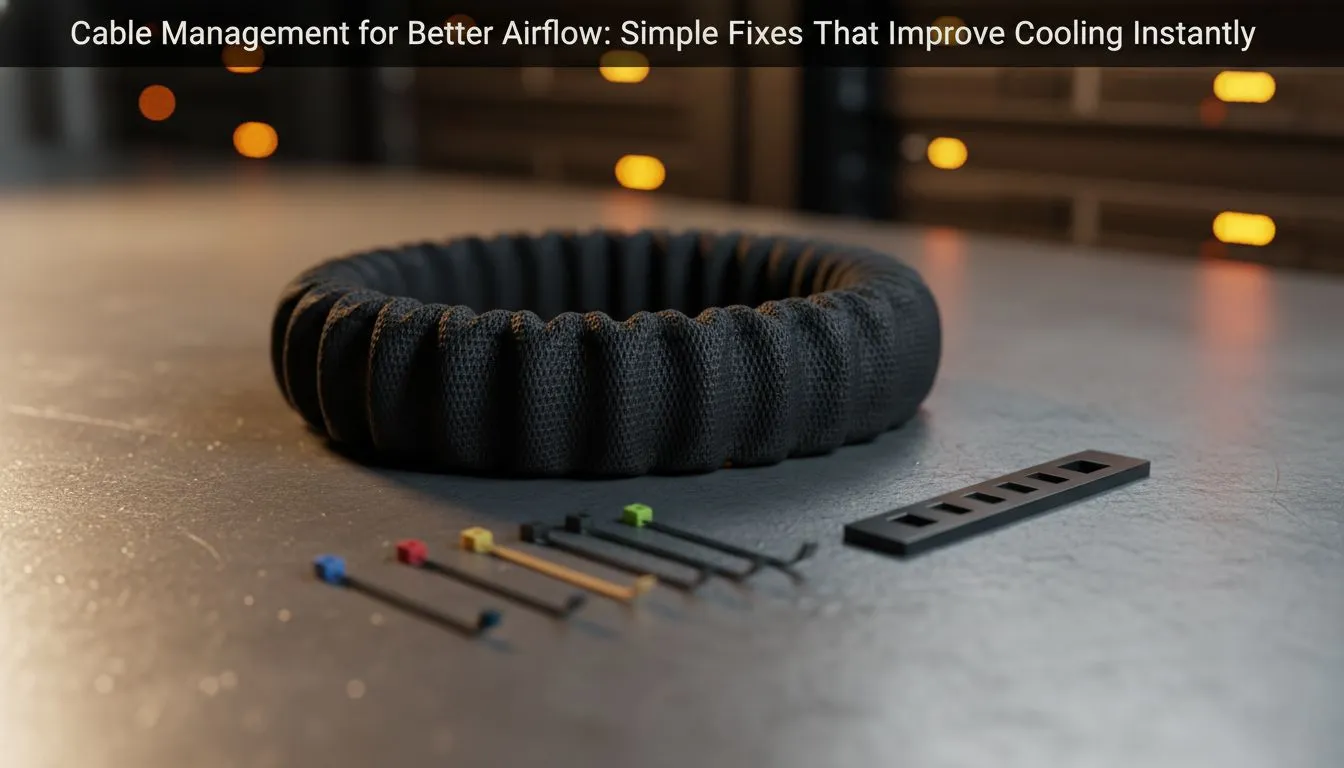
Summer in South Africa is no joke for your PC. If your internal cables look like a bowl of spaghetti... you are killing your performance. Messy wires block vital air paths... causing heat to soak into your GPU and CPU. Let’s look at how cable management for airflow can drop your temps and keep your frame rates stable during those intense gaming sessions. 🔧
Why Cable Management for Airflow is Essential
A cluttered PC interior acts like a dam in a river. When thick power cables hang directly in front of your intake fans, they create turbulence. This prevents cool air from reaching the components that need it most. By choosing modern computer cases with dedicated routing channels, you ensure that fresh air flows directly over your motherboard and graphics card without hitting a wall of plastic.
Optimise Your Fan Configuration
Even the best cable routing won't help if your fans aren't doing their job. You need a balanced pressure system. Adding a high-quality set of case fans is the first step toward better thermals. For those who want their rig to look as cool as it runs, RGB case fans offer a way to monitor heat through colour profiles.
If you prefer a stealthier look for your office or bedroom, you can find excellent non-LED fans that focus purely on static pressure and silence. For the ultimate in reliability and control, premium CORSAIR fans allow you to fine-tune your RPM curves based on real-time sensor data.
The 'Hidden' Cable Trick ⚡
Use the space behind the motherboard tray to hide your thickest 24-pin and PCIe power cables. Even if your case doesn't have a shroud, bunching these wires at the bottom or behind the tray can lower ambient case temperatures by up to 5 degrees Celsius during heavy South African summer loads.
Choosing the Right Chassis for Cable Routing
Not all cases are built equal. If you are struggling with a cramped interior, it might be time for an upgrade. Many Evetech gaming cases are designed specifically for the local market... offering massive cut-outs and velcro straps that make cable management for airflow a breeze.
For gamers who want a blend of aesthetics and functionality, Gamdias gaming cases often feature dual-chamber designs. This separates the hot power supply from the main airflow path... ensuring your components stay frosty even when the mercury hits 30°C in Gauteng.
Cooling the Heart of Your Rig
Once your cables are tucked away, focus on the heat source. If you are still using a stock cooler, upgrading to standard air-based CPU coolers can provide a massive jump in thermal headroom for under R1,000. However, if you want the cleanest look possible with zero cable clutter around the socket, Liquid Cooler (AIO) solutions move the heat dissipation to the edge of the case... leaving the centre of your build wide open for maximum airflow. 🚀
Ready to Chill Your Build? Don't let a messy interior throttle your performance. From high-static pressure fans to the latest ventilated chassis, we have everything you need to keep your PC running at peak efficiency. Explore our massive range of cooling and case specials and give your hardware the breath of fresh air it deserves.











