

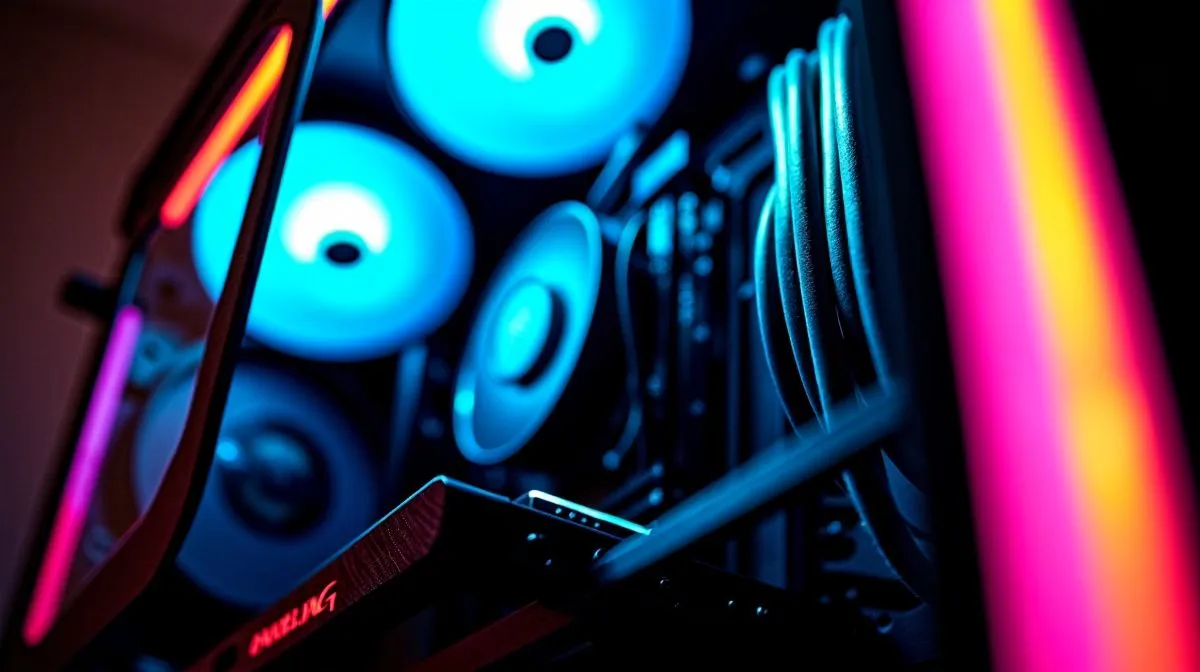
Cable Management for Gaming Performance ... why it matters
South African builders often treat cables like an afterthought... but tidy routes can lower temps, ease upgrades and make your rig feel professional. In this quick build guide you’ll learn focused steps to tidy a mid‑tower or full‑tower, using parts you can buy locally. Think airflow, neat RGB runs, and removable panels... small changes that keep FPS steady during long Durban raids or Johannesburg LAN nights. 🔧
Prep: tools, case choice and plan
Start with the right case and basic tools. A quality case with routing cutouts and tie points saves hours. Evetech lists compact case selections you can filter by size and features. A zip of cable ties, angled screwdrivers and Velcro straps is all you need.
Routing: the fast method that actually works
Strip power to your peripherals and lay cables along the shortest path away from airflow intake. Use the PSU shroud for excess length. Group 24-pin, 8-pin CPU and GPU power separately so vibrations do not tug connectors. Route fan and RGB cables behind the motherboard tray and fasten with ties every 10 to 15 cm to stop sagging. ⚡
Case picks and brand notes
Different case designs make routing easier. Fractal cases are a favourite for clean trays and good grommet coverage. For a gaming aesthetic, Gamdias offers aggressive styling and useful tie points.
Explore the Gamdias range if you want bold design and routing convenience.
Build Lab Pro Tip ✨
When planning cable runs, measure before you plug. Route long GPU or front-panel cables first, then add the shorter leads. Use reusable Velcro for components you’ll change often like storage drives or front I O.
Small steps, big gains for performance
Good cable management improves airflow which helps temperatures and reduces fan noise and throttling risk during long sessions. Don’t forget to keep PCIe power cables flat against the rear to avoid blocking bottom intake fans. If you use custom cables, match lengths to avoid excess slack.
Finishing touches and maintenance
Label your main connectors with small tags so future upgrades take minutes. Remove dust with compressed air every three months and re-tighten ties after moving the rig. Compare Fractal options and the Gamdias budget models under R1,500 on Evetech to match your budget and style.
Quick micro story: a friend in Cape Town delayed an upgrade because cables made his build noisy. After a one‑hour tidy and a sharper case choice, fans ran slower, cable clutter vanished and upgrades became simple. The point: you can gain hours of comfort and reduce frustration with modest spend. If you’re replacing a case, matching routing features to your GPU and PSU simplifies life. Evetech has detailed listings and filters to compare features, so pick a case that lets you route cleanly from day one. Small effort now makes future mods painless and keeps you focused on the game. Start your tidy build tonight and win.
Ready to Find Your Perfect Match? The Mac vs Windows debate is complex, but for maximum power, choice, and value in South Africa, Windows is hard to beat. Explore our massive range of laptop specials and find the perfect machine to conquer your world.











