

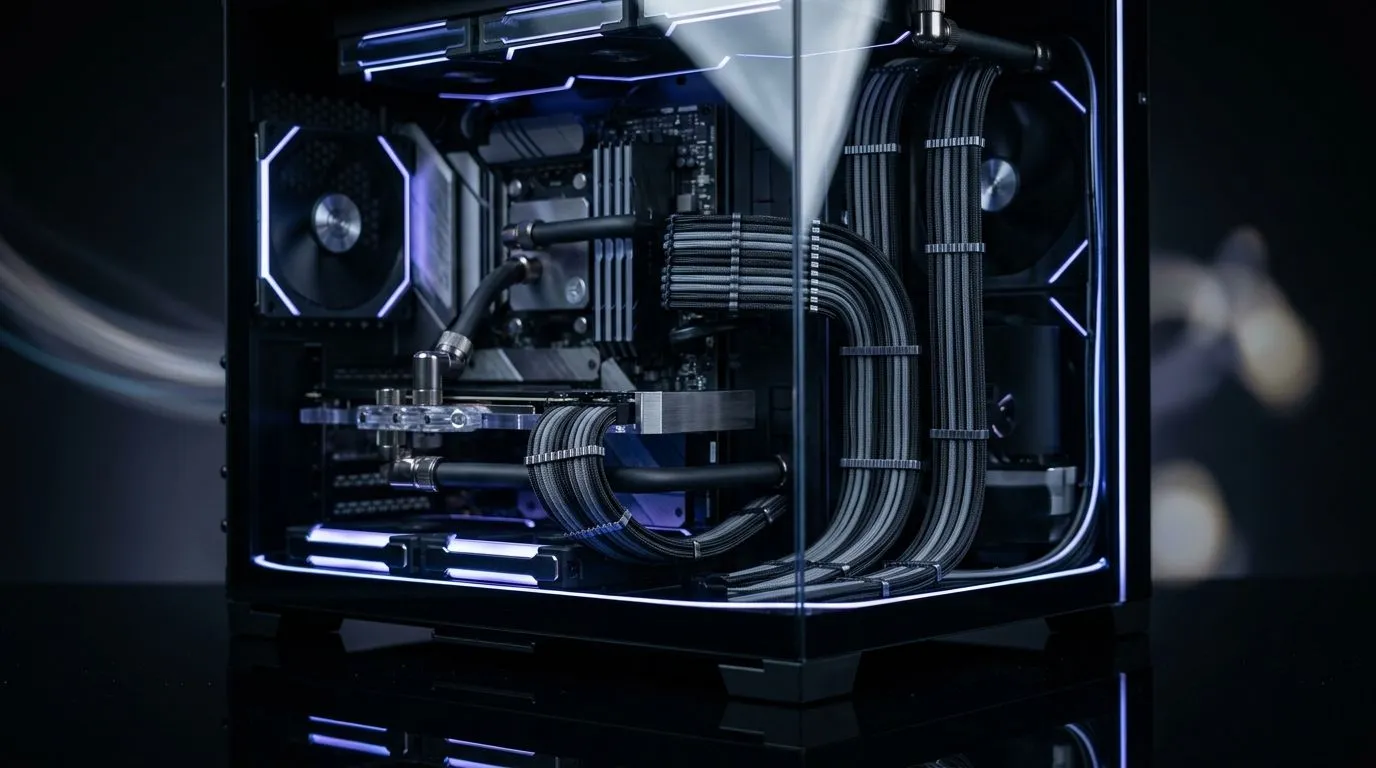
Why tidy cables matter in tempered glass builds 🔧
If your rig has tempered glass panels, untidy wiring ruins the reveal. South African builders know a clean interior shows off RGB, airflow, and pride. This guide delivers practical, cheap, and effective cable management solutions for tempered glass PC builds—no fluff, just tips and product links so you can present a polished, cool system.
Plan the route before you build
Start by mapping power and data runs. Route PSU cables behind the motherboard tray and use the case grommets nearest the components. For smaller budgets, velcro straps or zip ties keep bundles neat and are very cheap. For a wide choice of cases and routing options, browse Evetech’s case range for compatible designs: https://www.evetech.co.za/components/computer-cases-70.
Choose cases that hide the mess
Tempered glass looks amazing when you use a case with a roomy cable channel and PSU shroud. Popular options include Fractal Design for understated layouts and smart management; see their selection here: https://www.evetech.co.za/PC-Components/fractal-design-pc-cases-346. Gamers on a budget can still get tidy routing with mid-tower designs that include tie points and grommets.
Budget picks and alternatives ✨
If you need a case under R1,500, check Gamdias options that balance style and routing features: https://www.evetech.co.za/PC-Components/gamdias-gaming-cases-293?max-price=1500. For the full Gamdias range, including higher-end models with more routing space, see: https://www.evetech.co.za/PC-Components/gamdias-gaming-cases-293.
Cable Management Pro Tip ⚡
Use short, custom-length PSU cables or modular PSUs to eliminate unused wires. Route long runs along the tray, secure every 10 centimetres, and conceal extensions behind the shroud or drive cages.
Techniques that actually help
- Use modular power supplies to remove unused cables.
- Route CPU power and GPU power on different planes to avoid bulges against the glass.
- Use flat or ribbon cables where possible for a cleaner stack.
- Label the ends during the build so upgrades stay tidy.
These small choices improve airflow and make the glass panel a showcase, not a headache. When choosing parts, favour cases with generous rear clearance and multiple tie points. Evetech’s case listings include depth and feature notes to help compare models quickly.
Finishing touches before closing the panel
Add short cable combs for parallel runs, use black sleeves for contrast, and keep RGB controllers tucked away. Test cable tension by lightly pushing on the glass after closing; if anything pulls, reopen and reroute. A neat build reduces dust pockets and makes future maintenance easier.
Common mistakes to avoid
Overtightening zip ties, blocking intake fans, and hiding cables with poor airflow are common traps. Recheck airflow paths, leave small service loops for upgrades, and prioritise neat runs over cosmetic shortcuts for long term reliability; make future upgrades easier too.
Ready to Find Your Perfect Match? The Mac vs Windows debate is complex, but for maximum power, choice, and value in South Africa, Windows is hard to beat. Explore our massive range of laptop specials and find the perfect machine to conquer your world.











