

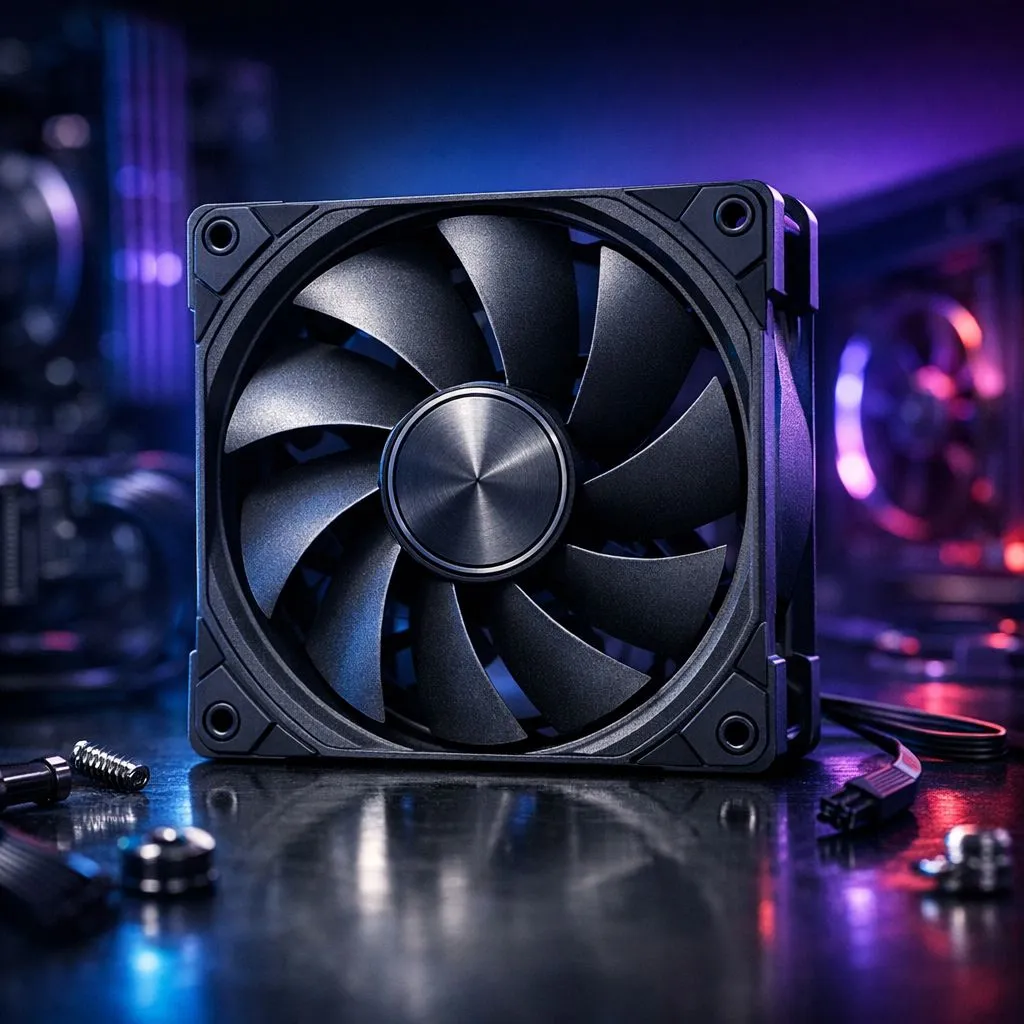
Building a PC in sunny South Africa means battling the heat. You have spent thousands on a GPU... but if your airflow is wrong, you are leaving performance on the table. Avoiding common case fan installation mistakes is the easiest way to keep your rig cool and quiet during a long session of Warzone. Let’s ensure your components stay frosty. 🔧
Master Your Case Fan Installation Mistakes
The most frequent error is fighting physics. Many builders accidentally set all their fans to exhaust. This creates a vacuum that pulls dust through every un-filtered crack in your chassis. A balanced approach is better. You want a mix of intake and exhaust to maintain positive air pressure.
When browsing our wide range of case fans, consider the layout. Generally, the front and bottom should be intakes... while the top and rear should be exhausts. Look for the small arrow on the fan frame. It points in the direction the air will flow. ⚡
Choosing the Right Size for Your Case
Size matters for both noise and performance. Many modern cases support different configurations. If your chassis allows it, 140mm fans are often superior. They move more air at lower speeds... which means a quieter experience while you work or play.
However, compatibility is key. Most budget or mid-range cases rely on 120mm fans for their mounting points. Forcing a fan into a space where it does not fit can lead to rattling or frame damage. Always check your case manual before buying.
Balancing Aesthetics with Performance
We all love a build that looks as good as it performs. If you want that premium glow, RGB fans are the standard choice for South African gamers. They allow for total customisation of your rig’s colour scheme. 🚀
Static Pressure vs Airflow ⚡
Not all fans are the same. Use static pressure fans for radiators or restrictive mesh. Use high-airflow fans for open exhaust areas. This ensures your cooling is truly optimised for your specific hardware setup.
If you prefer a more professional or "sleeper" look, non-illuminated fans offer a clean aesthetic. These often focus purely on blade design and motor longevity. Brands like Deepcool offer fantastic options for those prioritising value and cooling power.
Advanced Control and Brand Ecosystems
For the ultimate build, software control is a lifesaver. High-end CORSAIR fans integrate with iCUE software. This allows you to set custom curves based on your GPU temperature. This prevents your PC from sounding like a jet engine during light tasks... but ramps up when the action gets intense. ✨
Try not to mix too many different brands. Each brand often uses proprietary connectors or controllers. Sticking to one ecosystem makes your cable management much easier. It also ensures your lighting effects stay perfectly synced across your entire setup.
Ready to Chill Your Build? Don't let thermal throttling ruin your gaming experience. From silent stealth builds to vibrant RGB setups, we have the cooling solutions you need. Explore our massive range of case fans and keep your PC running at its peak performance.











