

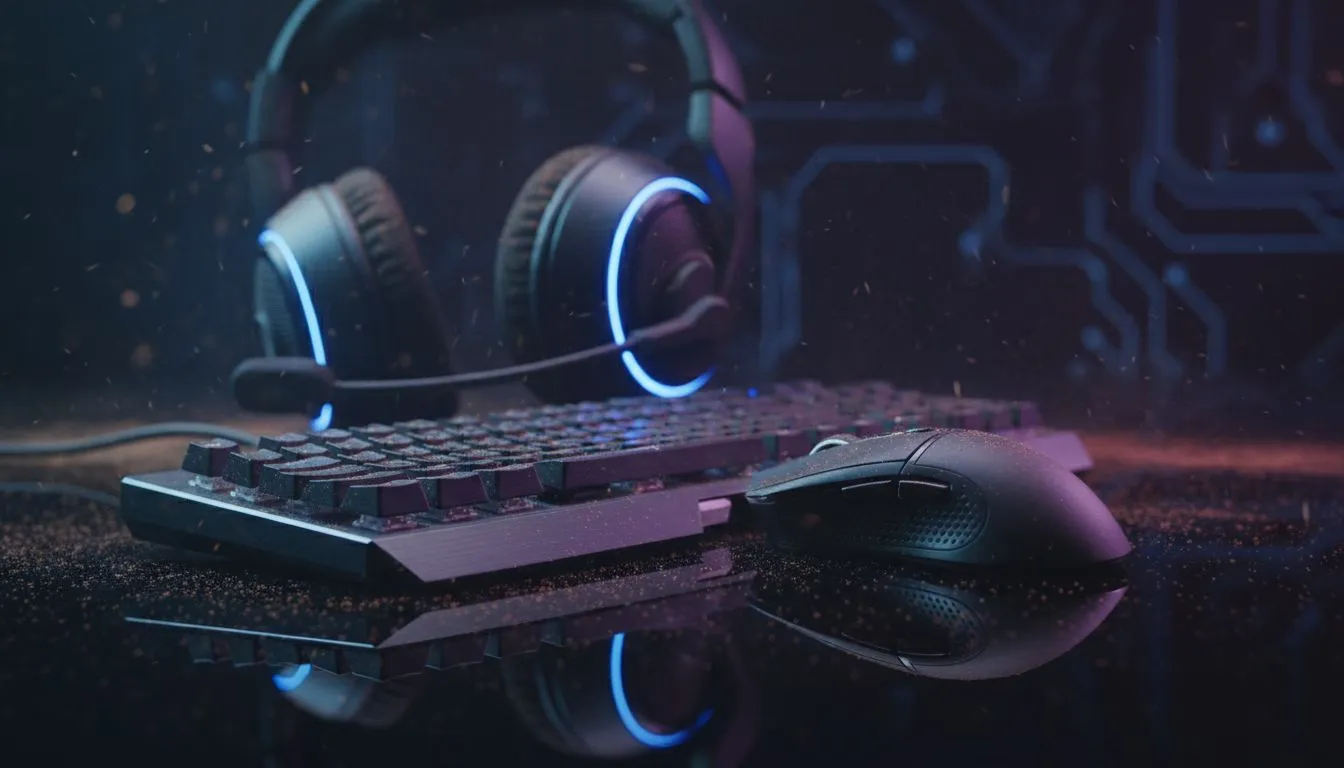
Let's be honest, that post-load shedding gaming marathon was epic... but your gear is looking a bit grim. Dorito dust in the keyboard, a sticky mouse click, and a headset that’s seen better days. Keeping your gaming peripherals clean isn’t just about looking good; it's about peak performance and hygiene. A little care for your keyboard, mouse, and headset goes a long way in making your favourite hardware last longer and feel brand new. Ready to get started? 🚀
Why Clean Gaming Peripherals? More Than Just Looks
Neglecting your gear is a rookie mistake. Dust, skin cells, and snack crumbs don’t just look gross; they actively sabotage your performance. A dirty mouse sensor can cause tracking issues in a crucial firefight, while a sticky key can fail you when you need that ultimate ability most. Proper care for your gaming peripherals ensures they remain responsive, hygienic, and ready for battle for years to come. Think of it as essential maintenance for your digital arsenal.
Your Guide to a Spotless Gaming Keyboard ⌨️
Your keyboard is often the biggest victim of gaming grime. Whether you own a basic membrane or a high-end mechanical board, regular cleaning is non-negotiable. If yours has seen one too many battles, it might be time to browse the latest gaming keyboards in South Africa.
The Quick Clean (Weekly Ritual)
For routine upkeep on any board, from a classic wired keyboard to a sleek wireless model, follow these simple steps:
- Unplug it! Safety first.
- Turn it upside down and give it a gentle shake to dislodge loose debris.
- Use a can of compressed air to blast out stubborn dust from between the keys.
- Wipe the surface and keycaps with a lightly dampened microfibre cloth.
The Deep Clean (Monthly Mission)
For a thorough refresh, especially on a mechanical board like a top-tier Razer Gaming Keyboard or a customisable model from the Glorious Keyboards range, you'll need to go deeper.
- Take a photo of the layout before you start... trust us on this one.
- Use a keycap puller to gently remove all the keycaps.
- Soak the keycaps in a bowl of warm, soapy water. Rinse and let them air dry completely.
- While they dry, use compressed air and a small brush to clean the keyboard's base plate.
- Use a cotton swab dipped in isopropyl alcohol to clean any sticky spots.
- Once everything is bone dry, pop the keycaps back on.
Mastering Mouse Maintenance
Your mouse is your primary aiming tool, and a clean gaming mouse is a precise one. Grime can interfere with sensor tracking and make the buttons feel mushy.
The Surface Wipe-Down
Whether it's a lightweight wireless mouse or a dependable wired mouse, the body needs attention. Use a microfibre cloth with a bit of isopropyl alcohol to wipe down the shell, paying close attention to the grips and buttons where oil builds up. Use a toothpick to gently scrape gunk out of the panel gaps.
Sensor and Skates Care
A clean sensor is vital for the pinpoint accuracy every serious gaming mouse promises.
- Unplug the mouse.
- Use a dry cotton swab to gently wipe the sensor lens. Never use liquid directly on the sensor.
- Wipe down the mouse feet (skates) to ensure a smooth glide. If they're worn down and scratchy, you can often find replacements in our mouse accessories section to restore that out-of-the-box feel.
If your mouse is lagging no matter how much you clean it, it might be time for an upgrade. Keep an eye on our best gaming mouse deals for some serious value.
Keeping Your Gaming Headset Fresh 🎧
A clean gaming headset is essential for comfort and hygiene. Nobody wants to put on a greasy, smelly headset before a long session.
Start by wiping down all plastic surfaces with a damp cloth. For the earpads, the approach depends on the material. Fabric pads can often be removed and gently hand-washed. For leatherette pads, a simple wipe-down is best to prevent cracking. Don't forget to wipe the microphone boom and grille to ensure your comms are crystal clear.
Beat the 'Pleather' Peel 🔧
Faux leather (pleather) on headset earpads can start to flake over time, especially in our warm South African climate. To slow this down, wipe them with a dry microfibre cloth after every session to remove sweat and oils. Avoid harsh chemical cleaners, as they can accelerate the degradation of the material.
When Cleaning Isn't Enough
Proper care for your gaming peripherals will extend their lifespan significantly. However, all hardware eventually wears out. If you have keys that no longer register, a mouse that double-clicks on its own, or a headset that's crackling, no amount of cleaning will fix the internal components. That’s when you know it's time for a well-deserved upgrade.
Ready for a Performance Upgrade? Proper care extends the life of your gear, but sometimes a fresh start is the ultimate competitive edge. From faster switches to lighter mice, the right upgrade can make all the difference. Explore our massive range of PC gaming hardware and find the perfect tools to dominate your game.











