

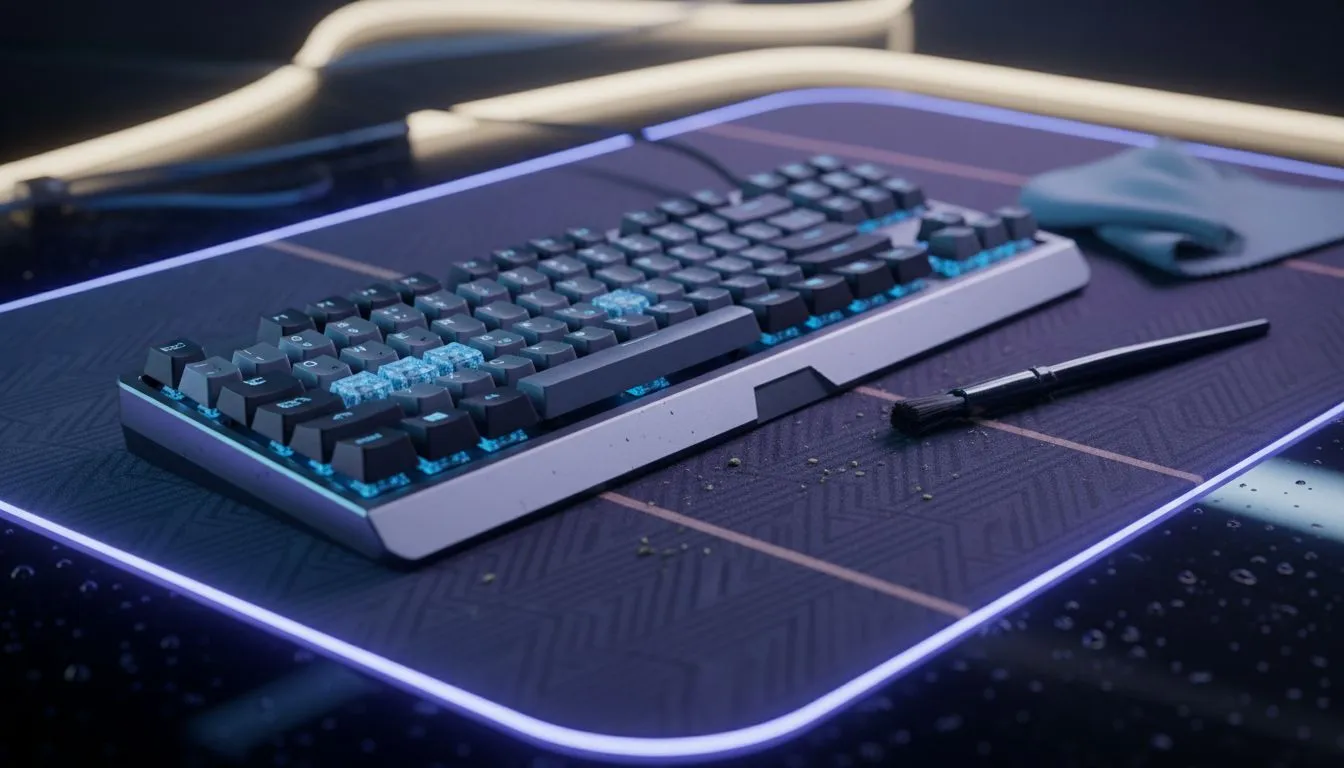
Clean Mechanical Keyboard and Mouse Mat: Step-by-Step Guide
South African gamers, tired of sticky keypresses and a grimy mouse mat? This quick, local-friendly guide shows how to clean a mechanical keyboard and mouse mat safely, using household items and a few Evetech-recommended tools. Follow these steps and your setup will feel fresh again—ready for LAN nights or long ranked sessions 🔧✨.
Clean Mechanical Keyboard and Mouse Mat: What you need
Start simple. Gather a soft brush, microfibre cloths, isopropyl alcohol (70%+), mild dish soap, and a keycap puller if you have removable caps. If you’re shopping for a replacement keyboard while you wait for parts, check Evetech’s selection of budget mechanical keyboards to compare switches and form factors: https://www.evetech.co.za/components/buy-cheapest-gaming-keyboard-in-south-africa-52. Prefer a specific brand? Browse Razer options here: https://www.evetech.co.za/components/buy-cheapest-gaming-keyboard-in-south-africa-52?category=Razer+Gaming+Keyboard or Glorious models here: https://www.evetech.co.za/components/buy-cheapest-gaming-keyboard-in-south-africa-52?category=Glorious+Keyboards. Choosing between wired and wireless? See wireless keyboard options at https://www.evetech.co.za/components/buy-cheapest-gaming-keyboard-in-south-africa-52?attributes-connectivity=Wireless and wired choices at https://www.evetech.co.za/components/buy-cheapest-gaming-keyboard-in-south-africa-52?attributes-connectivity=Wired.
Clean Mechanical Keyboard and Mouse Mat: Step-by-step cleaning
- Power down and unplug your keyboard and mouse.
- Remove keycaps with a puller. Lay them out in a bowl of warm soapy water.
- Use a soft brush and compressed air to dislodge crumbs from the board. For stubborn grime, lightly dampen a microfibre cloth with isopropyl alcohol and wipe stabilisers and switch housings.
- Clean the mouse mat: fabric mats scrub with mild soap and water; rubber or stitched edges need gentle rinsing. Let mats air-dry completely—avoid direct sun.
- Reattach dried keycaps and test every key. If any switch feels off, consider browsing Evetech’s gaming mice to ensure your hand setup matches your sensor and grip: https://www.evetech.co.za/components/gaming-mouse-117.aspx.
For fresh gear deals while upgrading, inspect current offers: best mouse deals at https://www.evetech.co.za/best-gaming-mouse-deals/x/054.aspx, wireless mice at https://www.evetech.co.za/buy-wireless-mouse/x/1597.aspx and wired mice at https://www.evetech.co.za/buy-wired-mouse/x/1596.aspx. Need extras? Mouse accessories like grips and skates are at https://www.evetech.co.za/buy-mouse-accessories/x/1595.aspx.
Cleaning Pro Tip ⚡
Allow keycaps to fully air-dry on a towel for at least 24 hours. Use a soft toothbrush to reach tight spots on textured caps. This prevents trapped moisture from damaging switches.
Clean Mechanical Keyboard and Mouse Mat: Aftercare and small wins
Maintain a cleaning rhythm: quick weekly wipe-downs, deeper clean every 3–6 months. Small habits keep performance and resale value up—use a dust-cover between sessions if you’re in a dusty area. A mate of mine in Cape Town swapped to a cloth mat and noticed better mouse control and fewer static shocks after routine washing... it really makes a difference.
If a switch or mouse starts to fail, Evetech’s replacement options and deals make upgrades painless and ZAR-friendly. Keep receipts and photos for warranty claims.
Ready to Find Your Perfect Match? The Mac vs Windows debate is complex, but for maximum power, choice, and value in South Africa, Windows is hard to beat. Explore our massive range of laptop specials and find the perfect machine to conquer your world.











