Is your PC sounding more like a jet engine than a high-performance gaming rig? Dust is the usual culprit, choking your components and throttling performance. But the fear of that little “Warranty Void if Removed” sticker stops many gamers cold. Good news: you can absolutely clean your PC without voiding the warranty. This safe, step-by-step guide shows you how to restore your PC’s cool, quiet performance without any risk.
Understanding Your Warranty Before You Begin
First things first, let's clear the air. Most manufacturer warranties cover defects in workmanship and materials, not issues caused by neglect. In fact, performing basic maintenance like dusting is often seen as responsible ownership. The key is to clean your PC without voiding the warranty by avoiding any action that could be interpreted as damage or unauthorised modification.
Breaking a sticker doesn't automatically void your rights, but the goal here is to avoid any hassle. By following a safe cleaning method, you keep your machine running smoothly and your warranty securely intact, ensuring the best gaming PC deals you invested in continue to deliver top performance.
Your Warranty-Safe PC Cleaning Toolkit 🔧
You don't need a specialised lab to get this done. A few simple tools are all it takes for a safe and effective clean.
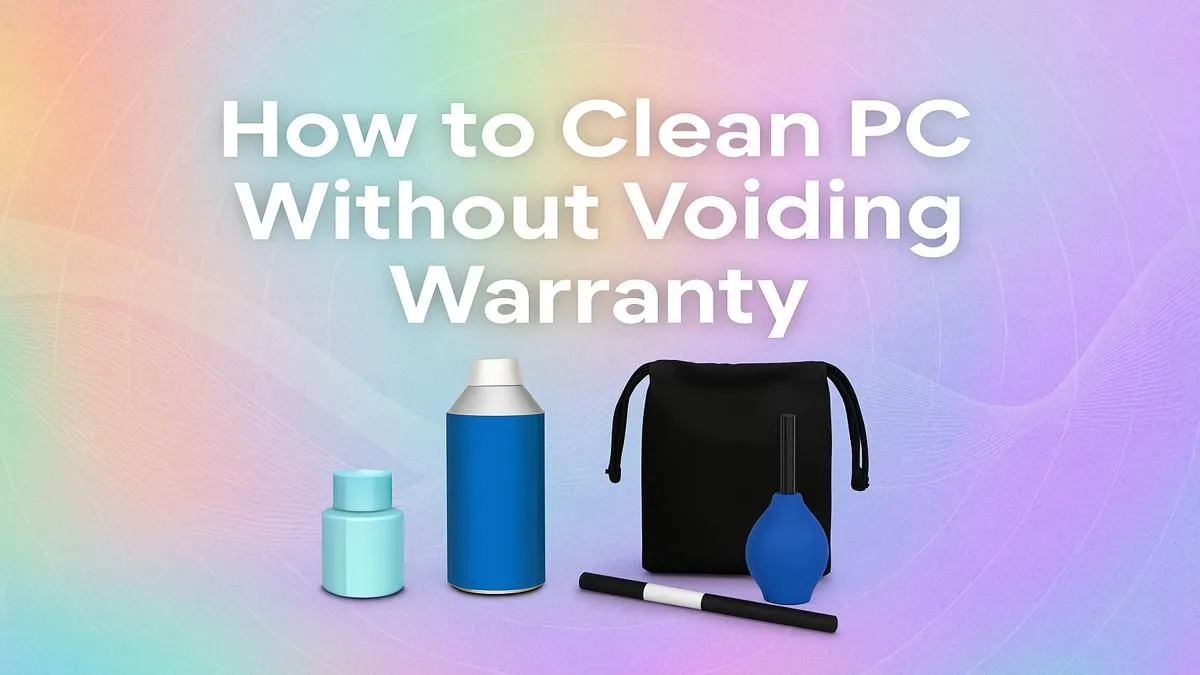
- Can of Compressed Air: This is your primary weapon against dust. It allows you to dislodge particles from tight spaces without physical contact.
- Microfiber Cloths: Perfect for wiping down the case exterior and other non-sensitive surfaces without leaving lint behind.
- Soft-Bristle Brush: An optional but helpful tool for gently loosening stubborn dust from fan blades or filters before blowing it away.
What to Avoid: A household vacuum cleaner! While tempting, they can generate static electricity, which is a death sentence for sensitive components like your motherboard or RAM. Stick to compressed air.
A Step-by-Step Guide to Safely Clean Your PC
Ready to bring back that new-PC quiet? Follow these steps for a risk-free clean. This simple process works for all machines, from affordable budget gaming PCs to high-end monsters.
Step 1: Power Down and Prep
Completely shut down your computer. Unplug the power cable from the wall and any other peripherals (USB devices, display cables, etc.). Move the tower to a well-ventilated area, preferably outdoors or near an open window, to avoid blowing dust all over your room.
Step 2: Open the Case
Place the PC on its side and unscrew the thumb screws holding the main side panel in place (usually the left side when viewed from the front). Slide the panel off and set it aside. This gives you direct access to the interior without needing to remove any components.
Compressed Air Pro Tip ⚡
Always use compressed air in short, controlled bursts. Keep the can upright to prevent the liquid propellant from spraying onto your components, which can cause thermal shock and damage. Never shake the can during use!
Step 3: Dust the Interior
Holding the compressed air can about 15-20 cm away from the components, use short bursts to blow dust out of the case. Focus on these key areas:
- CPU Cooler Fan and Heatsink: Blow air through the fins to clear trapped dust.
- GPU Fans: Gently hold the fans in place with a finger to prevent them from spinning too fast while you blow the dust off.
- Case Fans (Intake and Exhaust): Clear any dust buildup on the blades and grilles.
- Power Supply Vents: Ensure the PSU can breathe properly.
- Bottom of the Case: Blow out any dust that has settled on the case floor.
The goal is to blow the dust out of the case, not just around inside it.
What to AVOID to Keep Your Warranty Safe ✨
A safe step-by-step guide is as much about what not to do. To ensure you don't void your warranty, never:
- Remove Components: Don't take out the graphics card, RAM, or CPU cooler. This is considered a modification and can easily lead to a denied warranty claim.
- Use Liquids: Avoid any liquid cleaning solutions inside the PC. A simple dry dusting is all you need.
- Break Seals or Stickers: While their legal power is debatable, it’s best to just leave them untouched to prevent any arguments with the manufacturer.
Whether you've invested in a premium machine like those in our PCs above R20k range or one of our powerful PCs under R20k, the rule is the same: be gentle and don't force anything.
When a Simple Clean Isn't Enough
If you've thoroughly cleaned your PC and it's still overheating or making strange noises, it could point to a deeper hardware issue like a failing fan or dried-out thermal paste. At this point, attempting a deeper fix yourself could void the warranty.
Instead, consider it a sign that it’s time for professional service or even an upgrade. Exploring the latest pre-built PC deals can give you an idea of the massive performance jump you could get from a brand-new, dust-free rig. 🚀
Ready for a Fresh Start?
A clean PC runs better, but sometimes, it's just time for an upgrade. If dust bunnies are the least of your rig's problems, why not explore a brand-new powerhouse? Browse our massive range of PC deals and find the perfect machine to elevate your game.