

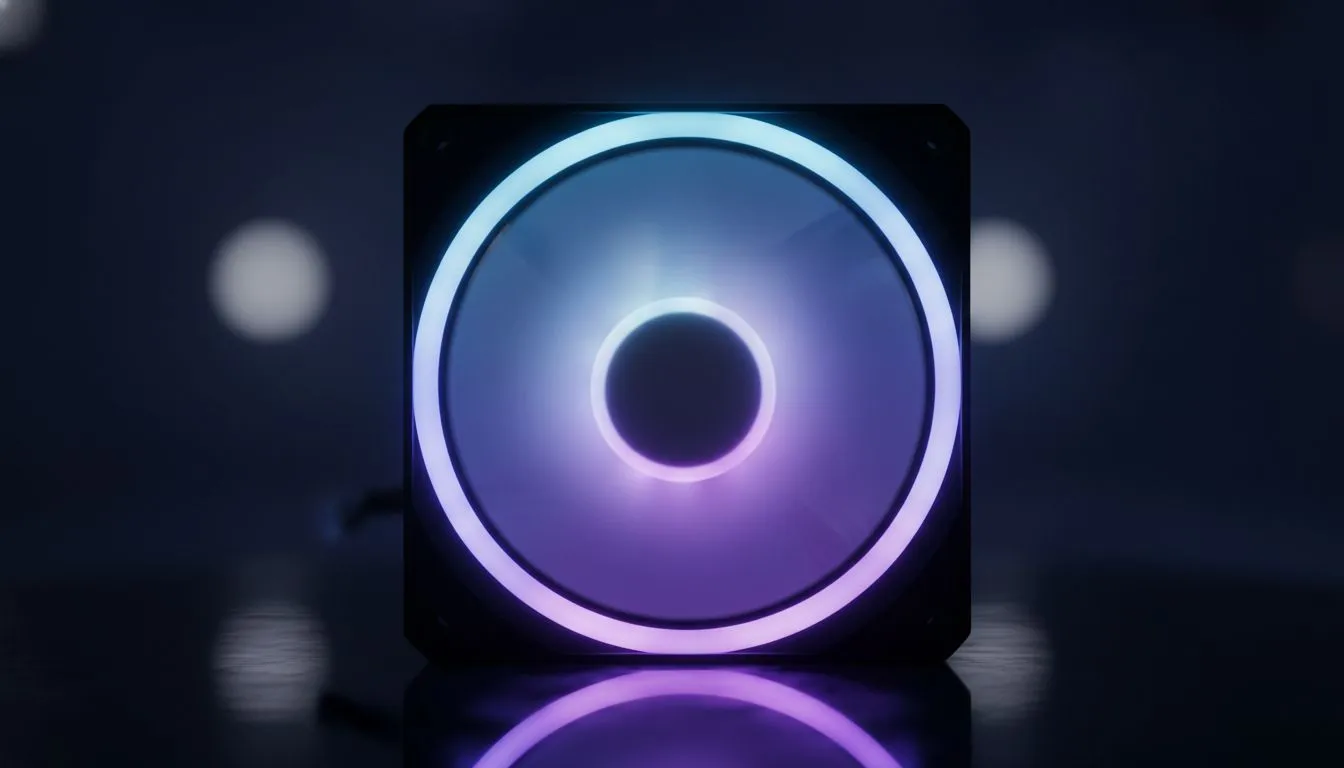
Building a Mini-ITX or compact PC in South Africa is a challenge when the summer heat hits. Small builds look sleek on your desk, but they can become literal ovens if you don't manage the heat properly. Mastering Compact PC Airflow: Keeping Small Builds Cool with 120mm Fans is the difference between a silent powerhouse and a thermal-throttling nightmare. Let's look at how to maximise cooling in tight spaces. 🔧
The Foundation of Small Form Factor Cooling
Selecting the right computer cases is the first hurdle for any enthusiast. In a small chassis, every millimetre counts. You want a layout that avoids "dead zones" where hot air gets trapped near the GPU or VRMs. Many Evetech gaming cases are engineered with this specific challenge in mind... offering clever mounting points that favour 120mm configurations over smaller, noisier alternatives.
Why 120mm Fans are the SFF Sweet Spot
In the world of Compact PC Airflow: Keeping Small Builds Cool with 120mm Fans, size matters. 140mm fans often won't fit in tighter compartments, while 80mm fans often sound like jet engines under load. High-quality case fans in the 120mm category offer the best balance of air volume and decibel levels. For those who demand premium performance, CORSAIR provides fans with advanced bearing technology that lasts for years... even in the dustier environments we often face in SA. ⚡
The 'Paper Test' ⚡
Not sure if your airflow is working? Hold a single ply of tissue paper near your exhaust fans. If it doesn't flutter strongly, you might have an air pocket or a cable blocking the path. In small builds, even one stray power cable can drop your thermal efficiency significantly.
Balancing Aesthetics and Thermal Performance
Just because your build is small doesn't mean it can't look incredible. You can opt for flashy RGB to show off your internal components... or choose fans with None for a professional, minimalist look. Using mesh-heavy Gamdias gaming cases ensures that your 120mm fans aren't fighting against a solid wall of plastic, allowing fresh air to reach your hardware without restriction. 🚀
Managing Component Heat Directly
Your CPU is the primary heat source in a tight build. While low-profile cpu coolers work for mid-range chips, a high-performance Liquid Cooler (AIO) is often the smarter route for high-end gaming rigs. By mounting the radiator as an exhaust, you ensure that the heat from your processor is dumped directly outside the case... rather than circulating around your motherboard and heating up your NVMe drives. ✨
Ready to Chill Your Build? Thermal throttling is the enemy of high frame rates and hardware longevity. Whether you need high-pressure fans or a sleek new chassis, we have the gear to keep your temps low and your performance high. Explore our massive range of cooling solutions and build the ultimate cool-running compact PC today.











