

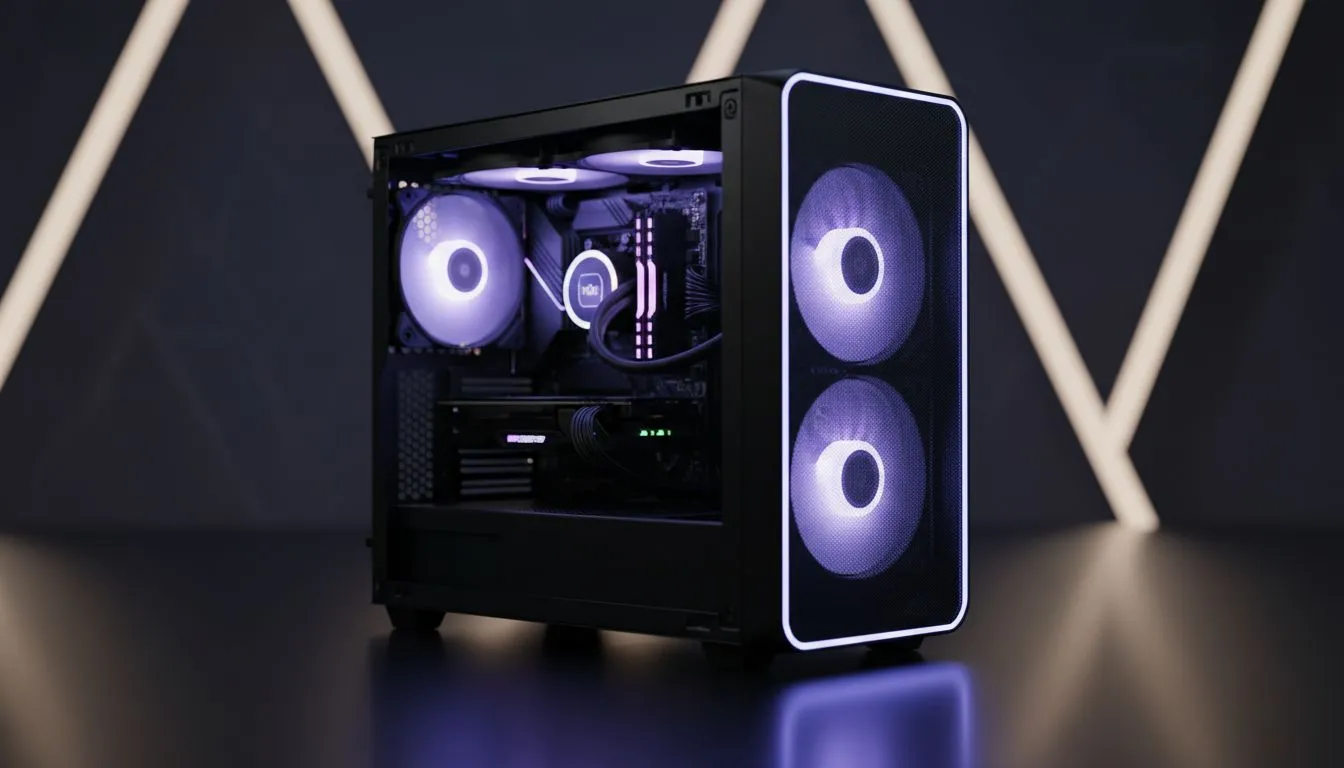
Compact case airflow — why three fans matter 🔧
Looking to squeeze top-tier cooling from a small chassis without noise or drama? Compact PC Case Airflow: Maximise Cooling with Three Fans is exactly the approach most South African builders prefer when space is tight. A well-balanced three-fan layout keeps GPU and VRM temps down, keeps fan curves gentle, and still fits into a compact or small-mid tower build. Read on for practical setups, brand pointers, and budget tips. 🚀
Compact case airflow — intake vs exhaust balance
Start by thinking airflow direction, not just fan count. The simplest three-fan setup: two front intakes, one rear exhaust. That creates positive pressure, which reduces dust ingress and helps cool components evenly. For case options and sizes, browse Evetech’s curated compact case selection to match your GPU length and cooler height: Evetech cases and specs are listed here for easy comparison. https://www.evetech.co.za/components/computer-cases-70
Compact cases can be picky about clearance. If you prefer premium minimalist designs, Fractal models have smart layouts and clear spec sheets to confirm radiator and GPU fit before you buy — check those product pages for exact dimensions and fan support. https://www.evetech.co.za/PC-Components/fractal-design-pc-cases-346
Compact case airflow — fan placement, speed and profiles ⚡
Choose two slower, higher-static-pressure front intakes and one slightly higher-RPM exhaust at the rear. This keeps temps down while keeping noise manageable. If your case has a top vent, experiment with pushing that as an additional exhaust only if your GPU doesn’t rely on a strong front-to-back flow.
For budget builders, Gamdias offers competitive gaming cases with good airflow for cost-conscious South African gamers. Compare models and prices — some Gamdias options fall under R1 500 if you’re watching the budget. https://www.evetech.co.za/PC-Components/gamdias-gaming-cases-293?max-price=1500
If you want a bit more flair or RGB while keeping airflow functional, Gamdias also lists higher-tier cases that balance aesthetics and cooling. Check their full range to match your preferred look and flow. https://www.evetech.co.za/PC-Components/gamdias-gaming-cases-293
Cooling Tip ⚡
For compact builds, orient your intake fans to pull cool air from the lowest available opening and keep cable clutter off the airflow path. Tie down PSU cables and use a thin front fan filter for dust control while maintaining positive pressure.
Compact case airflow — extras that actually help
- Fan curves: use motherboard fan control to set a mild ramp at 55–65°C for CPU/GPU. This avoids constant high RPM noise.
- Filters: removable front filters simplify cleaning and keep airflow steady.
- Fan types: static-pressure fans for front/intake, high-CFM for exhaust if your case needs it.
Every case and fan make a difference. If you want to shop case options by brand, material and layout, Evetech’s case pages list R and spec details so you can confirm what fits your components before checkout. https://www.evetech.co.za/components/computer-cases-70
Compact case airflow — quick checklist before you buy
- Confirm GPU length and cooler height on the product page.
- Choose a front+rear three-fan layout for balanced airflow.
- Prioritise cable management and a filtered intake.
A short build story: I swapped a single-front-fan compact chassis for a two-front, one-rear layout. GPU temps dropped 6–8°C and fan noise eased, all without an expensive AIO. Small changes, noticeable gains.
Ready to Find Your Perfect Match? The Mac vs Windows debate is complex, but for maximum power, choice, and value in South Africa, Windows is hard to beat. Explore our massive range of laptop specials and find the perfect machine to conquer your world.











