

Staring at a render progress bar that barely moves? We've all been there. Your creativity is firing on all cylinders, but your PC is stuck in rush-hour traffic. Choosing the right editing PC components in South Africa is the key to unlocking a smooth, frustration-free workflow. It’s not just about spending a fortune; it’s about making smart choices that directly impact your performance, whether you're cutting 4K video or batch-processing RAW photos.
The CPU Showdown: Cores vs. Clock Speed
When selecting the heart of your rig, the central processing unit (CPU), you're essentially choosing its brain. For editing, the debate often boils down to core count versus clock speed.
- More Cores: Tasks like exporting video, 3D rendering, and encoding are "multi-threaded," meaning they can use multiple cores at once. More cores generally mean faster renders. This is where AMD's Ryzen processors have historically excelled, offering incredible multi-core performance for their price.
- Faster Clock Speed: Tasks like timeline scrubbing, applying effects in real-time, and general app responsiveness often rely on a single core's speed. A higher clock speed (measured in GHz) makes the entire experience feel snappier. This has been a traditional strength for many of Intel's powerful PC offerings.
So, which is for you? If your biggest bottleneck is long export times, prioritise a higher core count. If you value a smooth, lag-free editing experience above all, a higher clock speed might be more beneficial. Luckily, modern CPUs from both camps offer a fantastic balance, and exploring a range of AMD Ryzen PC deals can reveal some serious value for creators.
The GPU: Your Visual Workhorse ��
While the CPU does the heavy thinking, the Graphics Processing Unit (GPU) is crucial for accelerating visual tasks. Your GPU's VRAM (video memory) and processing power directly affect timeline playback, colour grading, and rendering complex effects.
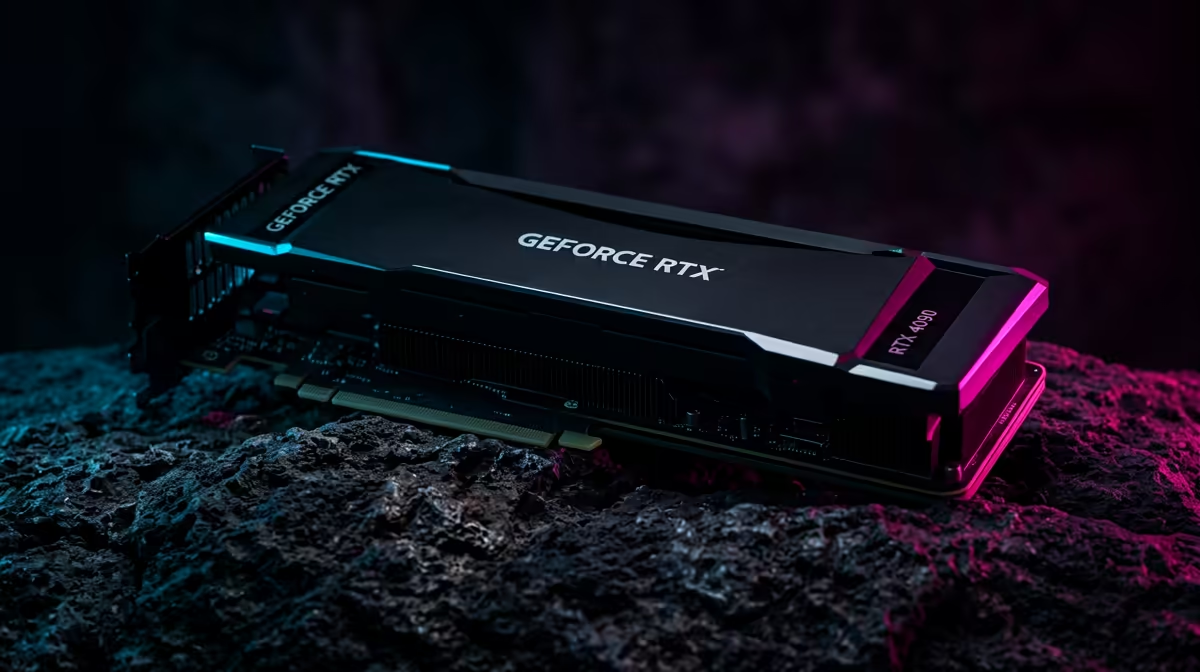
For video editors using software like Adobe Premiere Pro or DaVinci Resolve, an NVIDIA GeForce RTX card is often the top recommendation due to its powerful CUDA cores, which are exceptionally well-supported for hardware acceleration. A GPU with at least 8GB of VRAM is a great starting point for 1080p and light 4K work, but if you're serious about 4K, 6K, or Fusion compositions, aiming for 12GB or more is a wise investment.
Editing Pro Tip ⚡
For a massive performance boost in video editing, set up a dedicated scratch disk. Use your fastest NVMe SSD exclusively for your project files, media cache, and previews. This separates the workload from your OS drive and footage storage, drastically reducing lag when scrubbing through your timeline.
RAM & Storage: The Unsung Heroes
Don't overlook your memory and storage; these are critical editing PC components that dictate how smoothly you can multitask and access your files.
How Much RAM is Enough?
- 16GB: The absolute minimum for 1080p video editing or serious photo editing. You might find it struggles if you have multiple apps like After Effects and Photoshop open simultaneously.
- 32GB: The sweet spot for most creators. It provides enough headroom for 4K editing, complex timelines, and running other creative software without your system grinding to a halt.
- 64GB+: Essential for professionals working with 6K/8K footage, intense visual effects, or large 3D scenes.
Storage Speed is Key
Your storage drive's speed affects everything from booting up your PC to loading massive project files. An NVMe M.2 SSD is non-negotiable for your operating system and applications. It's leagues faster than older SATA SSDs and traditional hard drives. A great strategy, even on a budget, is to pair a fast 1TB NVMe for your OS and active projects with a larger, more affordable hard drive for archiving completed work. You can find surprisingly powerful setups in many custom PCs under R20,000 that follow this principle.
Choosing the best editing PC components in South Africa is about building a balanced system tailored to your specific creative needs. By focusing on a strong CPU, a capable GPU, and fast RAM and storage, you can build a machine that empowers your creativity instead of holding it back. ✨
Ready to Build Your Creative Powerhouse? From quick social media clips to full-blown 4K projects, the right hardware makes all the difference. Stop waiting and start creating. Explore our range of PCs for video editing and find the perfect machine to bring your vision to life.











