

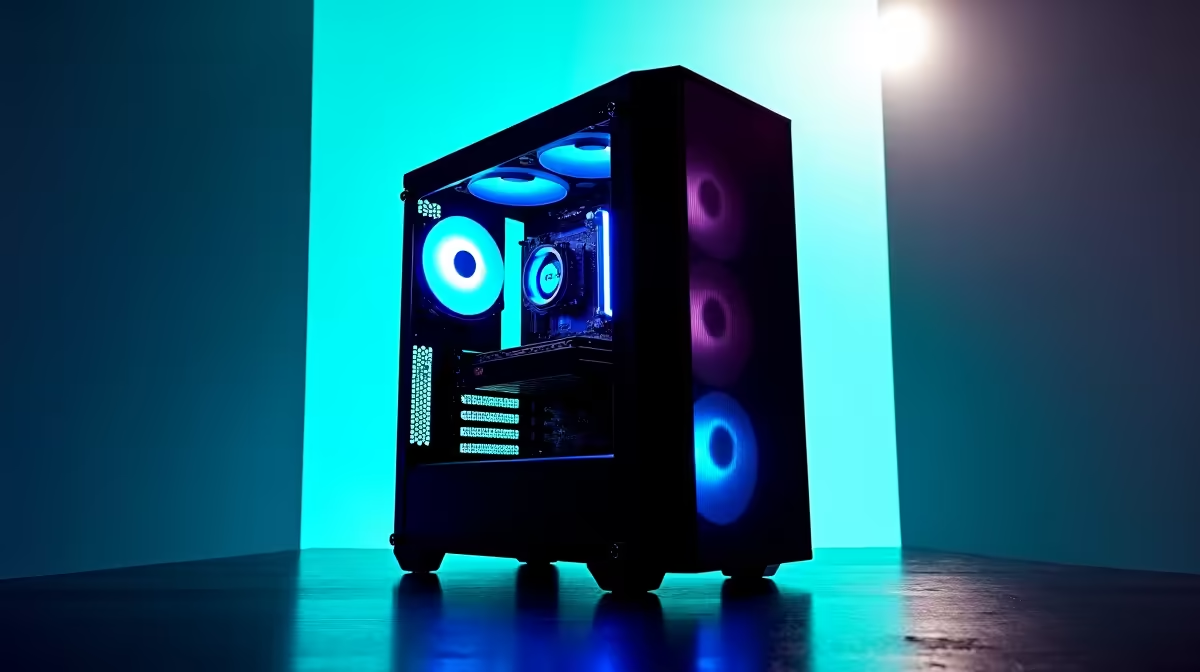
Quick Answer
A R25,000 content creation PC build in South Africa can deliver professional-grade video editing, streaming, and graphic design performance when components are chosen strategically. Prioritise a powerful GPU with VRAM headroom, a fast CPU with high core count, and NVMe storage for smooth project handling.
Building Philosophy: Where to Spend at R25,000
R25,000 is a serious content creation budget in the South African market. Spent wisely, this figure can put together a machine that handles 4K video editing in DaVinci Resolve, streaming at 1080p60 without dropped frames, Photoshop and Illustrator work on large files, and light 3D in Blender. The key is knowing which components to weight toward the top of the budget and which to save on without compromising real-world workflow speed.
The GPU carries the most weight for content creators. Hardware-accelerated video encoding and decoding, GPU-accelerated effects in editing suites, and CUDA or OpenCL compute tasks all run on the graphics card. At R25,000 total, a dedicated GPU in the R8,000 to R10,000 range is a reasonable allocation. Prioritise VRAM - 12GB or 16GB allows working with 4K timelines and large texture sets without constantly offloading to system RAM.
The CPU is the second major investment. Content creation rewards high core counts more than gaming does. A Ryzen 7 or Ryzen 9 processor with 8 to 16 cores handles multi-track audio, background encoding, and long render queues efficiently. Pairing this with a capable motherboard that allows future RAM and storage upgrades extends the build's usable life.
Component Breakdown at R25,000
For the CPU, an AMD Ryzen 7 7700X or similar 8-core Zen 4 chip delivers strong single-threaded and multi-threaded performance for creative work. Ryzen 9 options in the 12 to 16 core range add more multi-threaded throughput for demanding render workloads if the budget allows after GPU selection.
RAM is critical for content creation. 32GB DDR5 or DDR4 at 3200MHz minimum prevents RAM bottlenecks when working with large project files. Video editing timelines with multiple 4K tracks, lots of effects layers, and audio plugins consume RAM quickly. 64GB is the professional target but 32GB handles most workloads at this budget tier.
For storage, the primary OS and applications drive should be an NVMe PCIe 4.0 SSD of at least 500GB. A second NVMe or a large SATA SSD of 1TB or more serves as project storage. Keeping the operating system and active projects on separate NVMe drives reduces seek time during intensive editing sessions.
The GPU choice shapes creative workflow performance significantly. At the R25,000 total budget, a card in the R7,000 to R9,000 range with 12GB VRAM is the priority. This level of VRAM handles 4K editing timelines, effects rendering, and AI-enhanced upscaling features in editing suites without constant buffer swapping.
For a power supply, a quality 750W 80+ Gold unit provides headroom for the CPU and GPU at full load with room for future upgrades. Paired with a mid-tower case with good airflow, this prevents thermal throttling during long render sessions.
SA Context: Power and Reliability Considerations
Content creators in South Africa face a particular challenge with loadshedding. A long render that gets cut mid-way by a power outage can corrupt the project cache and waste hours of work. A quality UPS capable of sustaining the PC for 15 to 20 minutes is an essential investment for any content creation setup. This is enough time to save work, shut down gracefully, and protect the build's storage and RAM from unclean power cuts.
For creators working from res or shared digs, a compact build in a well-ventilated mid-tower with quiet fans makes the machine suitable for shared spaces. Noise levels during renders can be significant with high-core-count CPUs at full load, so selecting a case with good acoustic damping alongside strong airflow helps manage the working environment.
Frequently Asked Questions
Is R25,000 enough for a professional content creation PC in South Africa?
Yes, with careful component selection. At R25,000 you can build a machine that handles 4K editing, streaming, photo editing, and light 3D work comfortably. Professional broadcast or VFX workloads requiring dual GPU or 128GB RAM go beyond this bracket.
Should I prioritise CPU or GPU for video editing?
For software-accelerated editing suites like DaVinci Resolve or Premiere Pro, the GPU is the primary investment. For Blender CPU rendering or audio production in DAWs, the CPU carries more weight. Most creators benefit most from a balanced mid-range CPU and a high-VRAM GPU.
How much VRAM do I need for 4K video editing?
A minimum of 8GB VRAM handles 4K timelines in most editing software, but 12GB provides comfortable headroom when working with colour-graded footage, multiple effects layers, or AI tools. 16GB is the target for heavy workloads.
Do I need a UPS for content creation in South Africa?
Strongly recommended. Loadshedding mid-render corrupts project caches and can damage unsaved work. A UPS providing 15 to 30 minutes of runtime on your full system is a worthwhile investment.
Ready to Find Your Perfect Match? Equip your content creation build with the right GPU. Shop Graphics Cards at Evetech











