

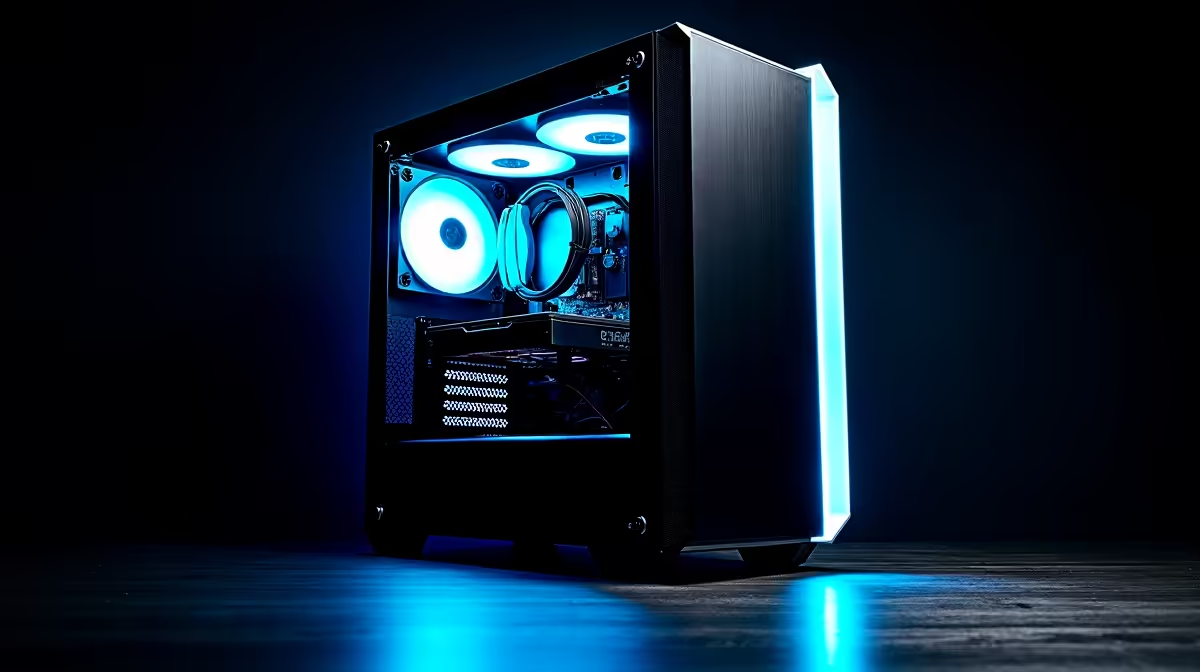
Quick Answer
Building a capable streaming PC on an R8,000 budget in South Africa is achievable, but requires smart prioritisation of CPU power and RAM over GPU performance. A well-chosen platform in this price range can stream 1080p60 reliably using software or hardware encoding while gaming at moderate settings.
Setting Realistic Expectations for an R8,000 Streaming Build
R8,000 is a constrained budget for a complete streaming PC build in South Africa in 2026. Component prices reflect both global hardware costs and rand-dollar exchange rates, meaning every rand needs to work hard. The good news is that streaming to platforms like Twitch or YouTube is not primarily GPU-dependent. The CPU handles encoding in software mode, or you offload encoding to the GPU's dedicated encoder hardware, which frees the CPU for your game.
At R8,000, you are building a system from scratch including a case, power supply, storage, RAM, motherboard, CPU, and GPU. This requires careful prioritisation. The CPU and RAM are your streaming engine. Cutting corners here will result in dropped frames, stuttery encoding, and an inconsistent viewer experience. The GPU is your gaming engine. At this budget, mid-range GPUs handle 1080p gaming at medium-to-high settings in popular streaming titles like Fortnite, Apex Legends, Valorant, and Minecraft.
For South African streamers, a practical consideration is loadshedding. Your streaming PC needs to stay online and running during streams, so including a basic UPS in or adjacent to your budget is worth planning for. A Stage 4 load shedding cut mid-stream costs viewers and momentum. Even a 600VA UPS providing 10-15 minutes of backup power is enough to cleanly end a stream rather than having it cut abruptly.
Core Component Strategy for an R8,000 Streaming Build
A sound R8,000 streaming build allocates budget roughly as follows: the CPU takes the largest share since it defines both gaming and streaming capability. An AMD Ryzen 5 or Intel Core i5 platform from a recent generation gives you six to eight cores and multi-threaded performance sufficient for simultaneous gaming and encoding. These platforms offer integrated graphics on some SKUs as a fallback.
RAM is the next priority. Sixteen gigabytes of DDR4 or DDR5 RAM running at the platform's rated speed is the minimum for streaming. Streaming software, your game, a browser for alerts, and your chat overlay all compete for memory. Do not compromise to 8GB to save a few hundred rand; it will cause problems.
Storage should include at minimum a 500GB NVMe SSD for the operating system and primary game installations. Recording locally while streaming can also eat storage quickly, so a secondary drive or external USB storage is a practical addition if your budget allows.
The GPU in this budget range will be a previous-generation or entry-level current-generation discrete card. The key feature to look for is hardware encoding support: NVIDIA's NVENC or AMD's VCE encoder allows you to offload stream encoding from the CPU entirely, improving both stream quality and gaming performance simultaneously. Even budget discrete cards from these manufacturers include hardware encoders.
Software Setup for Streaming on a Budget Build
OBS Studio is the standard free streaming application and runs well on budget hardware. For an R8,000 build, configure OBS to use your GPU's hardware encoder (NVENC for NVIDIA, AMF for AMD) at 1080p, 6000-8000 kbps bitrate for Twitch, using the Veryfast or Fast encoder preset. This takes pressure off your CPU and allows you to stream and game simultaneously without significant frame drops.
For platform settings, streaming at 1080p60 requires a stable upload speed of at least 10 Mbps. South African fibre connections in metropolitan areas typically provide sufficient upload bandwidth, but rural or mobile internet users may find 720p60 a more stable target. Set your OBS output to match what your connection can reliably sustain.
Stream management tools like Streamlabs Chatbot or Nightbot add interactivity to your channel without adding CPU load, as they run separately from OBS. Keep unnecessary background applications closed during streams to preserve system resources for the game and encoder.
Peripherals and Extras Within the R8,000 Framework
A streaming setup is more than just the tower. A basic USB microphone makes an enormous difference to viewer experience compared to a gaming headset microphone. Entry-level USB condenser microphones are available in South Africa for under R500 and dramatically improve stream audio quality.
Webcam quality is secondary to audio for viewer retention, but a 1080p webcam is a useful addition if budget allows. Many successful streamers start with no camera at all and add it once their channel grows.
If your R8,000 budget must include a monitor, prioritise at minimum a 23-24 inch 1080p IPS panel. A 1080p 75Hz IPS monitor gives accurate colours for scene setup in OBS and comfortable viewing during long sessions. Budget accordingly and do not compromise the core build components for a larger monitor.
Frequently Asked Questions
Can you stream and game at the same time on an R8,000 PC build?
Yes, but it requires using your GPU's hardware encoder in OBS rather than CPU software encoding. A six-core or eight-core CPU in this budget range handles the gaming workload while NVENC or AMF encoding handles the stream with minimal impact on frame rates in less demanding titles.
What internet speed do you need to stream from South Africa?
A minimum of 10 Mbps stable upload speed is recommended for streaming 1080p60 at acceptable quality. South African fibre subscribers in major cities typically have this available. Mobile internet or unstable ADSL connections are better suited to streaming at 720p with lower bitrate settings.
Should I include a UPS in my streaming PC budget?
If load shedding affects your area, yes. A mid-stream power cut is disruptive to your audience and potentially damaging to your stream's momentum. A basic 600VA to 1000VA UPS adds a useful safety margin and is a practical investment for South African streamers.
Is R8,000 enough for a complete PC build including monitor and peripherals?
R8,000 is tight for a complete setup including everything. Prioritise the core tower components first. A quality build that streams reliably is more valuable than a compromised tower paired with a better monitor. Peripherals can be upgraded incrementally as your channel grows.
Ready to Find Your Perfect Match? Find current deals on PC components and pre-built systems to start your streaming setup. Browse Deals at Evetech











