

How to Connect Analog Speakers to Your Gaming Rig
You found a pair of legendary analog speakers in the garage... or perhaps you just want better sound without spending thousands of Rands. Getting high-quality audio shouldn't be a mission. Whether you are on a high-end PC or a console, connecting analog speakers is a smart way to get rich sound. We will show you how to bridge the gap between old-school tech and modern hardware. 🔧
Simple Steps to Connect Analog Speakers to PC
Most desktop PCs make this process incredibly easy. You just need to look for the colour-coded 3.5mm jacks on your motherboard. The lime green port is your primary output for stereo sound. If you are looking for a fresh start, browsing quality PC speakers is a great way to see what fits your desk.
For the best results, ensure your PC is powered down before plugging things in. This prevents those annoying loud pops that can damage older hardware. If your speakers use RCA cables... the red and white ones... you will need a simple RCA-to-3.5mm adapter. These are cheap and widely available in South Africa. Many users prefer reliable wired speakers because they offer zero latency for competitive gaming.
Audio Quality Pro Tip ⚡
Always plug your analog speakers into the rear motherboard ports rather than the front case headers. The rear ports are usually directly soldered to the board. This reduces electrical interference and provides a much cleaner signal for your ears.
Connecting Your Speakers to PS4 and Xbox
Consoles are a bit trickier because they lack dedicated analog outputs. The PS4 and Xbox Series X rely almost entirely on HDMI or Optical audio. You have two main workarounds here. First, you can plug your speakers directly into the 3.5mm jack on your controller. This is quick but can drain your battery faster.
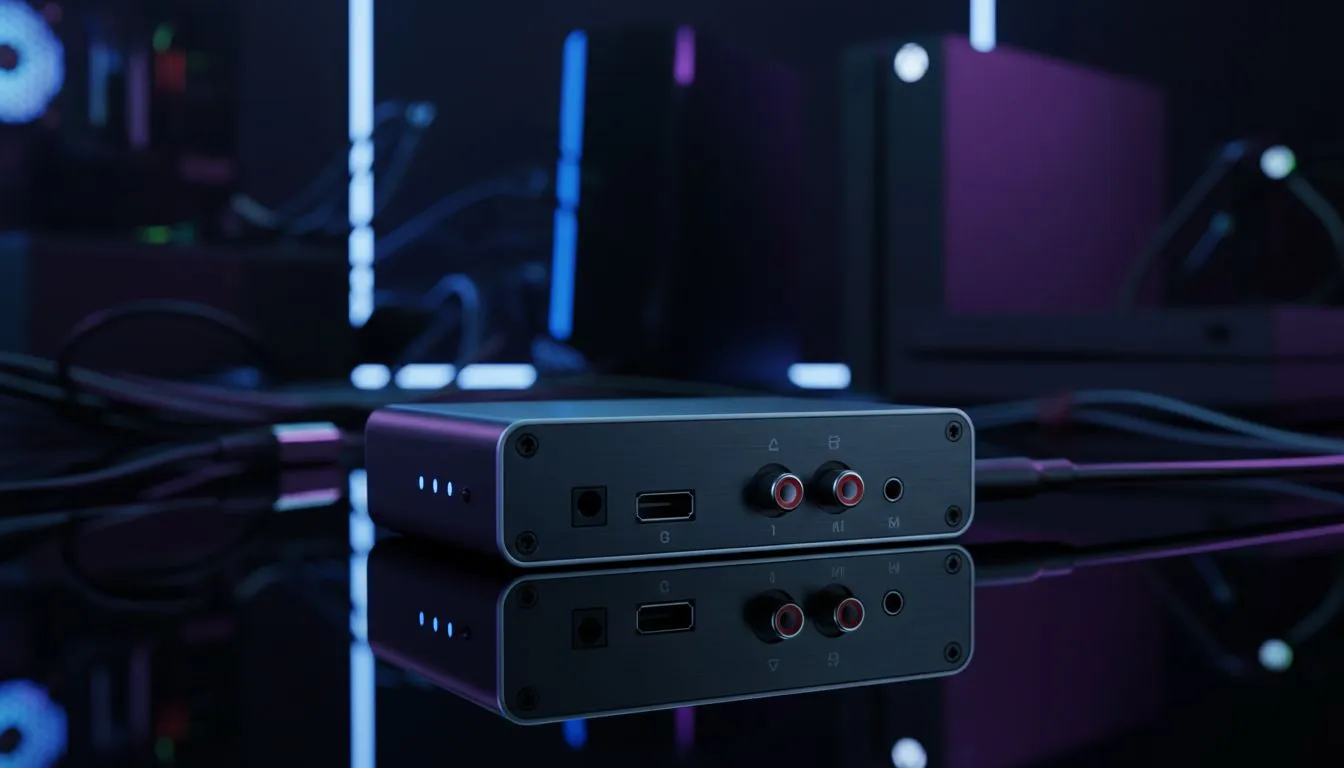
The second, more permanent solution is an HDMI audio extractor. This device sits between your console and TV. It pulls the audio signal out and gives you a 3.5mm or RCA port. If you want a brand that balances performance and price, Promate audio gear offers excellent solutions for local gamers. 🚀
Finding the Right Speaker Configuration
When you connect analog speakers to PC, PS4, and Xbox, you must decide on the layout. If you have limited desk space, compact 2.0 speaker setups are ideal. They provide clear stereo separation without a bulky subwoofer taking up floor space.
However, if you want that extra "thump" during explosions in Call of Duty, you need a sub. Looking into powerful 2.1 speaker systems will give you that deep bass. Analog connections handle 2.1 setups perfectly... as long as the crossover is managed by the speaker amp itself. ✨
Dealing with Cables and Modern Convenience
While we love the warmth of analog, cable management can become a nightmare. If you want to keep the analog feel but lose the wires, consider modern wireless speakers for your secondary devices. Many modern sets offer both 3.5mm inputs and Bluetooth. This gives you the best of both worlds.
Always check your Windows or Console sound settings after connecting. Ensure the output is set to "Stereo" and not "7.1 Surround" if you are using a standard two-speaker setup. This ensures you don't miss any audio cues or dialogue during gameplay. ⚡
Ready to Upgrade Your Soundstage? Connecting analog gear is a great start, but sometimes your setup needs a modern boost. For the best audio deals and expert advice in South Africa, we have you covered. Explore our massive range of speakers and find the perfect kit to bring your games to life.











