

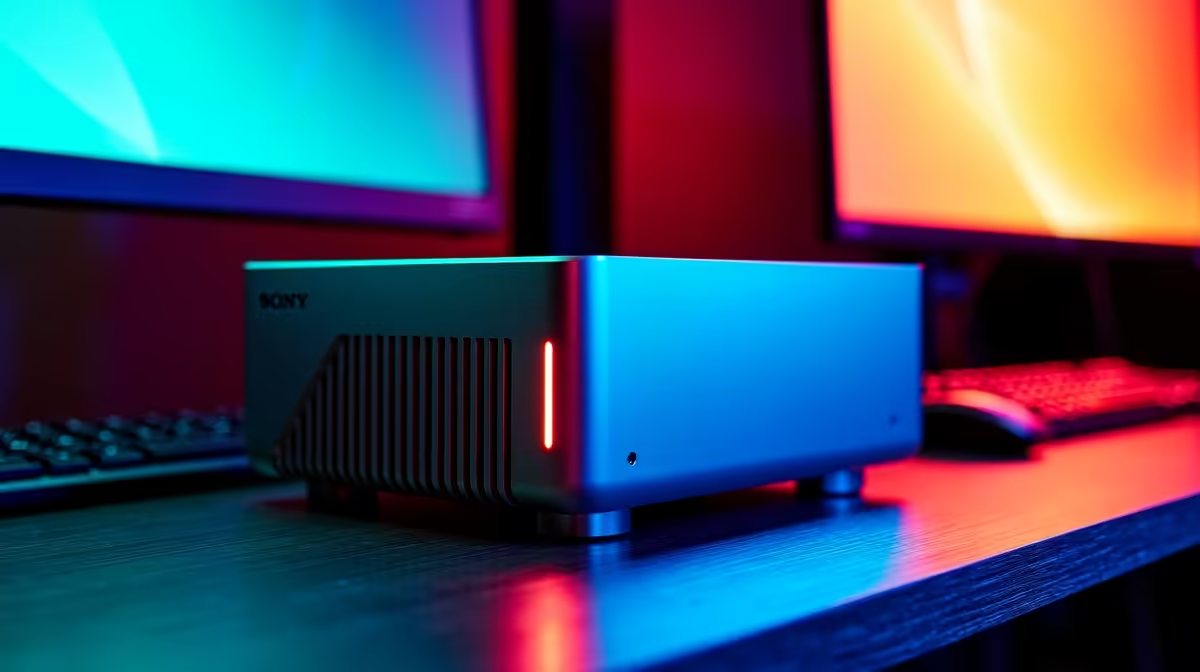
Why SFF PCs are the New Standard for Productivity 🚀
Living in a Durban apartment or a compact Jozi study often means sacrificing desk space. But you do not need a massive tower to run a triple-screen setup. If you want to connect multiple monitors to a small form factor PC, the modern hardware landscape has some incredible surprises waiting for you. It is all about choosing the right ports and the right power.
SFF builds used to be underpowered... those days are over. You can now get desktop-class performance in a chassis smaller than a lunchbox. When you look at the latest PC components and mini PCs, you will see they are packed with high-speed connectivity. These machines are designed to optimise your workflow without cluttering your room.
How to Connect Multiple Monitors to Your Small Form Factor PC ⚡
Most modern units offer at least two video outputs. Often, you will find a mix of HDMI 2.1 and DisplayPort. Some even use USB-C with Alt Mode. This allows you to drive 4K displays without breaking a sweat. If you are browsing the current range of mini PCs, check the rear I/O panel first. You want to ensure the integrated graphics can support the total resolution of your screens.
Using Thunderbolt and Daisy Chaining
If your device has a Thunderbolt port, you can often daisy chain your screens. This means one cable goes from the PC to the first monitor... then another cable connects the first monitor to the second. It keeps your cable management incredibly neat. This is perfect for those minimalist setups we all love. It is a clean way to expand your digital real estate.
Productivity Pro Tip ⚡
On Windows, use the PowerToys FancyZones utility to create custom snap layouts for your windows. It's a lifesaver for managing multiple apps on an ultrawide monitor, letting you organise your timeline, preview window, and asset folders perfectly for video editing.
Choosing the Right Hardware for Multi-Screen Output ✨
Not all compact machines are built the same. Brands like Minisforum specialise in high-density port layouts. They often include dual HDMI and even a full-featured Type-C port... giving you three digital outputs right out of the box. Whether you are monitoring ZAR exchange rates or editing 4K video, having that extra screen space is vital.
Always check the refresh rate support. Running three 144Hz monitors requires more bandwidth than a standard office setup. Ensure your cables are rated for the version of HDMI or DisplayPort your PC uses. High-quality cables prevent flickering and signal loss... especially over longer distances.
Ready to Reclaim Your Desk Space? A compact setup does not mean compromising on your screen real estate. Whether you are trading, coding, or gaming in South Africa, we have the hardware to power your vision. Explore our range of high-performance Mini PCs and upgrade your workspace today.











