

Quick Answer
A content creation PC under R15,000 in SA 2025 centres on a Ryzen 5 7600 (R4,799), 32GB DDR5-5200 (R2,299), RX 7600 8GB (R5,499), and 1TB NVMe (R999). This handles 1080p video editing in DaVinci Resolve, Photoshop, Lightroom, and OBS streaming at 1080p 60fps without breaking a sweat, all delivered with Evetech's free Joburg/Pretoria same-week shipping.
CPU and Memory: The Editing Backbone
The Ryzen 5 7600 is the value CPU king for content creation under R15K. Six cores and 12 threads at 5.1GHz boost handle Premiere Pro timeline scrubbing, Photoshop layers, and OBS encoding simultaneously. AM5 platform brings DDR5 and PCIe 5.0 future-proofing which is critical for a build that needs to last 4-5 years. Pair with 32GB DDR5-5200 CL40 (R2,299). Less than 32GB chokes Lightroom catalogue work and DaVinci Resolve timelines past 8 minutes. The MSI A620M Pro (R1,799) keeps motherboard cost down without losing features that matter for content (USB-C front, M.2 Gen4, 1Gbps LAN). AM5 also gives you a clear upgrade path to a Ryzen 9 7900X3D in 2027 without replacing the board.
GPU and Storage Picks That Punch Above Their Price
The RX 7600 8GB (R5,499) is the sweet spot for 1080p creation work. AMF encoding handles 1080p 60fps streaming, FSR 3 helps with light gaming during break time, and 8GB VRAM is enough for Premiere proxies and DaVinci 1080p timelines. NVENC fans should look at the RTX 4060 8GB at R6,799 if budget allows since NVIDIA's encoder still leads for streaming. Storage is 1TB Crucial P3 Plus Gen4 NVMe (R999) for Windows, apps, and active projects. Add a 4TB Seagate Barracuda HDD (R1,599) later for footage archive when budget allows. The split storage approach (fast NVMe for active edit, HDD for archive) saves R4,000 vs going pure NVMe and matches how every pro studio in Joburg actually structures storage.
Real-World Performance Expectations
This build exports a 10-minute 1080p timeline in DaVinci Resolve in 6-8 minutes. Photoshop opens 60MP RAW files in 2 seconds. Lightroom catalogues with 5,000 photos remain responsive. OBS streams 1080p 60fps at 6000kbps to Twitch or YouTube without dropped frames. 4K editing is possible via proxy workflows but native 4K timeline scrubbing will stutter. For SA creators making YouTube content, TikTok edits, podcast video, or Twitch streams the build delivers real value at a price NSFAS funding can stretch to with second-hand monitor and peripherals filling the gap. Audio creators using Ableton or FL Studio also see comfortable 256-track project handling at 96kHz.
What's Left Out and Why
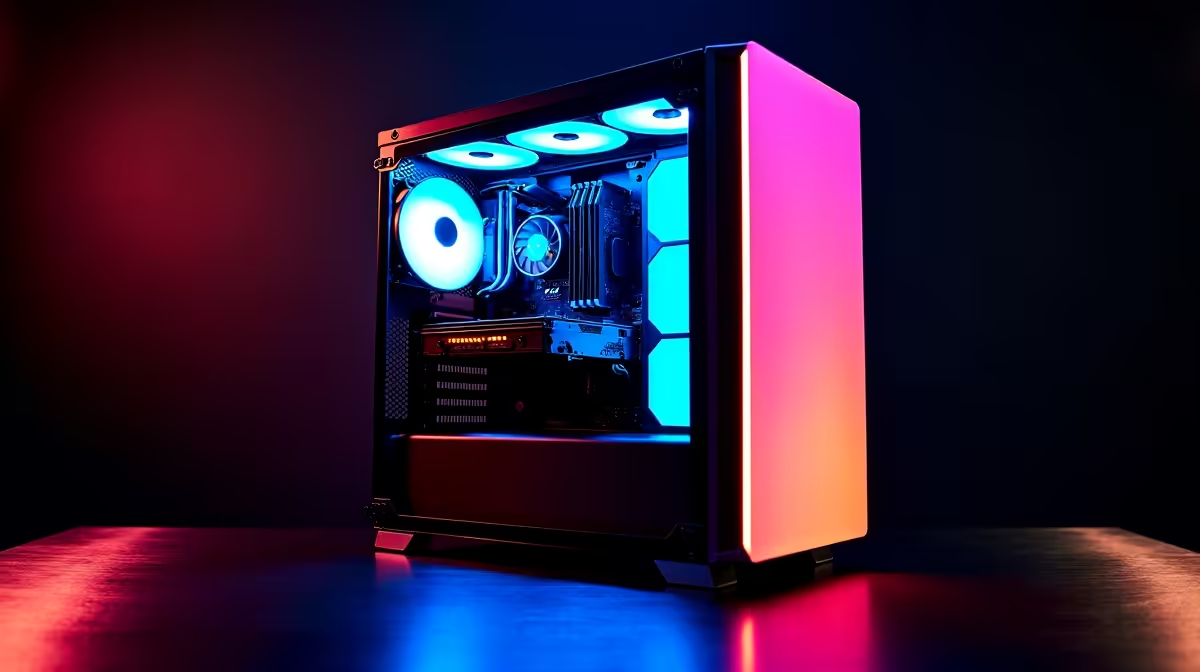
A R15K budget excludes a Wi-Fi card (use ethernet), RGB lighting (skip it), liquid cooling (the stock Wraith Stealth handles 7600 fine), and a high-end PSU (a Corsair CV650 at R1,099 is enough). The Tecware Phantom case (R699) gives clean airflow with 3 included fans. Total spend lands around R14,995 with Evetech's free Joburg next-day delivery, 3-year warranty, and pre-built assembly available for R599 extra. Loadshedding-wise the rig pulls around 280W under full load so a 1000VA UPS with 60 minutes runtime keeps you editing through stage 4. Skipping the optional RGB and Wi-Fi keeps the budget honest while still leaving room for a R1,999 24-inch IPS monitor as the missing final piece.
Frequently Asked Questions
Can a R15,000 PC handle 4K video editing?
For 4K proxy editing yes, you'll edit 1080p proxies smoothly and render to 4K overnight. For native 4K timeline scrubbing without proxies, you need to step up to R22-25K territory with an RX 7700 XT and 64GB RAM. Most YouTubers under 100K subs use proxy workflows anyway since render time is the real cost, not scrub fluency.
Is this build good for streaming on Twitch in 2026?
Yes, the RX 7600 handles 1080p 60fps streaming via AMF or x264 fast at 6000kbps without dropped frames. For dual-PC quality streaming you'll want an RTX 4060+ for NVENC, and a capture card adds another R2,500 to budget for that route.
How does this build handle loadshedding for SA creators?
A 1000VA UPS (R1,499) provides 60+ minutes runtime, plenty for saving projects and finishing renders during stage 4 cycles. The build's relatively low 280W draw makes it UPS-friendly compared to gaming rigs pulling 500W+. Auto-save in Premiere and DaVinci every 5 minutes is essential discipline regardless.
Ready to Find Your Perfect Match? Build your content creation rig under R15,000 with free SA delivery and easy upgrades. Shop content creation PC builds











