

Master Your Corsair iCUE Lighting Setup
Building a high-end PC in South Africa isn't just about raw power anymore. It is about the aesthetic. You have spent hours choosing the right parts... but your RGB looks like a disco gone wrong. Mastering your Corsair iCUE Lighting Setup is the secret to turning that chaotic flicker into a sleek, unified masterpiece that reflects your personal style. 🔧
Synchronise Your Ecosystem for Maximum Impact
The true power of iCUE lies in its ability to treat your entire desk as a single canvas. When you install high-quality PC case fans, the software detects each individual LED. This allows for complex "Murals" that spread colours across your keyboard, RAM, and chassis.
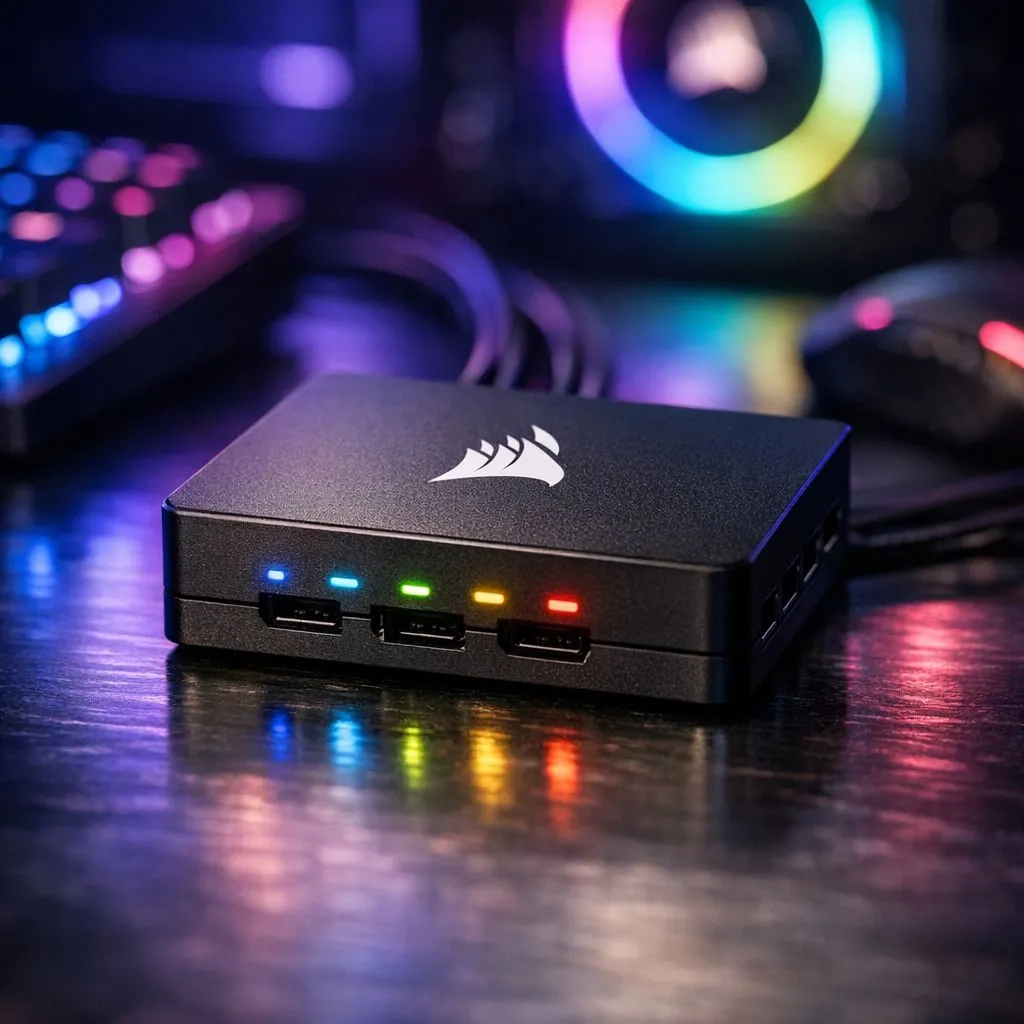
If you are starting a new build, choosing dedicated Corsair case fans ensures the best compatibility. The software uses a proprietary protocol to communicate with the Lighting Node Pro or Commander Core. This hardware handshake is what prevents the stuttering often seen in cheaper, generic setups.
While some builders prefer the value offered by Deepcool case fans, sticking to a single brand for your lighting controller simplifies the cable management process significantly.
iCUE Performance Tip ⚡
To reduce CPU overhead, use the 'Hardware Lighting' tab in iCUE. This saves your favourite colour profile directly to the device memory. Your custom colours will then shine as soon as you press the power button, even before Windows and the software have finished loading.
Choosing the Right Hardware for Your Chassis
Not all fans are created equal when it comes to visual fidelity. If you want the most vibrant RGB lighting effects, look for fans with frosted blades. These blades catch and diffuse the light... creating a soft glow rather than harsh hot spots.
Of course, not every build needs to be a light show. Some professional workstations in South Africa benefit from non-LED fans to maintain a stealthy, focused environment.
Sizing Your Airflow and Aesthetics
Before you buy, check your case specifications. Most modern mid-towers use 120mm fans for the rear exhaust and top mounts. However, if your case supports them, 140mm fans are often a better choice. They move more air at lower RPMs... which means a quieter gaming experience during those hot Gauteng summer afternoons. ✨
Fine-Tuning Your Lighting Profiles
Once your hardware is installed, use the iCUE "Lighting Link" feature. This synchronises every connected device with a single click. You can set your colours to react to your CPU temperature... turning from a cool blue to a warning red when things get intense. This adds a functional layer to your visual flair. 🚀
Ready to Brighten Your Build? A unified lighting setup transforms a standard PC into a professional battle station. For the best deals on cooling and customisation in South Africa, we have you covered. Explore our massive range of Corsair components and start your RGB journey today.











