

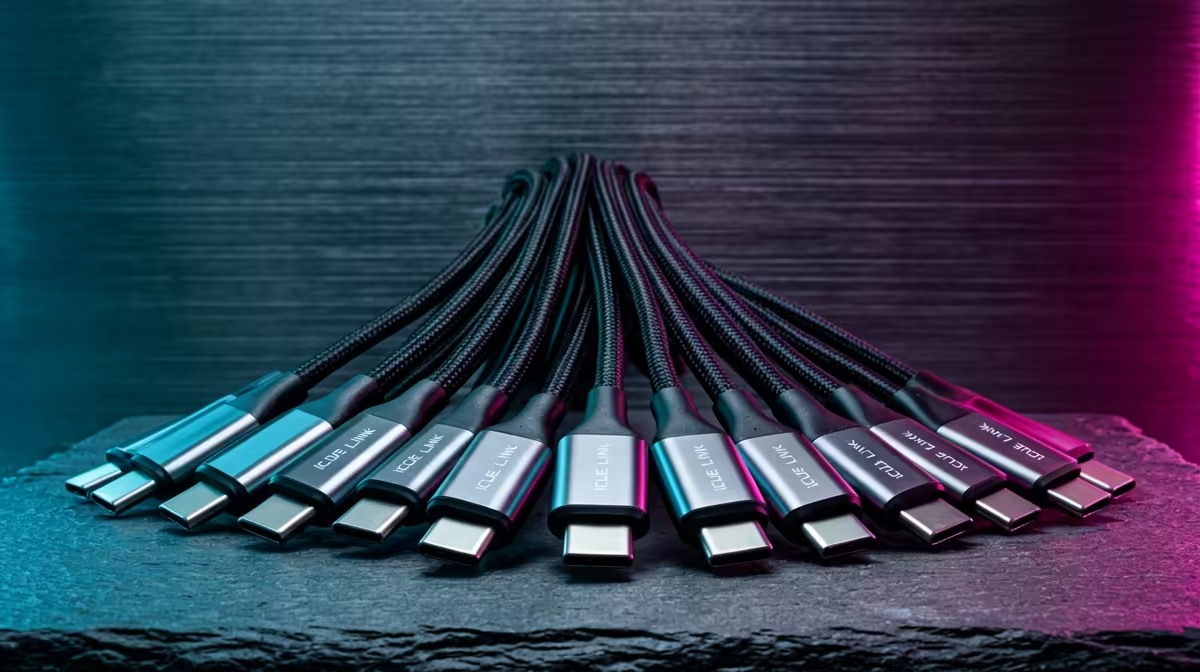
Tired of the cable spaghetti hiding behind your motherboard tray? We’ve all been there. That chaotic mess of fan headers, RGB splitters, and controller wires can turn a dream PC build into a frustrating puzzle. What if you could connect your fans, AIO cooler, and RGB with a single, smart cable? That’s not science fiction… it’s the magic of the Corsair iCUE LINK cable management system, and it’s here in South Africa to clean up your act. 🚀
What Exactly is the iCUE LINK System?
At its core, the Corsair iCUE LINK cable management ecosystem is a revolutionary approach to building a PC. Instead of juggling dozens of different wires, iCUE LINK uses a single, universal connector for all compatible components. Think of it as USB-C for your internal parts. Fans, CPU coolers, and custom cooling components can now connect to each other, creating a clean chain that links back to a single System Hub.
This simple change has massive benefits. It dramatically reduces clutter, simplifies the building process, and gives you incredibly precise control over your system's performance and lighting. No more guessing which header does what; it just works.
Key Benefits for Your Next Build
Achieving a clean build isn't just about looks; it's about smarter performance and an easier building experience. The iCUE LINK system delivers on all fronts. The most obvious advantage is the sheer reduction in cable clutter, which not only looks fantastic through a tempered glass panel but can also improve airflow. 🔧
Building becomes faster and less stressful. You'll spend less time routing and hiding wires and more time enjoying your rig. Once it's all connected, the iCUE software gives you unified control over every component in the chain. This means syncing your RGB effects across your entire setup is seamless. A clean internal aesthetic often inspires a tidy desk, and choosing the right gaming keyboard is a huge part of that.
Planning is Everything ⚡
Before you install your iCUE LINK components, lay them out on a table. Plan the connection chain from one component to the next to find the shortest, cleanest path. Using the included straight and 90-degree connectors strategically will help you hide almost every centimetre of cable, making your build look professionally done.
From Tidy Internals to a Flawless Battlestation
The philosophy behind Corsair iCUE LINK cable management extends beyond the case. A meticulously organised PC deserves an equally impressive desk setup. When your rig is free of internal clutter and humming along quietly, you start to notice the details of your peripherals more. Does your keyboard match your clean, RGB-lit aesthetic?
Many builders who invest in a premium internal ecosystem also look for premium options like Glorious gaming keyboards to complete the look. The satisfying click of mechanical switches and a sleek design can tie your whole setup together. For those who love a unified software experience, pairing your Corsair gear with a classic Razer gaming keyboard is another popular choice. ✨
Ultimately, a clean build is about creating a cohesive, high-performance environment. Syncing your case lighting with peripherals like Razer keyboards with full RGB control creates an immersive atmosphere that makes every gaming session feel like an event.
Ready to Build Smarter, Not Harder? The Corsair iCUE LINK ecosystem is here to revolutionise your PC building experience. Stop fighting cables and start enjoying a cleaner, cooler, and smarter rig. Explore our full range of Corsair components and design your masterpiece today.











