

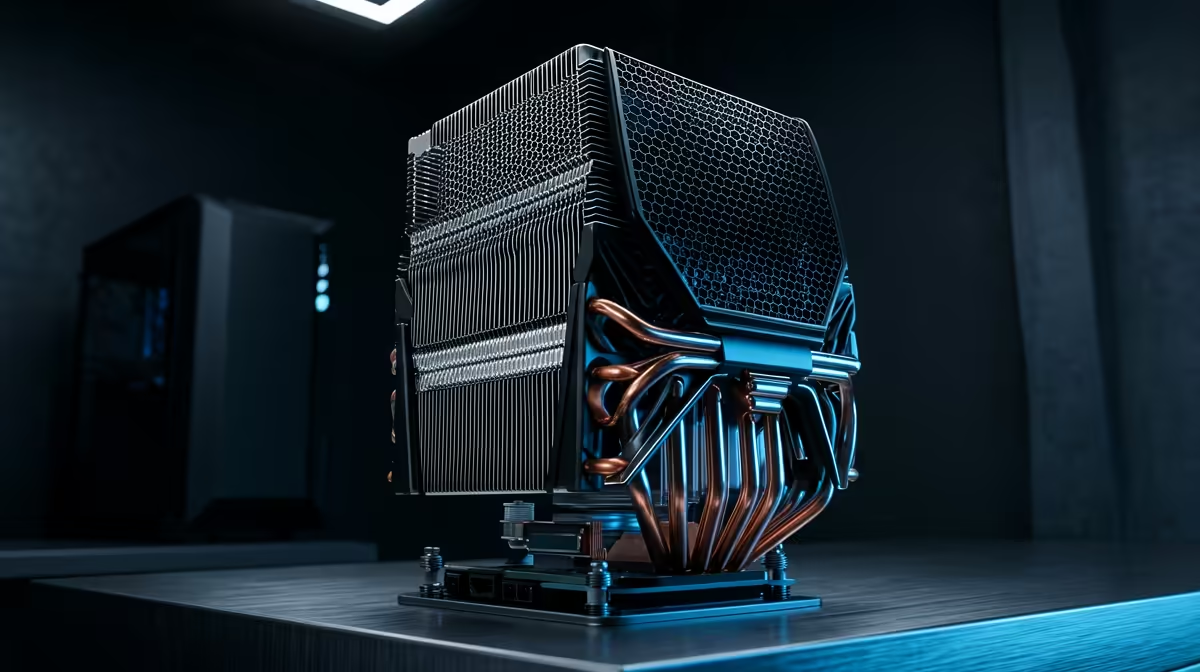
Ah, the final piece of your PC puzzle has arrived! You unbox that beastly new CPU cooler, ready to tame your processor's temperatures… only to find it doesn't fit. It's a gut-wrenching moment every South African PC builder dreads. But what if you could avoid it completely? This guide is your ultimate resource for CPU cooler compatibility, ensuring your next build is a perfect fit, first time. 🔧
Understanding CPU Cooler Socket Compatibility
Before you even think about case size, the first and most critical check is the CPU socket. Your motherboard has a specific socket type—like Intel's LGA 1700 or AMD's AM5—and your CPU cooler needs the correct mounting hardware to match. A cooler designed for an old AM4 socket simply won't bolt onto a new LGA 1700 board.
Most modern coolers come with brackets for multiple socket types, but you must always verify. Getting this step of CPU cooler compatibility right saves you from a massive headache down the line. When browsing for powerful air coolers in South Africa, always check the "Supported Sockets" list on the product page.
Checking Case and RAM Clearance
So, the socket matches. Awesome! But will the cooler physically fit inside your case without bumping into other components? This is where clearance comes in. 📏
Cooler Height vs. Case Width
Large air coolers, especially tower-style ones, can be very tall. Every PC case has a "Maximum CPU Cooler Height" specification, usually measured in millimetres (mm). You need to compare this number to your chosen cooler's height. If your case allows for 155mm and your cooler is 160mm tall, the side panel simply won't close. It's a five-second check that prevents a major build-day disaster.
RAM Clearance
The other culprit is your RAM. Bulky air coolers can overhang the DIMM slots on your motherboard. If you've bought RAM with tall, flashy RGB heat spreaders, a low-hanging cooler might not leave enough room. This is a key aspect of CPU cooler fit often overlooked by first-time builders. Always check the cooler's dimensions and look at build guides online to see how it fits with popular RAM kits. Many builders check our wide range of CPU coolers to compare specs side-by-side.
The Double-Check Pro Tip ✨
Before adding to cart, look up your case and cooler model numbers on their respective manufacturer websites. The official product pages will list detailed dimensions and compatibility charts. This is the single best way to confirm CPU cooler fit and avoid any guesswork.
AIO Liquid Cooler Compatibility Considerations
Choosing an All-In-One (AIO) liquid cooler? The compatibility checks are a bit different. Instead of height, you need to worry about the radiator.
Radiators come in standard sizes based on the fans they use, like 120mm, 240mm, 280mm, or 360mm. Your PC case needs to have corresponding mounting points. A 360mm radiator requires three 120mm fan slots right next to each other, typically at the front or top of the case. Check your case's manual to see what radiator sizes it supports and where. Don't forget to consider all the thermal solutions in your case; good airflow is key. For many, the clean aesthetic of sleek CPU liquid coolers makes this extra check well worth the effort.
Your Compatibility Checklist Before You Buy 🚀
Feeling more confident? Let's boil it down to a simple checklist. Before you spend your hard-earned Rands, confirm these four things:
- Socket Match: Does the cooler's mounting kit support your motherboard's CPU socket (e.g., LGA 1700, AM5)?
- Case Height: Is the air cooler's height (in mm) less than the case's maximum supported cooler height?
- RAM Clearance: Will the cooler overhang your RAM slots? If so, is your RAM low-profile enough to fit underneath?
- Radiator Mounts (for AIOs): Does your case have the correct fan mounts (e.g., 240mm or 360mm) in the location you want to install the radiator?
Nailing these points is the secret to perfect CPU cooler compatibility and a build that comes together smoothly.
Ready to Find Your Perfect Fit? Getting your CPU cooler compatibility right is the key to a smooth, stress-free build. Don't let a simple oversight hold you back. We've made it easy to find the right cooler for your rig. Explore the best CPU cooler deals in South Africa and find the perfect match to conquer your temps.











