

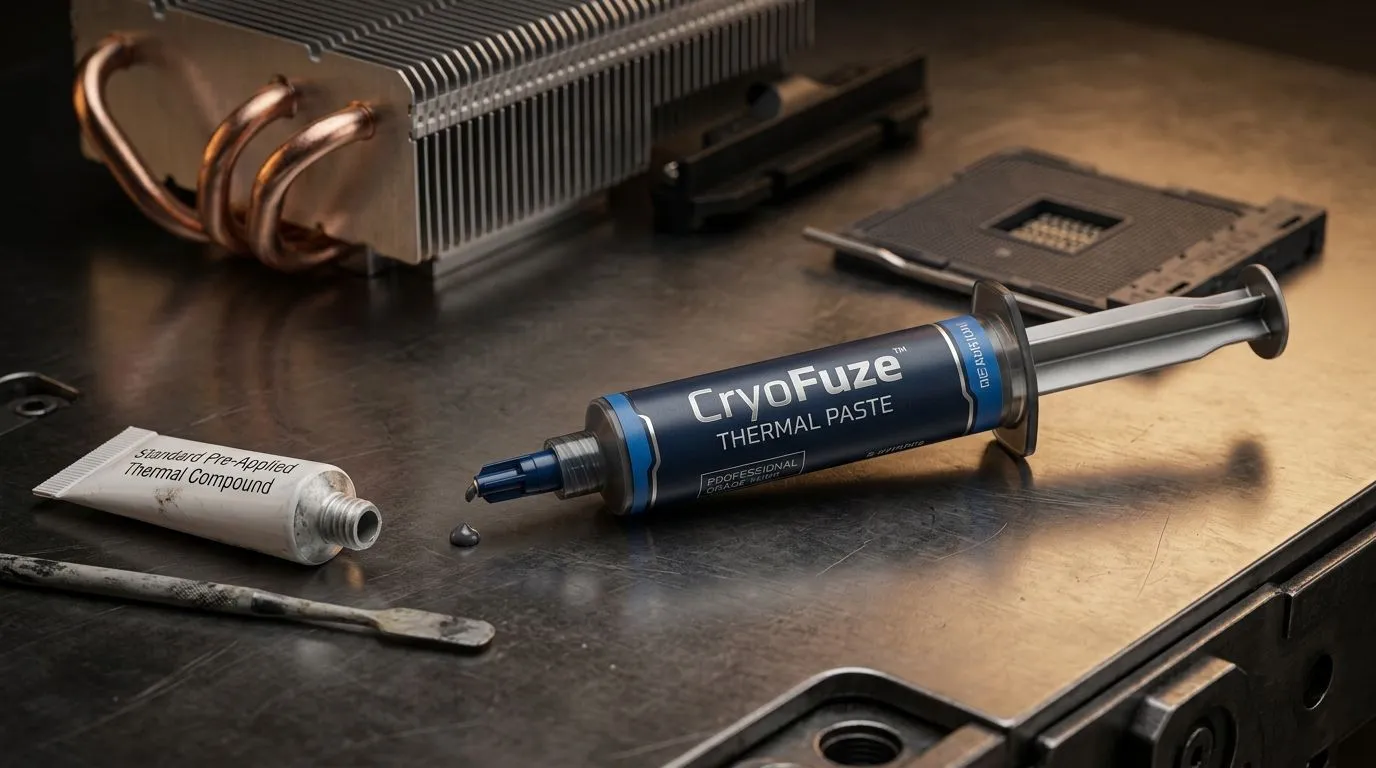
CryoFuze Thermal Paste: What It Is and How It Compares (for South African builders) ❄️
If you’ve ever opened a PC and thought “why is my CPU running hotter than it should?”, thermal paste is usually the missing piece. In South Africa, where gaming rigs can sit in warmer rooms and dust builds up fast, good thermal contact matters. Today we’re breaking down CryoFuze Thermal Paste: What It Is and How It Compares so you can make a smarter choice for your next upgrade… and avoid that “reapply paste every few months” headache 🔧.
Thermal paste isn’t magic. It’s the thin bridge between your CPU’s heat spreader and your cooler’s base. Less air gap means better heat transfer. More stable temperatures means quieter fans and more consistent performance.
What CryoFuze Thermal Paste actually does 🔥
Thermal paste fills microscopic surface imperfections. Even “flat” metal surfaces aren’t perfectly flat at the nano level. A paste layer helps transfer heat from the CPU to the cooler so your system can stay within safe operating temps.
In practice, thermal paste affects:
- Peak CPU temperatures (spikes during heavy loads)
- Sustained temps (long gaming sessions)
- Fan noise (cooler ramps less aggressively)
- Stability under boost behaviour
CryoFuze is marketed as a thermal paste that aims for low thermal resistance, but the exact performance depends on correct application more than most people realise. You can have a top-tier paste and still underperform due to poor contact, uneven pressure, or old, dried paste.
Application Pro Tip 🔧
"Before applying CryoFuze Thermal Paste, clean the CPU heat spreader and cooler base with 90%+ isopropyl alcohol. Wipe until no residue remains, then let it dry fully. A careful clean often improves results more than switching products."
CryoFuze Thermal Paste: What It Is and How It Compares vs your cooler choice 🧊
Here’s the truth most builders learn the hard way: thermal paste quality is only one part of the cooling equation. Cooler type, radiator size, and airflow are huge.
If you’re choosing a thermal solution, start by matching the cooler to your CPU and your use case:
- Air cooling: simpler, usually great for mainstream builds
- AIO liquid cooling: can offer strong sustained cooling, especially with the right radiator size
If you’re comparing thermal paste performance, make sure the cooler hardware is in the mix too. In our Build Lab, we often see better consistency when builders pair quality paste with a properly-sized cooler.
Air vs AIO: where paste matters most
Paste matters most when:
- The cooler base makes inconsistent contact (slight mount pressure issues)
- You’re reusing an old cooler with dried paste
- You upgraded CPUs or changed cooler mounts
With AIOs, you’re also dealing with pump behaviour and radiator heat dissipation. The paste still needs to be applied correctly, but the bigger picture is overall thermal capacity.
Picking a cooler so your paste can perform
For AIO comparisons, radiator size is a practical starting point. For example, a 240mm radiator tends to be a solid fit for many gaming builds, while a 360mm radiator gives more thermal headroom for higher loads and warmer environments.
Explore different cooler options here:
- General CPU cooler selection: browse CPU coolers for your build
- Liquid cooler (AIO) options: choose an AIO liquid cooler
- CORSAIR AIOs: see CORSAIR liquid coolers
- Deepcool AIOs: compare Deepcool options
- 240mm radiator AIOs: shop 240mm radiator AIOs
- 360mm radiator AIOs: shop 360mm radiator AIOs
So… how does CryoFuze compare?
Without quoting exact benchmark numbers from official sources, the best honest comparison is about where you’ll feel the difference:
- If your current paste is old or improperly applied, CryoFuze should help because it improves thermal contact consistency.
- If you’re already using fresh paste and a strong cooler, the real-world gains may be smaller than people expect… but you can still benefit from steadier temps.
The most common “comparison” outcome in shops and DIY setups is not brand-versus-brand. It’s application quality, mount pressure, and cooler fitment.
How to get best results with CryoFuze (and avoid common mistakes) ✅
Want better temps without guesswork? Use this quick checklist before you run your next session.
Step 1: remove old paste properly
- Don’t scrape aggressively. Gentle cleaning wins.
- Wipe with isopropyl alcohol until the surfaces look clean and uniform.
- Let the alcohol fully evaporate before mounting.
Step 2: apply the right amount
Too much paste can act like an insulator. Too little can leave gaps. Many builders use:
- A small pea-sized dot for most mounting styles
- Or a thin spread only if the cooler base is designed for it and you know what you’re doing
Step 3: mount pressure and cross-tightening
Tighten screws in a cross pattern. This helps achieve even pressure across the CPU heat spreader. Uneven pressure can create local hotspots even when your paste is “good”.
Step 4: test and re-check
After installation:
- Boot and monitor idle temps
- Run a realistic load (gaming equivalent, not just a tiny benchmark)
- If temps are unexpectedly high, re-check mounting and paste spread
Build Lab conclusion: what to do next 🚀
If you’re chasing cooler temps in a warm SA room, CryoFuze Thermal Paste is one lever you can pull. But the biggest wins usually come from pairing fresh paste with a cooler that actually fits your CPU and your airflow situation.
Ready to avoid trial-and-error? Make sure your next purchase is matched to your build, then apply your paste correctly. That’s how you get repeatable results, not random spikes.
Ready to Find Your Perfect Match? The Mac vs Windows debate is complex, but for maximum power, choice, and value in South Africa, Windows is hard to beat. Explore our massive range of laptop specials and find the perfect machine to conquer your world.











