

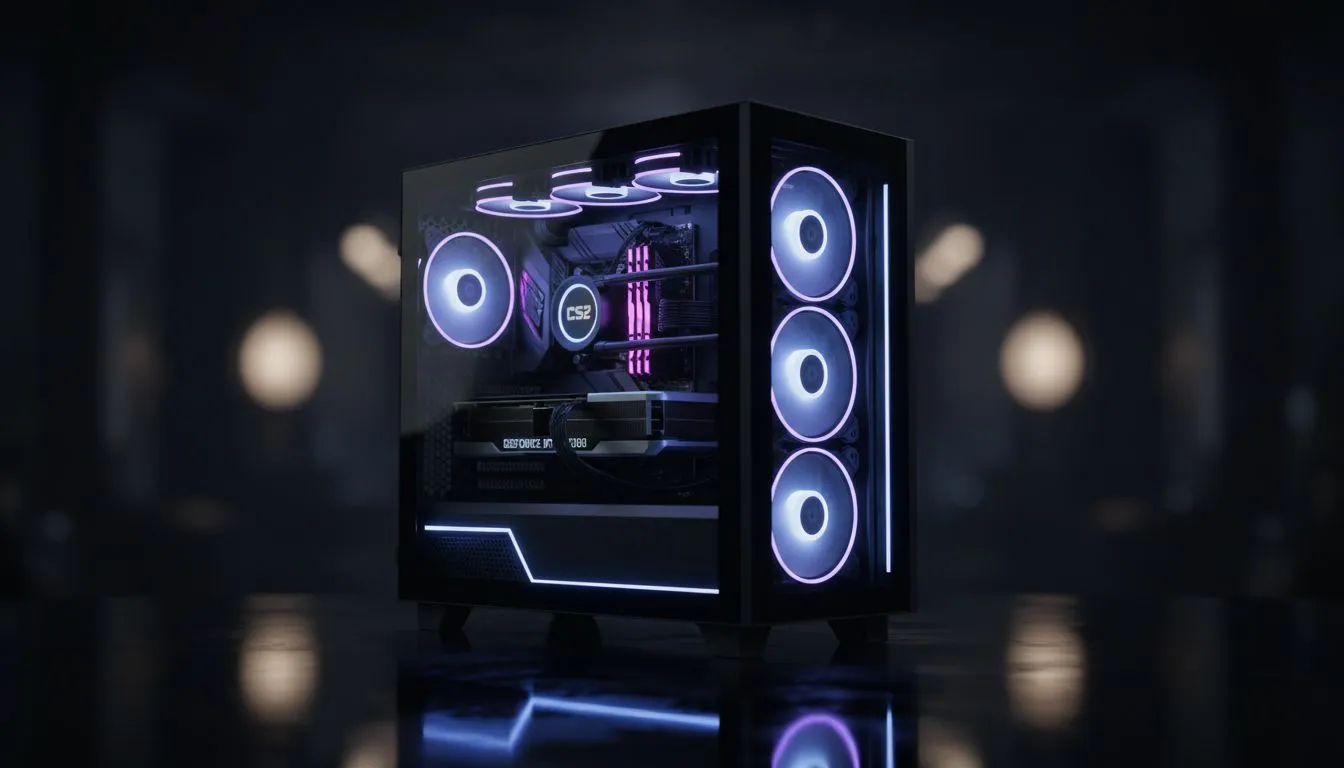
Entry-Level CS2 Performance (R10k – R15k)
Clutching a 1v3 on Mirage feels incredible, but stuttering mid-spray because of an outdated rig is a nightmare. In 2026, Counter-Strike 2 demands more than just 'decent' hardware to stay competitive in South African servers. Whether you are climbing the Premier ranks or playing Faceit, your PC needs to keep up. This CS2 PC Price Guide: Builds R10k-R50k (2026) covers every budget. 🔧
Starting your journey in tactical shooters does not require a second mortgage. At the R10,000 to R15,000 mark, we focus on 1080p stability. You want to ensure your smoke executes do not drop your frames into the single digits. For those starting out, looking at budget gaming PCs is the smartest move. These machines typically feature modern entry-level GPUs that handle the Source 2 engine with ease at medium settings.
CS2 Performance Tip ⚡
For the smoothest experience in CS2, always prioritise your CPU clock speed and RAM latency. Source 2 is heavily dependent on processor throughput... ensuring your 1% lows stay high prevents that micro-stutter during heavy utility usage like smokes and molotovs.
Competitive Mid-Range Rigs (R15k – R25k)
If you are serious about your rank, 60Hz is no longer enough. This price bracket is the "sweet spot" for South African gamers aiming for 144Hz or 240Hz monitors. To hit those high refresh rates consistently, you need a balanced pairing of a mid-tier CPU and a capable GPU.
When browsing for the best gaming PC deals, look for systems that include at least 16GB of high-speed DDR5 memory. This ensures that background tasks like Discord or recording your highlights do not impact your in-game latency. Many players find that they can comfortably sit in this bracket and still compete at the highest local levels. If you want a machine that is ready to plug in and play, checking out buy PCs under R20k will give you the best bang for your buck without overspending on flashy aesthetics. 🚀
Elite Tier and Professional Specs (R25k – R50k)
For the enthusiasts who want to push 360Hz or even 500Hz panels, the hardware requirements scale significantly. At this level, we are looking at top-tier silicon that can handle CS2 at 1440p or 4K while maintaining massive frame buffers. This is where you invest in the future of your setup.
High-end enthusiasts often look to buy PCs above R20k to ensure they have the cooling capacity for long tournament days. Better cooling means less thermal throttling during those intense overtime rounds on Inferno. At the R50k limit, you are essentially buying a professional-grade workstation that happens to be a gaming beast. These builds often feature the latest NVMe storage, meaning your map load times are nearly instantaneous. ✨
Finding Value in 2026
Prices in the tech world fluctuate, but the demand for performance remains constant. To get the most out of this CS2 PC Price Guide: Builds R10k-R50k (2026), keep an eye on seasonal sales. Often, you can find pre-built PC deals that offer components at a lower total cost than buying them individually.
The goal is always to maximise your frame-to-Rand ratio. Focus on the core components... the CPU and GPU... and let the aesthetics follow later. A PC that looks like a spaceship but runs like a tractor will not help you hit those headshots. Choose wisely, and we will see you on the server. 🎮
Ready to Dominate the Server? Whether you are looking for a budget-friendly starter or a professional-grade monster, we have the right rig for you. Explore our massive range of gaming PC specials and find the perfect machine to climb the CS2 leaderboards today.











