


Stuck Pixel Checks for a Mechanical Keyboard Setup
Stuck pixel on a Mechanical Keyboard is likely a display symptom around that setup, not the part itself. Check the monitor, cable, GPU output, drivers, and warranty path first.
Read moreReady to build a custom mechanical keyboard? This guide covers everything from choosing the perfect switches and keycaps to assembly. Unleash your creativity and build a keyboard that's uniquely yours. Let's get started on your dream setup! ⌨️✨
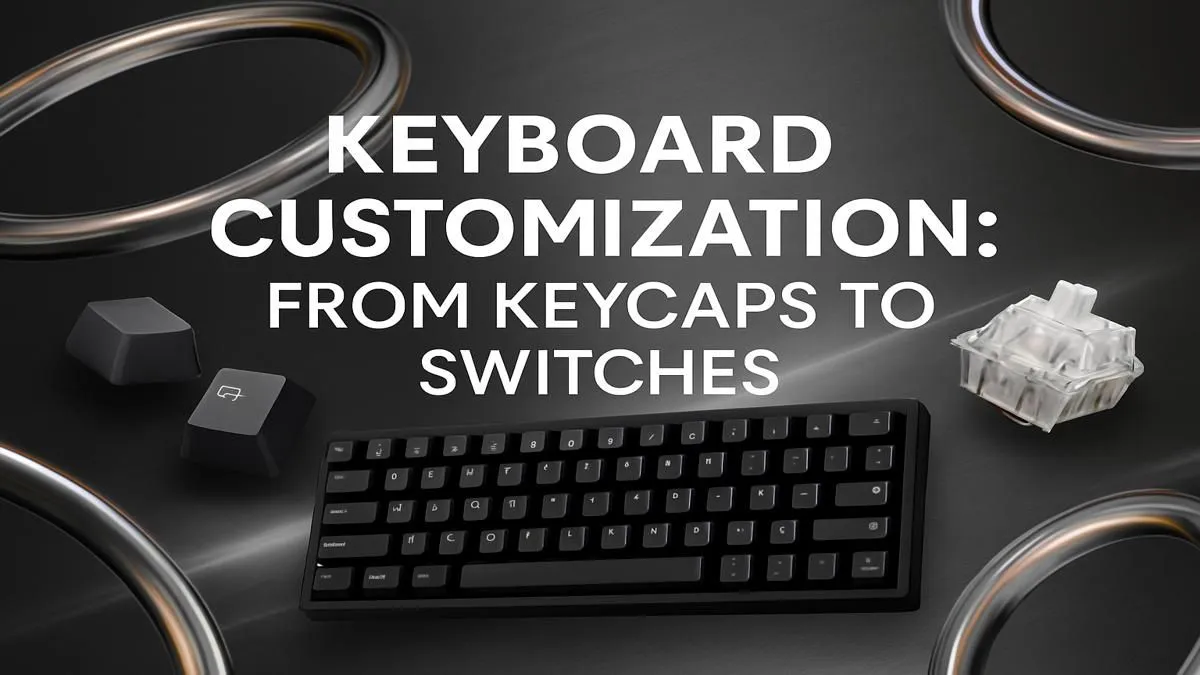
Tired of that mushy, generic keyboard that came with your PC? Ever dreamed of a typing experience perfectly tuned to you, right down to the satisfying thock of each keystroke? Welcome to the world of the custom mechanical keyboard. Building your own isn't just for hardcore hobbyists anymore. It's the ultimate PC upgrade for any South African gamer or creator looking for peak performance and personal style. This guide will show you exactly how to get started. 🔧
Let's be honest, a pre-built keyboard gets the job done. But building your own is about so much more than just typing. It's about crafting an experience.
A custom mechanical keyboard offers three huge advantages:
Diving into your first custom mechanical keyboard project can seem daunting, but it all boils down to a few key components. Let's break them down.
The case is the chassis of your keyboard, determining its size, angle, and material (like aluminium or plastic). The PCB (Printed Circuit Board) is the electronic brain. The most important choice here is the layout:
You'll also need to decide between a "hot-swappable" PCB, which lets you change switches without soldering, or a traditional soldered PCB for a more permanent build. For beginners, hot-swap is definitely the way to go.
This is where the magic happens. The switch determines the sound and feel of every single keypress. There are hundreds of options, but they generally fall into three categories:
Finding the right switch is a personal journey, so be sure to explore the full range of keyboard switches to find your perfect match.
Before you close up your case, plug the PCB into your PC and test every single key using an online keyboard tester. This is crucial if you soldered your switches! It's much easier to fix a bad joint now than after you've fully assembled everything. This simple step can save you a massive headache.
Keycaps are the plastic tops you see and touch. They are the easiest way to customise your keyboard's look. The two most common plastic types are ABS (which can develop a shine over time) and PBT (more durable and textured). Browsing through different custom keycap sets is one of the most exciting parts of planning your build.
We get it... a full custom keyboard build is a commitment. The good news is, you don't have to go from zero to one hundred. You can ease into the world of mechanical keyboards by starting with a fantastic pre-built model. Many modern options even feature hot-swappable switches, letting you experiment with customisation later on. Check out some of the best gaming keyboard deals to find a powerful and customisable base.
For those just starting their PC journey, our quality keyboard and mouse combos offer incredible value and a huge step up from standard peripherals.
Once you've built your masterpiece, you'll want to make sure it's comfortable for those long gaming sessions or workdays. A high-quality wrist rest can make a world of difference, reducing strain and promoting a healthier wrist posture. Pairing your custom keyboard with one of our ergonomic wrist rests is the final step to achieving setup perfection.
Ready to Build Your Dream Keeb? The journey to a custom mechanical keyboard is one of the most rewarding upgrades a PC enthusiast can make. From switches to keycaps, building a board that's uniquely yours is an incredible experience. Explore our complete range of keyboard components and start your build today!
To build a custom keyboard, you'll need a case, a PCB (Printed Circuit Board), a mounting plate, switches, stabilizers, keycaps, and a USB cable. Many beginners start with a kit.
Yes, for many enthusiasts. They offer a superior typing experience, endless customization options for aesthetics and feel, and better durability compared to standard keyboards.
Linear switches are smooth, tactile switches have a noticeable bump at actuation, and clicky switches have both a bump and an audible click. The choice depends on personal preference.
A budget build can start around R1500-R2500. Mid-range builds are typically R3000-R6000, while high-end custom keyboards can cost significantly more depending on the parts.
PBT (Polybutylene Terephthalate) is a durable plastic used for high-quality keycaps. They resist shine from finger oils and have a textured feel, making them a popular choice.
It can seem daunting, but starting with a hot-swappable keyboard guide and a kit makes it very accessible. No soldering is required, so you just plug in the switches and keycaps.
Stuck pixel on a Mechanical Keyboard is likely a display symptom around that setup, not the part itself. Check the monitor, cable, GPU output, drivers, and warranty path first.
Read more
How to fix stuck pixel Windows 11 USB DAC issues starts with display-only tests. Check HDR, scaling, monitor input, USB cable movement, and safe South African support options before connecting the pixel issue to audio hardware.
Read more
Windows 11 Steam Deck monitor issues often start with display mode, USB-C output, drivers, or dock power. Use this how to fix monitor not detected windows 11 steam deck checklist for SA handheld PC setups.
Read more
Stalker 2 Heart of Chornobyl PC build planning at R100,000 should stay cautious about parts and settings. Balance GPU, CPU, RAM, storage, cooling, and upgrade room before picking a South African gaming PC.
Read more
RX 9070 XT build stuttering needs a step-by-step check before replacing parts. Review drivers, settings, thermals, power, background apps, display limits, cables, and game options before changing hardware.
Read more
GTA 6 on R15,000 needs careful part balance. This SA build guide frames CPU, GPU, RAM, SSD, cooling, and upgrade trade-offs without promising live prices, stock, or exact FPS.
Read more
NVIDIA lists 550W required system power for the RTX 5060 reference specification, based on a high-end test system. A quality 550W unit can be enough, but CPU draw, transient load, connectors and ageing decide real headroom.

80+ Gold vs 80+ Platinum for couch co-op gaming is about PSU efficiency, heat, fan behaviour, quality, and wattage headroom, not direct FPS. SA buyers should compare the whole build.

Upgrade your setup with the best USB-C hubs for creators. Discover why high-capacity card readers and dual 4K output are essential for professional South African content production. 🚀💻

B850 motherboard FPS drops needs a methodical troubleshooting pass. Review drivers, thermals, power settings, background apps, cables and game settings before replacing parts in an SA gaming setup.
NVIDIA lists 550W required system power for the RTX 5060 reference specification, based on a high-end test system. A quality 550W unit can be enough, but CPU draw, transient load, connectors and ageing decide real headroom.

OpenRGB's master branch now carries changes labelled for 1.0 final, including translation and platform work, but the official tags page still lists 1.0rc3.1 as the newest packaged release. Stable users should wait for the signed release channel.

A motherboard can remain useful for many years when power, cooling and connectors stay healthy. Replace it for confirmed faults, damaged power delivery or a blocked platform need, not simply because the calendar reaches a fixed age.

The VAIO T combines a 13.3-inch display with a multi-flip mechanism for laptop, tablet and outward-facing viewing modes. Orders begin in Japan on 18 September; South African availability is unconfirmed.

The smallest ATX case 2026 buyers should choose is the smallest chassis that still fits their exact graphics card, cooler, power supply and airflow plan. ATX support alone does not prove a case has the smallest footprint or volume.

In a 6 bit + FRC vs 8 bit comparison, native 8-bit panels can produce 256 levels per colour channel directly, while 6-bit plus FRC rapidly alternates nearby values to approximate the wider palette. Panel quality still depends on more than bit depth.

The UGREEN LinkStation Pro eGPU dock combines Thunderbolt 5 and OCuLink connections with an integrated 850W ATX 3.1 power supply and up to 140W laptop charging. South African availability is unconfirmed.

Windows 11 KB5124008 can leave some USB Audio Class 1.0 devices with no sound, Code 10 or failed multichannel output. Microsoft confirms the issue and says switching to two-channel stereo can restore audio for some users.