

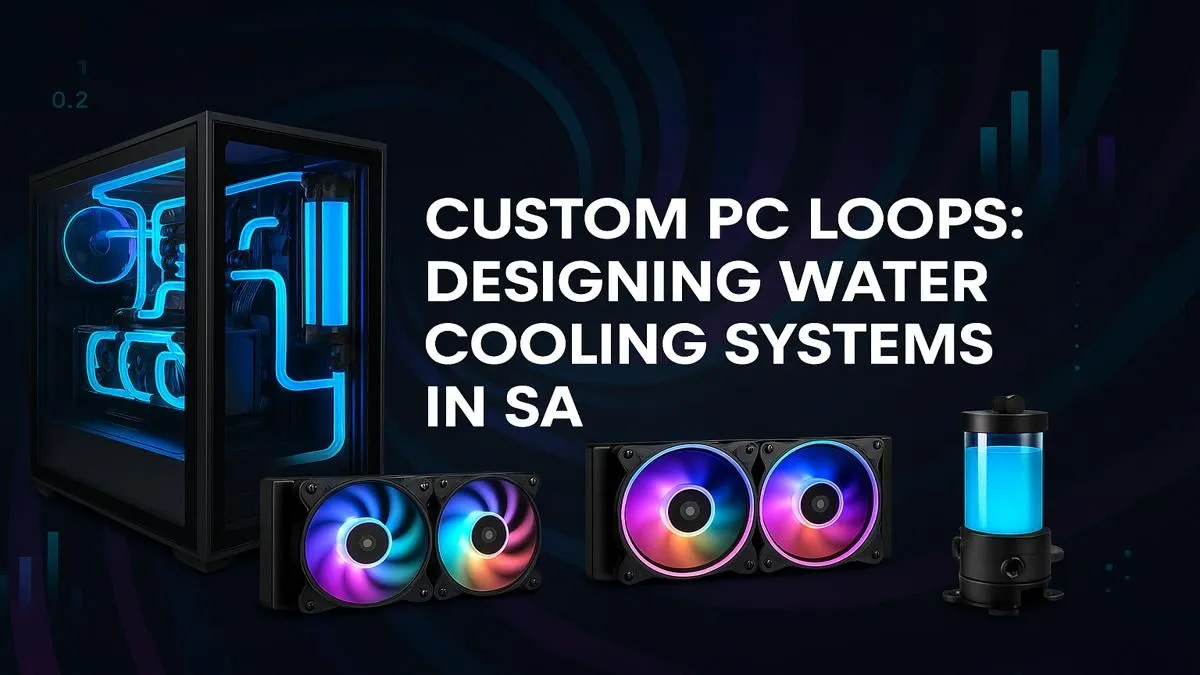
Tired of your PC sounding like a jet engine during a Helldivers 2 session? Dreaming of a rig that looks as cool as it runs? Welcome to the ultimate guide on custom water cooling in South Africa. Forget intimidating jargon and confusing parts lists. We're breaking down everything you need to know to design a liquid cooling loop that tames your temps, silences your fans, and makes your PC a true masterpiece. Let's get started. 🚀
Why Go Custom with Your PC Cooling?
Okay, so your stock cooler or AIO (All-in-One) works. Why dive into the world of custom loops? It boils down to three key things: unparalleled performance, whisper-quiet operation, and jaw-dropping aesthetics.
A well-designed custom water cooling loop can drop your CPU and GPU temperatures by 10-20°C or more compared to air cooling. Lower temps mean more thermal headroom for overclocking, letting you squeeze every last drop of performance from your components. This is how you achieve those buttery-smooth frame rates in the most demanding titles. And because you're using large radiators with slow-spinning fans, your rig can stay virtually silent even under full load. No more fan whine drowning out crucial in-game audio.
Plus, let's be honest... it just looks incredible. A custom loop is the ultimate statement piece for any PC enthusiast. It shows a level of dedication and craft that sets your build apart from the rest. For many South African PC builders, this is the final frontier of personalisation. If you're looking for inspiration, checking out some of the best gaming PC deals can show you what's possible at the high end.
The Core Components of a Custom Loop
Building a custom water cooling setup in South Africa involves sourcing a few key parts. Think of them as the organs of your PC's new circulatory system. 🔧
- CPU & GPU Blocks: These are precision-milled blocks of copper or nickel that replace your existing air cooler and GPU shroud. They make direct contact with the chip to transfer heat directly into the water.
- Radiator: This is where the magic happens. Hot liquid from your blocks flows through the radiator, where fans dissipate the heat into the air. The bigger the radiator, the better the cooling potential.
- Pump & Reservoir: The heart of the system. The pump circulates the coolant through the loop, while the reservoir (or "res") holds extra fluid and makes filling and bleeding air bubbles much easier. Most builders opt for a pump/res combo unit to save space.
- Tubing: This is the plumbing that connects everything. You have two main choices: soft tubing (flexible, easier for beginners) or hard tubing (rigid, looks cleaner but requires more skill).
- Fittings: These are the connectors that attach your tubing to the components. They need to match your tubing type and size exactly to prevent leaks.
- Coolant: Don't just use tap water! Specialised coolants contain anti-corrosive and anti-biological agents to keep your loop clean and efficient. They also come in a massive range of vibrant colours.
Leak Testing is Non-Negotiable 💧
Before you ever power on your motherboard, you MUST leak test your loop for at least 12-24 hours. Use a paper towel under every fitting to catch potential drips. You can power the pump independently using a jumper on your PSU's 24-pin connector. This one step can save you from a very expensive disaster!
Designing Your Custom Water Cooling Loop
Planning is 90% of the battle. Rushing this stage is a recipe for frustration and wasted money. Follow these steps to design a flawless custom cooling loop.
Step 1: Check Your Case
Your PC case is the foundation. Does it have mounts for the radiator sizes you want? Is there enough clearance for a pump/res combo? Measure everything twice. Check the manufacturer's specs for radiator compatibility (top, front, and bottom). This step determines the scale of your entire project.
Step 2: Choose Your Blocks
Select water blocks specifically designed for your CPU socket (e.g., AM5, LGA1700) and your exact GPU model (e.g., an RTX 4080 Super). A block for a Gigabyte card won't fit an MSI card, even if they're both 4080s. Be precise. This is especially critical for high-end PCs over R20k where powerful GPUs generate immense heat.
Step 3: Plan Your Radiator Space
A good rule of thumb is to have at least 120mm of radiator space for each major component you're cooling (CPU, GPU). For overclocking, aim for 240mm per component. So, for a CPU and GPU, a 240mm and a 360mm radiator would be a fantastic combination, providing excellent cooling capacity.
Step 4: Map Your Loop Order
The actual order of components in your loop doesn't significantly impact temperatures. The coolant moves so fast that the temperature equalises throughout the loop. Instead, plan your tubing runs for the cleanest look and fewest awkward bends. A common and simple path is: Reservoir -> Pump -> CPU Block -> Radiator -> GPU Block -> Reservoir.
The Great Debate: Soft vs. Hard Tubing
This is a major decision that impacts both the build process and the final look.
- Item
- Item
For your first attempt at custom water cooling in South Africa, we strongly recommend starting with soft tubing. You'll get all the performance benefits with a much lower learning curve. Even many great value PCs under R20k could be upgraded with a soft-tubing loop to create a unique and powerful machine.
Is a DIY Custom Loop Right for You?
Let's be real... building a custom loop is a project. It requires research, patience, and a budget that goes beyond just the core PC parts. It's an incredibly rewarding experience, but it's not for everyone.
Ask yourself: Do I enjoy tinkering and problem-solving? Do I have the time to dedicate to building and maintaining it? If the answer is a hesitant "maybe," don't worry. You don't have to miss out on the benefits of elite cooling. Many builders start their journey with more accessible systems like affordable budget gaming PCs and plan their dream loop as a future upgrade.
Alternatively, if you want the performance and aesthetics without the hassle and risk, professionally built systems are the perfect solution. Here at Evetech, our expert technicians build and test custom-cooled PCs every day. You can explore a range of pre-built PC deals that deliver that bespoke look and feel, backed by a full warranty. It's the best way to get a masterpiece rig without the stress. ✨
Ready for Ultimate Performance? Whether you're planning your first DIY loop or want the guaranteed quality of a professionally built machine, a water-cooled PC is the pinnacle of performance. Explore Evetech's best gaming PC deals and find the perfect rig to dominate the competition.











