

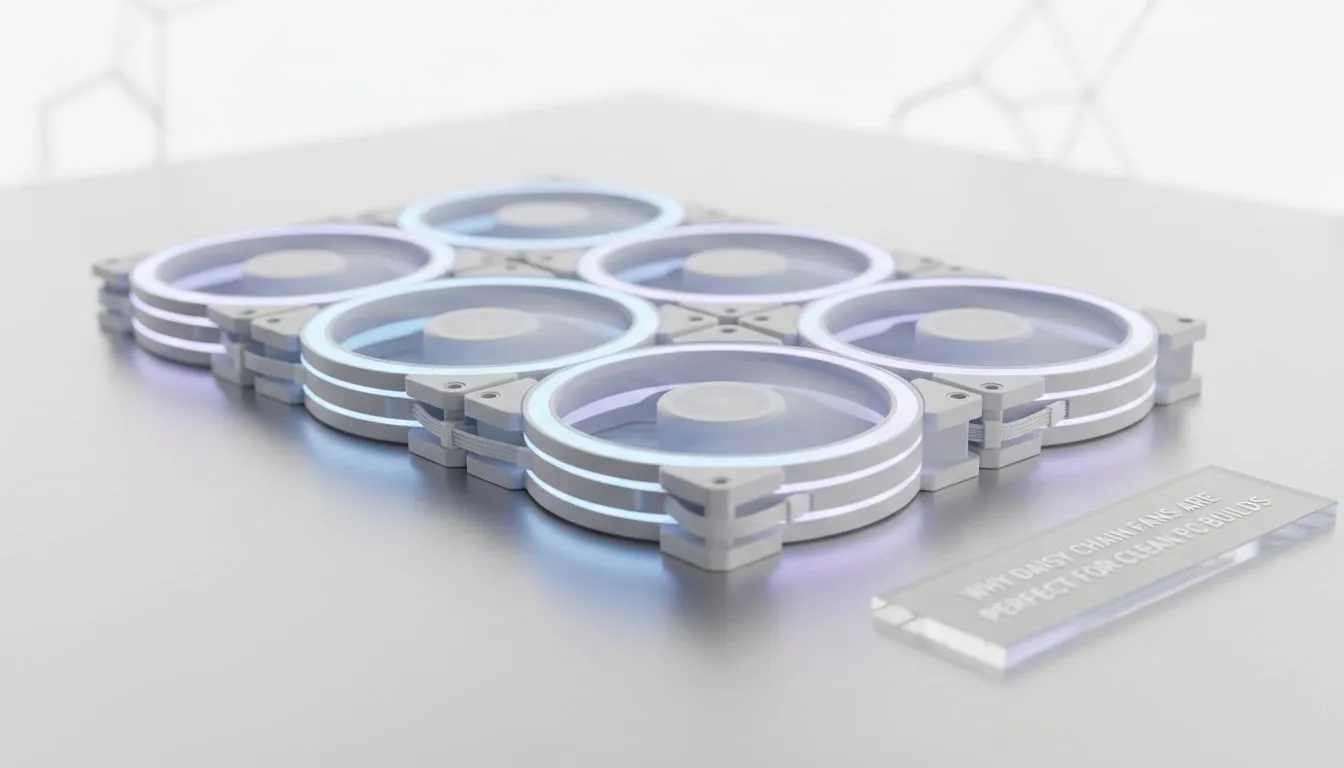
Daisy Chain Fans for Clean PC Builds: Tidy airflow, tidy desk 🔧✨
Daisy Chain Fans for Clean PC Builds can turn a spaghetti-mess of cables into a sleek, whisper-quiet rig. South African builders know tidy equals better airflow and easier upgrades... plus cleaner photos for your socials. This quick read shows which fans to pick, how to daisy chain them safely, and where to shop locally so you spend less time cable-managing and more time gaming.
Daisy Chain Fans for Clean PC Builds: Choose the right fans and features
Picking fans that support daisy-chaining simplifies wiring and keeps your build clean. If you want a broad view of available fans, start at Evetech's case fan range to compare specs and prices. https://www.evetech.co.za/PC-Components/case-fans-97.aspx
Thinking brand-first? Corsair models often include smart RGB hubs and daisy-chain friendly controllers — see Corsair fan options here. https://www.evetech.co.za/PC-Components/case-fans-97.aspx?brands=CORSAIR
If you prefer quieter, performance-tuned choices, Deepcool has solid options that pair well with daisy-chained setups. https://www.evetech.co.za/PC-Components/case-fans-97.aspx?brands=Deepcool
Do you want colour and effects or a stealth look? Choose RGB for show, or go plain for a minimal build — Evetech lists both RGB and non-RGB filters to help decide. https://www.evetech.co.za/PC-Components/case-fans-97.aspx?attributes-lightingeffects=RGB https://www.evetech.co.za/PC-Components/case-fans-97.aspx?attributes-lightingeffects=None
Daisy Chain Fans for Clean PC Builds: Size, layout and wiring tips ⚡
Fan size matters for noise and airflow. 120mm fans give more mounting flexibility; 140mm move more air at lower RPMs. Compare the formats to decide which suits your case. https://www.evetech.co.za/PC-Components/case-fans-97.aspx?attributes-size=120mm https://www.evetech.co.za/PC-Components/case-fans-97.aspx?attributes-size=140mm
Practical wiring tips:
- Daisy-chain like-for-like fans (same model or compatible hubs) to avoid PWM conflicts.
- Keep your daisy-chain runs short and routed along case channels.
- Use the motherboard header only for final hub control; avoid chaining too many fans directly to one header.
Build Lab Pro Tip ⚡
When daisy-chaining RGB fans, synchronise via the fan manufacturer’s hub rather than the motherboard RGB header to avoid flicker and simplify cable runs. If mixing brands, separate control chains to prevent conflicts.
Daisy Chain Fans for Clean PC Builds: Installation checklist and final thoughts 🚀
Before you seal the case:
- Check hub power specs and confirm connectors match (use Evetech product pages for exact pinouts).
- Balance airflow: intake vs exhaust, and remember that fewer, larger fans can reduce noise.
- Test at each step; power on with side panels off to confirm all fans spin and RGB (if used) responds.
If you want hands-on help picking parts or getting the exact cables for your daisy chain, our Build Lab guides and product pages make matching easy. Start browsing parts or reach out for personalised advice.
Ready to Find Your Perfect Match? The Mac vs Windows debate is complex, but for maximum power, choice, and value in South Africa, Windows is hard to beat. Explore our massive range of laptop specials and find the perfect machine to conquer your world.











