

Master Your Airflow Without Risking Your Hardware
Setting up your PC in the South African heat requires a smart cooling strategy. You want your build to look clean without a "spaghetti" of wires cluttering your view. This is where daisy chaining shines. However, the biggest fear for many builders is frying their hardware. We will show you how to use daisy chain fans: set up without overloading motherboard headers safely. It is all about basic math and choosing the right gear. ⚡
Understanding Motherboard Power Limits
Before you start plugging everything in, you must check the amperage. Most standard motherboard headers provide 1 Amp of power. If you check our massive selection of case fans, you will see varying power draws. A typical fan uses about 0.15A to 0.25A. If you chain four fans together, you might be hitting that 1A limit. Going over can lead to a dead header... or worse.
Choosing the Right Brands for Easy Connectivity
If you want the best tech for cable management, Corsair's premium options often feature proprietary link systems. These systems handle the power distribution for you. It takes the guesswork out of your build. For those looking for great value in ZAR, Deepcool fans offer excellent daisy chain capabilities. They are perfect for budget-conscious builders who still want high airflow without a mess. 🔧
Power Limit Pro Tip ⚡
Always check the sticker on the back of your fan motor. It lists the "Amps" (A). Add these numbers together for every fan in your chain. If the total is 0.8A or lower, you are safe on a standard 1A header. If it is higher, consider a powered fan hub to protect your motherboard and provide consistent voltage.
Balancing Aesthetics and Performance
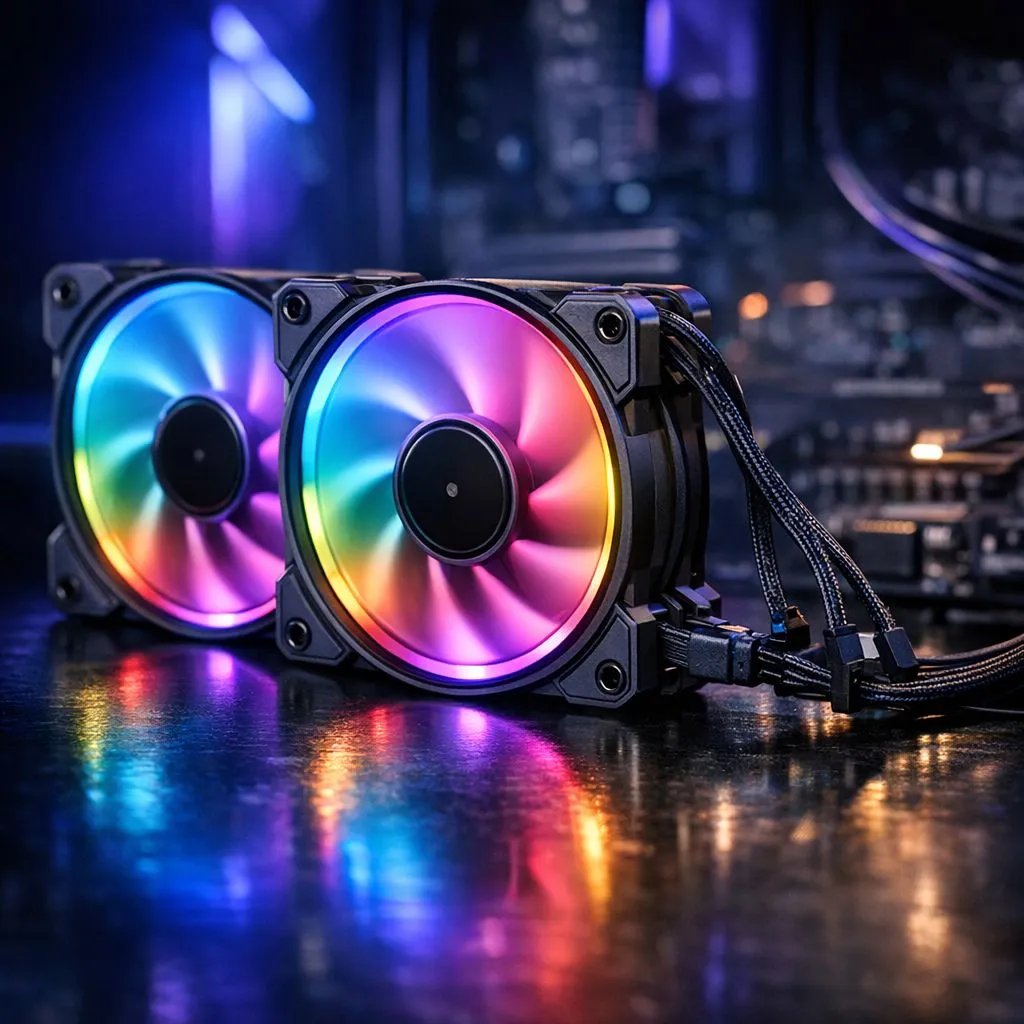
Visuals matter to any proud South African gamer. Many local enthusiasts love vibrant RGB fans to light up their desk during late-night sessions. Remember that RGB LEDs draw extra power. Sometimes they use a separate cable... sometimes they share the fan power. If you prefer a stealthy, professional look, we also stock fans with no lighting. These are often quieter and focus purely on moving air efficiently.
Selecting the Correct Fan Size for Your Chassis
Finally, consider the physical size of your chassis. Most builds use 120mm fan models because they fit almost anywhere. However, if your case supports them, larger 140mm fans move more air at lower speeds. This results in a quieter experience during those intense gaming moments. Just ensure your daisy chain math remains solid regardless of the diameter. Your goal is a cool, quiet, and safe rig. 🚀
Ready to Upgrade Your Airflow? Keeping your components cool is vital for longevity and performance in our warm climate. Browse our full range of case fans and find the perfect cooling solution for your South African gaming rig today.











