

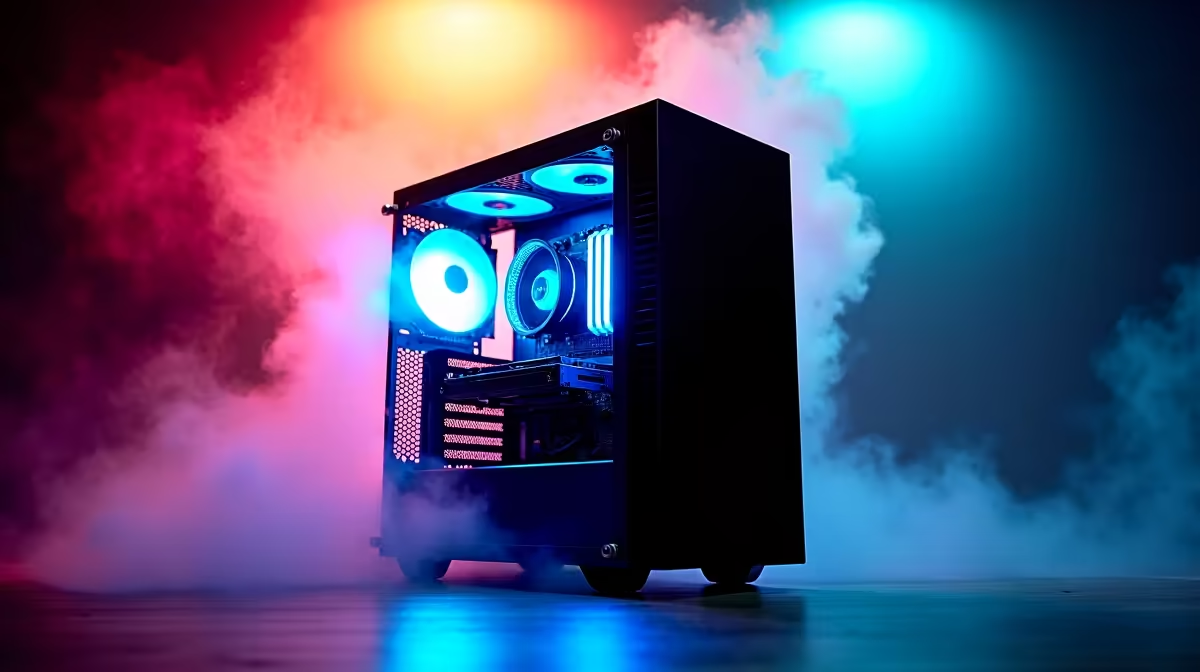
Thinking of building a rig that does more than just game? Welcome to the new frontier, where your PC can generate art, code, and ideas. This DeepSeek PC build guide is your map. We're breaking down the essential hardware you need right here in South Africa to build a machine that can tackle demanding AI and machine learning tasks. Forget the jargon… let's get you building a powerful creative partner. 🚀
Understanding the Core of a DeepSeek PC Build
First off, what exactly is a "DeepSeek" PC? It's not a brand, but a purpose. It’s a custom-built computer optimised for deep learning, AI model training, and complex computational tasks. While a high-end gaming PC shares many components, a DeepSeek PC build prioritises specific hardware to accelerate these unique workloads.
The key differences lie in the balance of power. For AI, the Graphics Processing Unit (GPU) does the heavy lifting, specifically its VRAM and specialised cores. This is followed by system RAM capacity, CPU core count, and ultra-fast storage. It’s about creating a balanced system where no single component bottlenecks your workflow.
Choosing Your GPU: The Heart of Your AI Build
When building a PC for AI, the GPU is your single most important investment. It’s where the magic happens. For years, NVIDIA has dominated this space thanks to its CUDA (Compute Unified Device Architecture) platform, which is the industry standard for most machine learning frameworks.
The NVIDIA Advantage: CUDA and VRAM
NVIDIA's RTX cards come with Tensor Cores, which are specifically designed to speed up AI calculations. More importantly, VRAM (video memory) is king. Large AI models need to be loaded into the GPU's memory, and if you don't have enough, performance grinds to a halt.
- Good Start: 12GB VRAM (e.g., RTX 4070)
- Better: 16GB VRAM (e.g., RTX 4070 Ti SUPER, RTX 4080 SUPER)
- Ideal: 24GB VRAM (e.g., RTX 4090)
For anyone serious about local AI development, exploring our range of pre-built powerful NVIDIA GeForce gaming PCs is a great way to see what these cards are capable of.
What About AMD?
AMD has made massive strides, and their hardware is incredibly powerful. For a machine that balances top-tier gaming with some AI exploration, looking at AMD Radeon gaming PCs is a fantastic choice, often offering incredible value. While NVIDIA's software ecosystem (CUDA) currently has wider support for AI tools, AMD's ROCm platform is rapidly evolving, making them a brand to watch closely in this space. ✨
Check Your VRAM Usage ⚡
When running AI models, use a tool like nvidia-smi (for NVIDIA) in your command line or Task Manager's Performance tab to monitor VRAM usage. If you're constantly hitting your VRAM limit, it's a clear sign you need a GPU with more memory for the models you're trying to run.
Balancing Your Build: CPU, RAM, and Storage Insights
While the GPU is the star, it needs a strong supporting cast. A sluggish CPU or slow storage will absolutely cripple your DeepSeek PC build's performance, no matter how powerful your graphics card is.
CPU: The System's General Manager
Your CPU handles data preparation, system operations, and everything else your GPU isn't working on. For a smooth experience, you'll want a processor with a good number of cores and threads.
- Solid Choice: Intel Core i5 / AMD Ryzen 5 (latest generations)
- Recommended: Intel Core i7 / AMD Ryzen 7
- Pro-Level: Intel Core i9 / AMD Ryzen 9
RAM and Storage: Speed and Capacity
AI loves RAM. 32GB of fast DDR5 RAM should be your starting point. If you're working with very large datasets, jumping to 64GB or even 128GB is a worthwhile upgrade. For storage, a fast NVMe SSD is non-negotiable. It dramatically cuts down the time it takes to load huge datasets and models, getting you to work faster. A 1TB NVMe is a good start, with a second larger SSD for storage. 🔧
If piecing it all together yourself sounds daunting, or you need a certified machine for professional work, our purpose-built workstation PCs are assembled and tested by experts to guarantee stability and performance for the most demanding tasks.
Ready to Build Your AI Future? This DeepSeek PC build guide gives you the blueprint, but the final creation is yours. Building a powerful AI rig is an investment in your skills and creativity. Use our advanced Custom PC Builder to configure the perfect machine with all the parts you need, right here in SA.











