



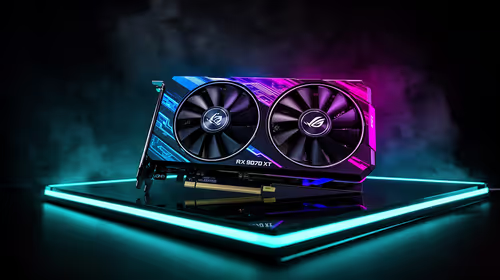
Fix Dead pixel checks on RX 9070 XT build
Dead pixel on RX 9070 XT build needs careful display-chain checks, not a single-part blame. Test the screen, cable, port, scaling, drivers, and setup context before replacing hardware.
Read moreConsidering a DIY gaming PC repair? This guide breaks down the pros, cons, costs, and risks versus calling a professional. We'll help you decide when to grab your tools and when to trust the experts for common issues like hardware failure or software glitches. 🛠️💡
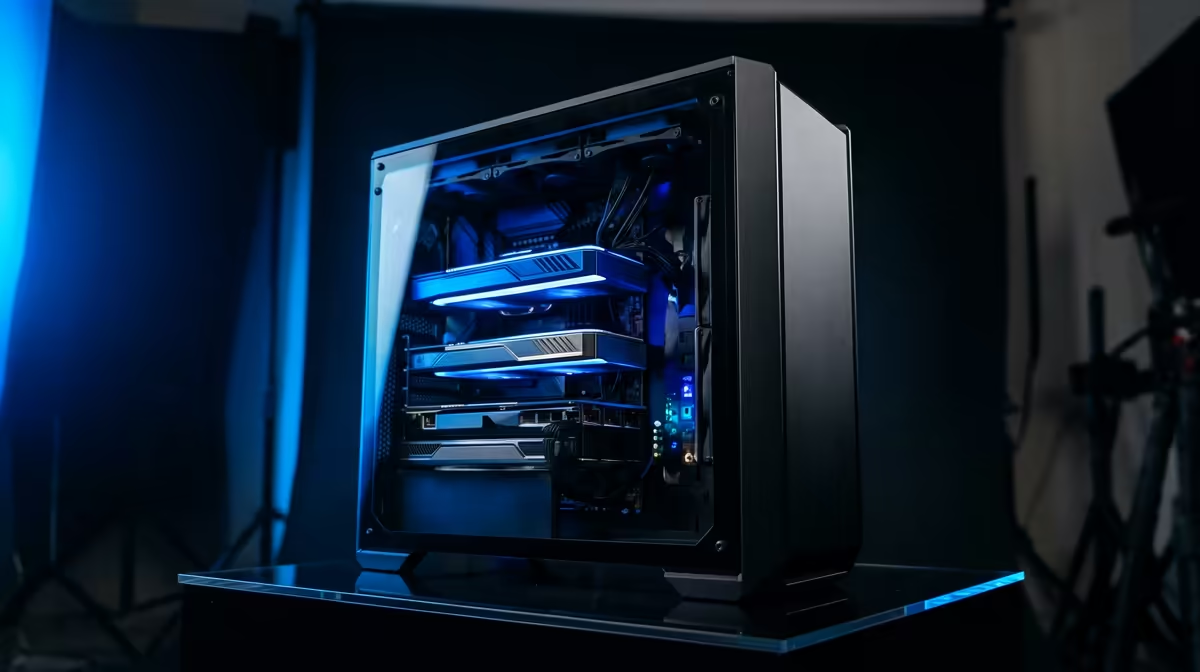
It's a classic South African gamer's nightmare. You're hyped for a session, your mates are waiting in Discord, but your PC just… won't boot. The first instinct is to grab a screwdriver and dive in. But while a bit of DIY spirit is great, knowing when to tackle a DIY gaming PC repair yourself versus calling a professional can save you a world of pain (and a lot of money). Let's break down when to be a hero and when to call for backup. 🤔
Before you panic, many common issues have surprisingly simple solutions. A successful DIY gaming PC repair often starts with the basics. These are the low-risk, high-reward fixes you should always try first.
This isn't just a meme; it's step zero. A full shutdown (not a restart) can clear temporary glitches. If that fails, the next step for a PC that won't POST (Power-On Self-Test) is checking the RAM. Power down completely, unplug the PC, open the case, and carefully unclip and re-seat your RAM sticks. You'd be amazed how often a slightly loose module is the culprit, a simple fix that gets you back to building in your favourite Minecraft gaming PC in minutes.
Another simple but crucial step is checking every single cable. Is the power cable firmly in the wall and the PSU? Is your display cable plugged securely into the graphics card, not the motherboard? Inside the case, give your SATA data and power cables a gentle nudge to ensure they're snug. A loose cable can cause boot failures or make drives disappear, a frustrating issue when all you want to do is drop into a match on your Fortnite gaming PC.
Is your PC crashing mid-game or giving you the dreaded Blue Screen of Death (BSOD)? Before you suspect faulty hardware, look at your software. A recent Windows update or a new graphics driver could be the cause. Use Display Driver Uninstaller (DDU) for a clean sweep and reinstall the latest stable drivers. Keeping drivers updated is vital for performance, especially on a competitive Overwatch 2 gaming PC where every frame counts.
If your PC sounds like a jet engine and your temps are climbing, it's likely suffocating. Overheating can cause thermal throttling (slowing down your components to protect them) or even random shutdowns. A can of compressed air is your best friend here.
using compressed air, give it short bursts and hold the can upright to avoid spraying liquid propellant. Crucially, gently hold your case fans still with a finger while you spray them. Letting them spin freely with the compressed air can damage the fan bearings. This simple step will keep the cooling on your [Cyberpunk 2077 gaming PC](https: www.evetech.co.za cyberpunk-2077-gaming-pcs x 1194) running optimally.
Knowing your limits is key. Some problems require specialised tools and experience. Attempting these fixes without proper knowledge can turn a repairable issue into a very expensive paperweight.
If you smell burning plastic, hear a loud pop followed by a dead PC, or your machine is completely unresponsive, do not open the PSU. They contain capacitors that can hold a dangerous electrical charge long after being unplugged. A faulty PSU can also damage every other component in your system. This is a non-negotiable "call a pro" situation, especially for a high-demand rig like a Microsoft Flight Simulator gaming PC.
This is the central nervous system of your PC. If you suspect bent CPU pins, see visible scorch marks on the motherboard, or are dealing with a corrupted BIOS that won't flash, it's time to step away. These are delicate and costly components. One wrong move could be catastrophic for the heart of your Counter-Strike 2 gaming PC.
See a drip? Power down. Immediately. Unplug the PC from the wall and don't turn it back on. Water and electricity are a disastrous mix. A professional needs to safely disassemble, dry, and test each component for damage. This is a critical failure that can affect everything from your GPU to your motherboard, a nightmare for any gamer with a high-end PUBG gaming PC.
You've reseated the RAM, checked the cables, and reinstalled drivers, but your PC still randomly crashes. These intermittent faults are the hardest to diagnose without professional tools. It could be a failing SSD, a faulty power delivery on the motherboard, or a dozen other obscure issues. Instead of tearing your hair out, let an expert with diagnostic gear pinpoint the problem, whether you're playing on a GTA V gaming PC or trying to drop into the latest map on your Call of Duty: Warzone 2.0 gaming PC.
Consider this: your time is valuable. Spending 10 hours troubleshooting might save you a R750 diagnostic fee, but was it worth it? More importantly, a slip of the screwdriver could turn a simple fix into a R10,000+ replacement for a GPU or motherboard. Sometimes, paying a professional is the cheaper option in the long run. It provides peace of mind and gets you back in the game faster. 🚀
Tired of Troubleshooting? Sometimes the best fix is a fresh start. If your old rig is giving you more headaches than headshots, it might be time for an upgrade. A professionally built PC from Evetech comes with warranties and expert support, so you can focus on gaming, not guesswork. Explore our range of powerful custom-built gaming PCs and get back in the game.
DIY repair can be cheaper if you only need to replace a small part and have the tools. However, factoring in diagnostic time and the risk of causing more damage can make professional repair more cost-effective.
The main risks include misdiagnosing the problem, causing electrostatic discharge (ESD) damage to components, breaking parts during disassembly, and voiding your warranty.
You should call a pro for issues you can't diagnose, problems involving the motherboard or PSU, liquid damage, or if you're uncomfortable handling expensive components.
The cost of professional PC repair varies. Diagnostic fees can range from R500-R1000, with hourly labour rates plus the cost of any replacement parts. A full quote is always recommended.
Simpler issues like reseating RAM, replacing a case fan, updating drivers, reinstalling your OS, or swapping out a storage drive are common DIY fixes for beginners.
Yes, absolutely. Without proper knowledge and tools, a simple issue like a loose cable could turn into a damaged motherboard or a fried component, increasing repair costs.
Dead pixel on RX 9070 XT build needs careful display-chain checks, not a single-part blame. Test the screen, cable, port, scaling, drivers, and setup context before replacing hardware.
Read more
Genshin Impact anti-cheat error on RTX 4090 usually needs service, permissions, overlay, and file integrity checks. Use this SA-focused fix path to isolate launch blockers before reinstalling or changing security settings.
Read more
Mass Effect launch trouble on RX 7800 XT needs focused driver, settings, launcher, and heat checks. Use this SA-friendly guide to isolate the likely cause, protect saves, and return to smoother play without unsupported hardware claims.
Read more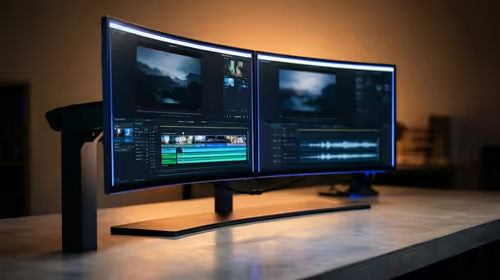
144Hz 1440p setup for video editing in 1080p - what SA needs a balanced, cautious look before buying. Compare fit, budget, workload, warranty support, and upgrade room so the choice makes sense for South African buyers.
Read more
R8,000 gaming PC build in KwaZulu-Natal needs a practical check before you shortlist anything. Compare fit, compatibility, warranty support, timing, and total setup balance for South African buyers.
Read more
Brits video editing in 4K build under R20,000 needs a balanced parts plan, not a random basket. Map the CPU, GPU, RAM, SSD, cooling, and monitor target to the budget so SA builders know where to spend first.
Read more
Windows never combine taskbar shows separate labelled buttons for open windows. Choose it in Taskbar behaviours, then review space and other-display settings; labels and grouping are linked in the available options.

8BitDo Ultimate 3C+ brings adjustable stick tension to the C Series. Windows uses wired USB or the 2.4 GHz adapter; Android uses Bluetooth. Confirm those modes and local pricing before buying.

EPOMAKER Galaxy75 previews an aluminium 75% keyboard with wireless modes and HUB/VIA customisation. It is still marked coming soon; final pricing and South African supply are not confirmed.

Windows Delivery Optimisation can share update files with other PCs. Review its activity, choose local-only sharing or turn peer sharing off, and use bandwidth controls; those choices do not disable Windows Update.
Windows never combine taskbar shows separate labelled buttons for open windows. Choose it in Taskbar behaviours, then review space and other-display settings; labels and grouping are linked in the available options.
Windows Delivery Optimisation can share update files with other PCs. Review its activity, choose local-only sharing or turn peer sharing off, and use bandwidth controls; those choices do not disable Windows Update.

Windows touch indicator adds visual feedback where you touch a screen. Change it in Accessibility, Mouse pointer and touch; a feedback circle is different from inaccurate input, ghost touches or a damaged panel.

Windows underline access keys makes supported menu letters easier to see. Enable the keyboard accessibility option, then follow the app's displayed Alt cues; this does not remap keys or create missing app shortcuts.

Windows Task View button visibility is a taskbar preference. Hide it in Taskbar settings if you prefer Windows plus Tab, and keep virtual desktop switching separate from closing your applications.

Windows taskbar search box display options can free space without removing search. Choose Hide, an icon or a box in Taskbar settings, then use Windows plus S when you need to search.

Windows text suggestions can offer word choices while you type with a physical keyboard. Enable the setting under Typing, test a supported app, and keep suggestions separate from automatic corrections.

Windows autocorrect settings and application spelling tools are separate controls. Change one at a time, test a harmless sentence, and keep useful spelling highlights if automatic replacements get in your way.