

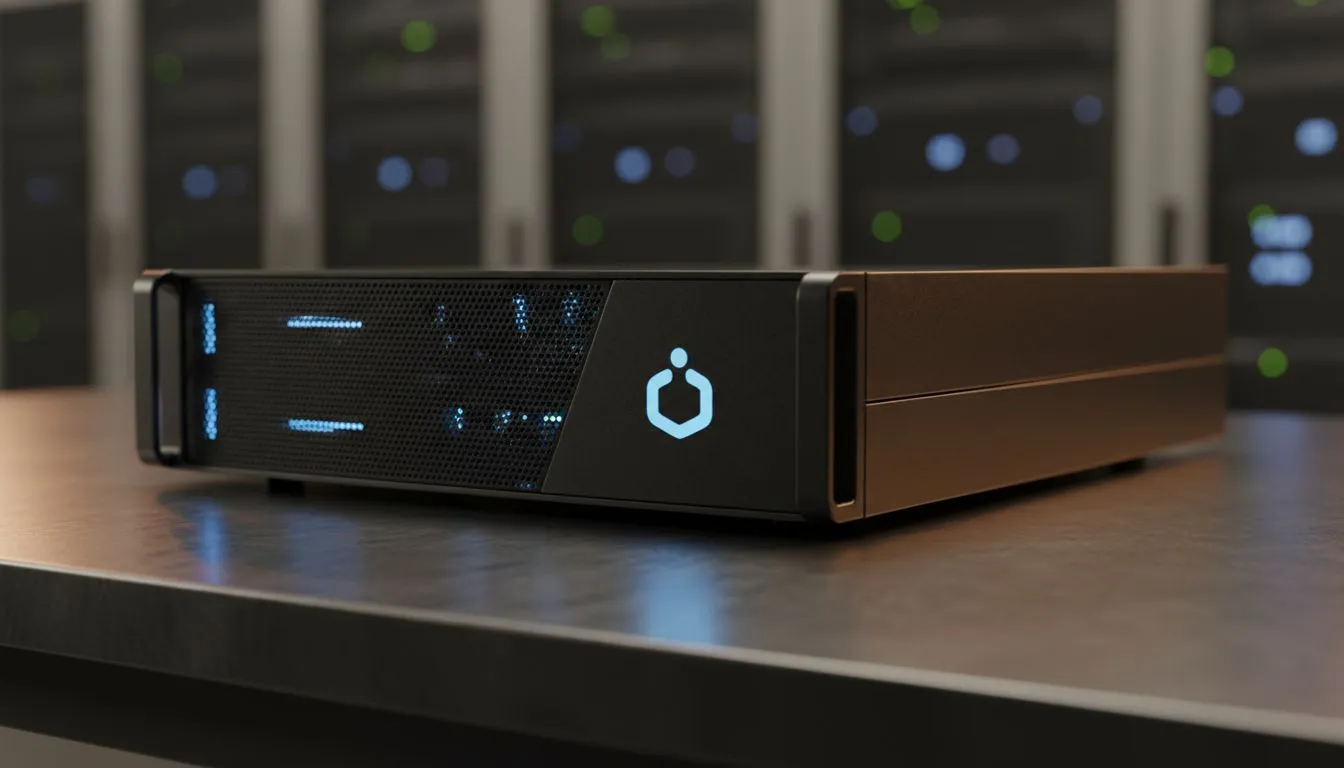
Tired of monthly cloud fees? Building a local Docker private cloud is the best way to own your data. It offers speed, privacy, and total flexibility for South African gamers and creators. No more worrying about slow international links when accessing your personal files. Let’s explore how to get started with this beginner’s guide to maximizing your setup's potential... right from your home office.
Understanding the Docker Private Cloud Advantage
Docker allows you to run applications in isolated containers. This means you can host your own file storage, media servers, or even dedicated game servers on a single machine. A Docker Private Cloud: Beginner's Guide to Maximizing Potential starts with understanding that your hardware is the foundation. You do not need a massive server rack to begin... just reliable, energy-efficient components.
Selecting the Right Hardware for Your Cloud 🔧
For most beginners, starting with dedicated diskless NAS storage solutions is the smartest move. These devices allow you to pick your own drives and scale as your library grows. If you prefer a compact, powerful setup, look at high-performance Minis Forum units to run your containers. They pack enough punch to handle multiple Docker instances without breaking a sweat or consuming too much power.
Performance Pro Tip ⚡
Always use a wired Ethernet connection for your Docker host. While Wi-Fi is convenient, a physical LAN cable ensures stable data transfers and lower latency for your private cloud services. It makes a massive difference when streaming 4K content locally or syncing large project files.
Optimising Your Storage Strategy 🚀
Storage is the heart of any private cloud. You need to ensure your data is safe from drive failures. Using Orico enclosures helps you manage external drives effectively. These are great for adding extra capacity to your Docker host via high-speed USB interfaces. Remember to configure a solid backup routine... a private cloud is only useful if the data stays safe from hardware failure.
Deploying Your First Containers
Start with a tool like Portainer. It gives you a visual interface to manage your Docker environment without needing to memorise complex terminal commands. From there, you can add Nextcloud for file syncing or Jellyfin for your media collection. Following this Docker Private Cloud: Beginner's Guide to Maximizing Potential ensures you spend less time troubleshooting and more time enjoying your digital freedom. ✨
Ready to Build Your Own Private Cloud? Reclaiming your data starts with the right hardware. Whether you need a compact server or high-speed storage, we have the gear to get you running. Explore our range of NAS and storage solutions and start your Docker journey today.











