

Why correct mounting matters for airflow and CPU longevity 🔧
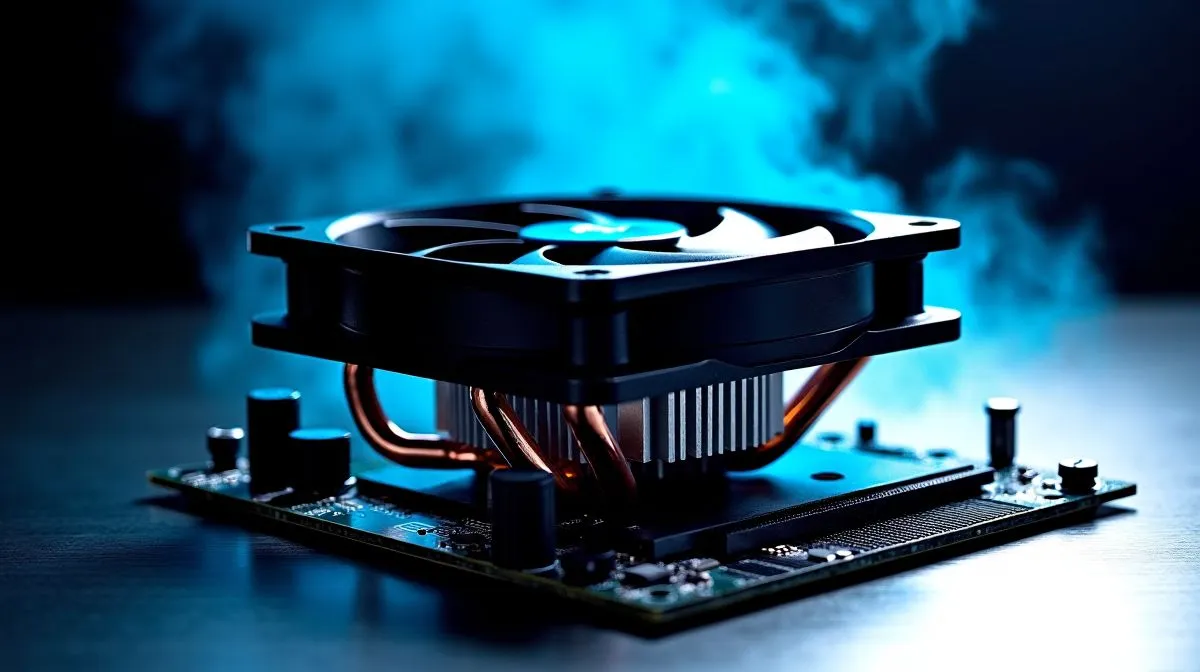
Dual-Fan Tower CPU Air Cooler Mounting on AM5/AM4/LGA1700 can feel fiddly, but a tidy install makes a massive difference to temps and noise. If you build in South Africa’s warmer months, mounting technique separates a loud, hot rig from a cool, quiet gaming machine. Follow these practical steps and avoid rookie mistakes. 🚀
Prep: check compatibility and parts
Start by confirming bracket compatibility with your socket. Evetech lists compatible coolers and mounting kits in their CPU coolers category — great for checking fit before you buy: https://www.evetech.co.za/PC-Components/cpu-coolers-84. For dual‑fan towers, confirm the tower supports AM5 or AM4 if you’re on AMD, or LGA1700 for Intel.
Fans, orientation, and 120mm considerations
Think airflow: push cold air through the radiator and exhaust it out the rear/top of the case. Many dual‑fan designs use 120mm fans; compare 120mm options and sizes directly on Evetech’s 120mm fan filter page to ensure clearance and mounting screws match: https://www.evetech.co.za/PC-Components/cpu-coolers-84?attributes-coolertype=Air+Cooler&attributes-coolingsize=120mm+Fans. Also check your RAM height and VRM heatsink clearance on the product page.
Brand choices and real-world fit
Different manufacturers take different approaches to mounting backplates and standoffs. Browse Deepcool options on Evetech for solid tower designs and documented AM5/LGA1700 support: https://www.evetech.co.za/PC-Components/cpu-coolers-84?attributes-coolertype=Air+Cooler&brands=Deepcool. If you favour compact towers with dual fans, EINAREX has affordable picks that often include multiple brackets: https://www.evetech.co.za/PC-Components/cpu-coolers-84?attributes-coolertype=Air+Cooler&brands=EINAREX. For the broader air cooler range, explore the full Evetech air cooler category to compare dimensions and mounting kits: https://www.evetech.co.za/PC-Components/cpu-coolers-84?attributes-coolertype=Air+Cooler.
Mounting Micro Tip ✨
When installing, hand‑tighten screws in an X pattern to seat the cold plate evenly. Use just enough torque to flatten the thermal paste spread; overtightening can warp the bracket or damage the motherboard.
Step-by-step mounting checklist
- Clean CPU and apply pea‑size thermal paste.
- Fit the backplate for your socket and loosely secure standoffs.
- Seat the cooler and tighten screws diagonally until snug.
- Attach dual fans—front fan pulls air in, rear fan pushes through.
- Plug fan headers to motherboard headers and set curves in BIOS for a quiet balance.
These steps reduce installation errors and improve thermal transfer. If you’re unsure, watch a quick install video or check the product manual included with most Evetech listings.
Closing nudge: ready to upgrade?
Mounting correctly will extend component life and keep FPS stable under load. If you need parts or a second opinion, browse Evetech’s full CPU coolers category and filter by air coolers to match size and socket support: https://www.evetech.co.za/PC-Components/cpu-coolers-84?attributes-coolertype=Air+Cooler. Good luck with your build — and enjoy the silence. 🔥
Ready to Find Your Perfect Match? The Mac vs Windows debate is complex, but for maximum power, choice, and value in South Africa, Windows is hard to beat. Explore our massive range of laptop specials and find the perfect machine to conquer your world.











