

Thinking about building your first PC in South Africa? It’s often called "Lego for adults," but let's be honest... the fear of snapping a pricey part is real. What if you could start with the easy stuff? We're breaking down the most straightforward, easy-to-install PC components that will give you a massive confidence boost. This guide makes your first build simple, turning anxiety into the pure thrill of creating your own rig. 🔧
The Core Trio: Easiest PC Parts to Install First
Getting started is all about momentum. By tackling the simplest parts first, you build confidence for the more fiddly bits later. These three components are famously beginner-friendly and give you that instant "I can do this!" feeling.
RAM (Memory): The Ultimate "Click and Go"
Honestly, installing RAM is almost foolproof. There are no cables to plug in, and the modules only fit one way. You just open the clips on your motherboard's memory slots, align the notch on the RAM stick, and push down firmly until both clips click shut. That’s it! Upgrading or installing RAM is a five-minute job that even the most affordable budget gaming PCs can benefit from for a quick performance boost.
M.2 NVMe SSDs: The Tidiest Storage Solution ✨
Forget the clumsy power and data cables of old hard drives. The M.2 solid-state drive (SSD) is a revolution in simplicity. This small, stick-like drive plugs directly into a dedicated slot on your motherboard and is secured with a single tiny screw. It's one of the easiest PC parts to install and keeps your build looking incredibly clean and professional. Many modern great value PCs under R20k now come standard with these speedy, simple drives.
Anti-Static Pro Tip ⚡
Before you handle any components, touch a large metal object like your PC case's bare metal frame or a metal tap. This discharges any static electricity you've built up, which can damage sensitive electronics. It's a simple, free precaution that seasoned builders swear by.
The Graphics Card (GPU): A Satisfying Slot-In 🚀
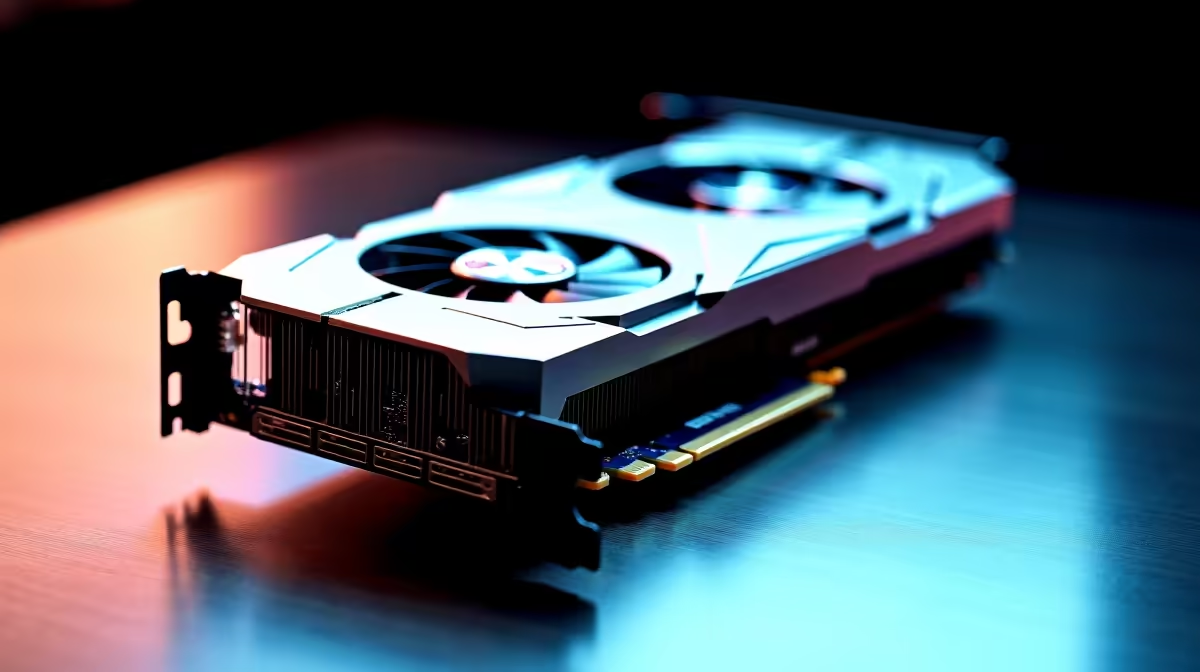
The GPU is often the star of the show... and thankfully, it's one of the most satisfying and easy to install PC components. You simply open the PCIe slot retainer on your motherboard, align the card, and press it firmly into the slot until it clicks securely. The only other step is connecting the power cables from your power supply. It’s the heaviest part, but its installation is mechanically simple, forming the heart of powerful rigs over R20k and budget builds alike.
From Simple Steps to a Finished System
Mastering these three components demystifies the building process. Once you've slotted in your RAM, screwed down your M.2, and seated your GPU, the rest of the build feels much more achievable. You've already handled the core performance parts! Understanding how they fit together is also crucial knowledge when you're browsing our best gaming PC deals, as you'll know exactly what you're looking at.
But what if you're still not sure?
When a Pre-Built PC is the Smarter Choice
Building a PC is an amazing experience, but it's not for everyone. It takes time, patience, and a willingness to troubleshoot if things don't boot up on the first try. If your main goal is to get into the game with zero fuss, a professionally assembled PC is a fantastic option. You get the performance without the pressure, complete with warranty and support. Exploring some hassle-free pre-built PC deals can save you a lot of time and potential headaches.
Ready to Build... or Just Game? Whether you feel empowered to assemble your own rig or prefer to jump straight into the action, the perfect machine is waiting. Building is rewarding, but a professionally built system from Evetech offers peace of mind and instant gaming. Explore Our Wide Range of Custom & Pre-Built PCs











