

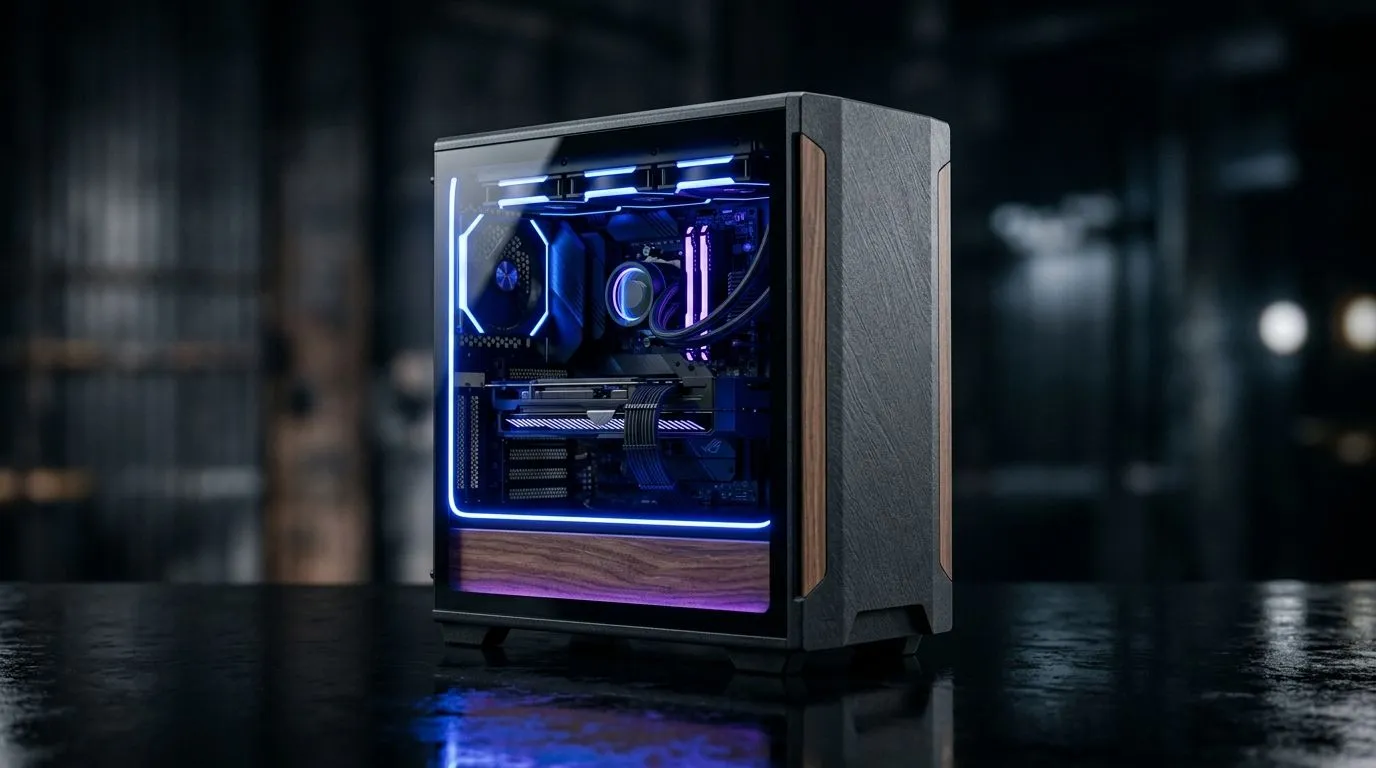
Eco-Friendly PC Building in South Africa: Recycled Tech & Packaging that actually works (and looks good) ✨
South African gamers are good at stretching budgets… without losing performance. So why should “eco-friendly” PC building feel like a compromise?
In this Build Lab guide, we’ll walk through practical ways to reduce waste using recycled tech and smarter packaging choices. We’ll also cover cooling upgrades that keep temperatures stable, so your FPS stays smooth through long sessions. 🔧
If you’re building in 2026, you’re not just shopping for parts. You’re voting for less landfill and better value… every time you reuse something.
Eco-Friendly PC Building in South Africa: Recycled Tech & Packaging starts with what you already own 🔁
The most sustainable PC is the one you keep running.
Reuse strategy: score points for performance and longevity ⚡
Before buying new components, do a quick audit:
- CPU + GPU first: If they still meet your game targets, keep them.
- Storage: Reuse SSDs where possible, especially if they still have health headroom.
- Case + PSU (only if safe): Reusing a case is easy. For PSUs, only reuse units you trust and can verify are stable.
A micro-story from the Evetech Build Lab: one client brought in a “dead” gaming rig. The CPU was fine, the Windows install was corrupted, and the real issue was airflow blocked by dust and a poorly seated cooler. A clean, repaste, and rewire turned it into a daily driver again.
Buy refurbished or open-box when it makes sense
If you’re chasing value in ZAR, refurbished parts can be the sweet spot. Less packaging waste, less “new” manufacturing, and often a price drop compared to brand-new.
Eco-Friendly PC Building in South Africa: Recycled Tech & Packaging with cooling that doesn’t waste power 🌡️
Cooling efficiency affects both performance and longevity. A stable temperature also means fans run less aggressively over time.
Choose the right cooler type for your build
Use cooling that matches your workload:
- Air cooling is often simpler and quieter to maintain.
- Liquid coolers (AIOs) can be great for tighter cases and certain high-heat CPUs.
If you’re considering liquid cooling, browse Evetech’s CPU cooler options here: Compare CPU coolers on Evetech
If you already know you want an AIO, use these filters to narrow it down quickly: Explore liquid CPU coolers (AIO)
Pick radiator size based on your case, not guesswork
Radiator fit matters. A mismatch can lead to noisy mounting, awkward cable runs, or the dreaded “it doesn’t fit” moment.
- 360mm radiator options: Liquid coolers with 360mm radiators
- 240mm radiator options: Liquid coolers with 240mm radiators
Brand-specific browsing (because compatibility is real)
Want to stick to a brand you trust? You can filter by manufacturer: Deepcool liquid coolers on Evetech
And if CORSAIR is your usual go-to: CORSAIR liquid coolers
Eco-Friendly PC Building in South Africa: Recycled Tech & Packaging reduces waste at checkout ✨
“Eco-friendly” isn’t only hardware. It’s also how you buy.
Packaging choices that save waste without risking your parts
When shopping locally, look for:
- Minimal extra foam (where available)
- Right-sized boxes (less empty space)
- Parts shipped securely (safety beats “less packaging” every time)
If you’re buying multiple components, try to reduce split shipments. Consolidating orders can cut down on extra transit packaging and delivery emissions. It’s not magic, but it helps.
Reuse small items gamers forget
Small things matter more than people think:
- Keep the old cable ties or velcro straps.
- Reuse fan screws if they’re still in good shape.
- Save packaging to protect spare parts during upgrades.
Eco-Friendly PC Building in South Africa: Recycled Tech & Packaging build checklist (so you don’t redo work) 🔧
Before you start:
- Confirm your case radiator clearance for the cooler size you chose.
- Check CPU socket compatibility with your cooler.
- Plan your airflow: front intake, rear exhaust, and (if possible) top exhaust.
Productivity Pro Tip ⚡
a simple “upgrade map” before you build. On a phone note or spreadsheet, list: current CPU GPU, cooler type, radiator size, and fan layout. When you shop, match items to your map so you don’t buy the wrong mount size or radiator length… which means fewer returns and less wasted packaging.
Quick QA after assembly
- Boot and watch temps under a lightweight load first.
- Confirm pump/fan behaviour (especially with AIOs).
- Recheck cable routing so the GPU and fans aren’t fighting each other.
Ready to level up sustainably (without killing your FPS) 🚀
Eco-friendly PC building in South Africa is about smarter choices… not guilt. Reuse what’s still good, upgrade what improves performance, and select cooling that fits properly. That’s how you get a cleaner build and a machine that lasts.
Ready to Find Your Perfect Match? The Mac vs Windows debate is complex, but for maximum power, choice, and value in South Africa, Windows is hard to beat. Explore our massive range of laptop specials and find the perfect machine to conquer your world.











